なんとなく使いまわすのが嫌だったので新規に作成した鍵を使いたい的なモチベーションでやっててハマったのでメモ。
方法

- .ssh/configに設定が必要
Host github.com
    User git
    Port 22
    HostName github.com
    IdentityFile ~/.ssh/id_rsa_git
    TCPKeepAlive yes
    IdentitiesOnly yes
- 上記例では
id_rsa_gitを使っている - HOSTにgithub.comと正しくドメインを書かないとgit cloneのときなどに認証が失敗する(ハマった)
- WEB上ではHOSTの内容にGithubなどを指定している例が多い例:https://qiita.com/0ta2/items/25c27d447378b13a1ac3
debug1: Offering public key: RSA SHA256:□□□□□□□□□□□□□□□□□□□□ /home/yabushita/.ssh/id_rsa
debug1: Authentications that can continue: publickey
debug1: Authentications that can continue: publickey
debug1: Trying private key: /home/yuyabu/.ssh/id_dsa
debug1: Trying private key: /home/yuyabu/.ssh/id_ecdsa
debug1: Trying private key: /home/yuyabu/.ssh/id_ed25519
debug1: No more authentication methods to try.
git@github.com: Permission denied (publickey).
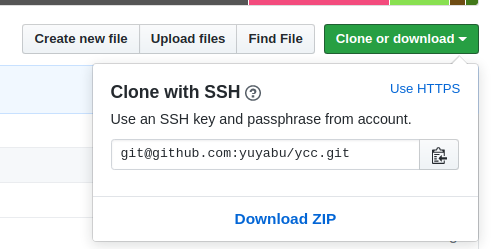
- 3.上記設定ファイルを作成した状態で
ssh -T git@github.comで接続を確認する。 - 4.認証に失敗した場合は
ssh -vオプションを使ってデバッグする。- 想定しているキーが使われているかなど標準出力のログを見て確認する
