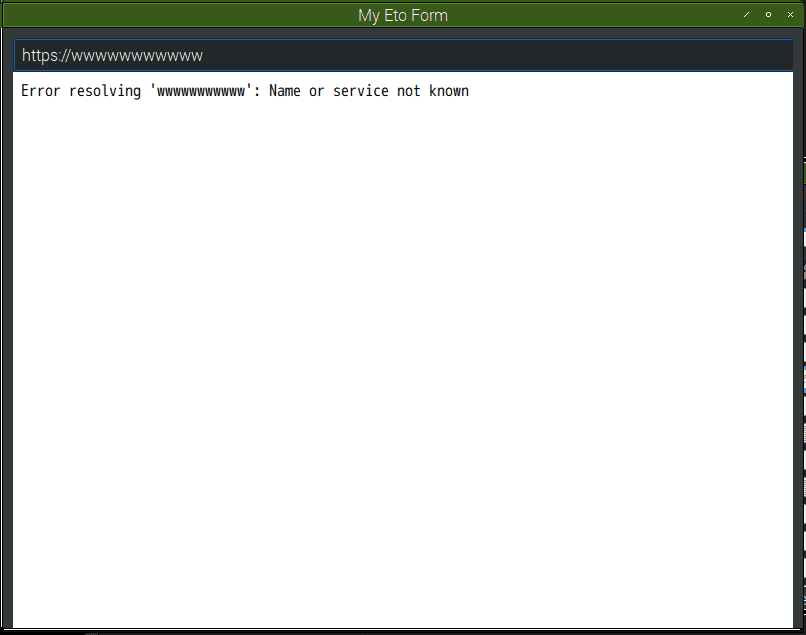
任意のURLを表示できた!
対象環境
- Raspbierry pi 3 Model B+
- Raspbian stretch(9.0) 2018-06-27
- Mono 5.16.0
- MonoDevelop 7.6 build 711
- Eto.Forms 2.4.1 拡張機能, NuGetパッケージ
前回
- http://ytyaru.hatenablog.com/entry/2020/01/25/000000
- http://ytyaru.hatenablog.com/entry/2020/01/24/000000
手順
- プロジェクト作成
- WebView追加
- 実行
1. プロジェクト作成
- メニュー→
ファイル→新しいソリューション

マルチプラットフォーム→アプリ→Eto Application
- 名前などを適当に入力し、
Codeを選択する

場所を入力する

- プロジェクトが作成される

2. WebView追加
MainForm.csファイルを開くContent = ...の内部にWebViewの実装を書く
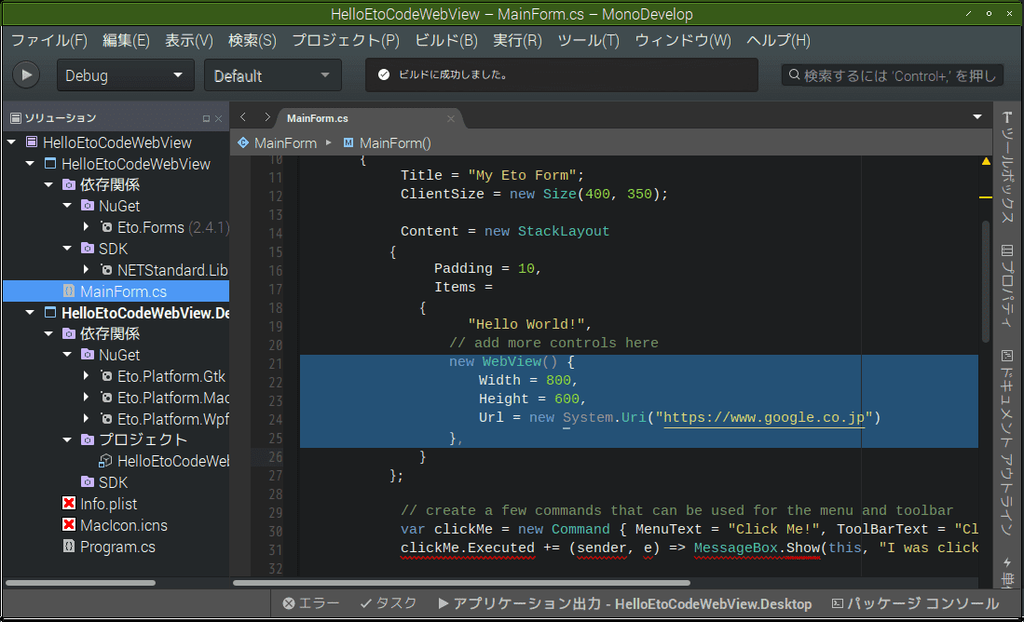
ソースコード抜粋
MainForm.cs
using System;
using Eto.Forms;
using Eto.Drawing;

namespace HelloEtoCodeWebView
{
    public partial class MainForm : Form
    {
        private WebView webView1;
        private TextBox textBox1;
        public MainForm()
        {
            Title = "My Eto Form";
            ClientSize = new Size(800, 600);
            Content = new StackLayout
            {
                Padding = 10,
                Items =
                {
                    this.CreateTextBox(),
                    this.CreateWebView()
                }
            };
        }
        private TextBox CreateTextBox() {
            textBox1 = new TextBox();
            textBox1.Width = 800;
            textBox1.Text = "https://www.google.co.jp";
            textBox1.KeyDown += TextBox1_KeyDown;
            return textBox1;
        }
        private WebView CreateWebView() {
            this.webView1 = new WebView()
            {
                Width = 800,
                Height = 600,
                Url = new System.Uri("https://www.google.co.jp")
            };
            return this.webView1;
        }
        void TextBox1_KeyDown(object sender, KeyEventArgs e)
        {
            if (e.Key == Keys.Enter) {
                Console.WriteLine(this.textBox1.Text);
                try
                {
                    this.webView1.Url = new Uri(this.textBox1.Text);
                }
                catch (Exception exception)
                {
                    Console.WriteLine(exception);
                    MessageBox.Show(exception.Message);
                }
            }
        }
    }
}
3. 実行
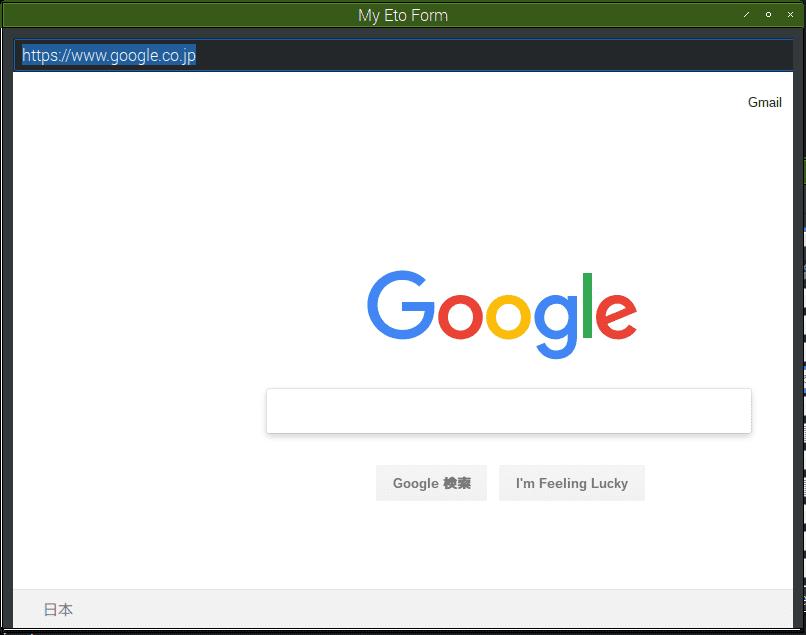
- Ctrl+F5で実行
- 怒られた

- ファイルパスを辿ってexeファイルを直接叩くと実行できた

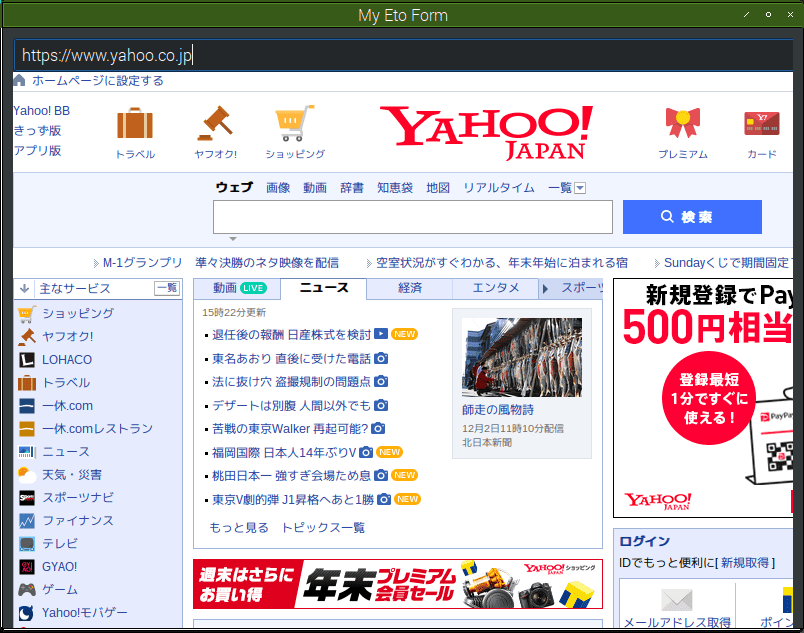
- テキストボックスのURLを
https://www.yahoo.co.jpに変更し、Enterキーを押す
無効なURIだと例外が出る。おそらく先頭がhttpなどではない場合にはこうなる。
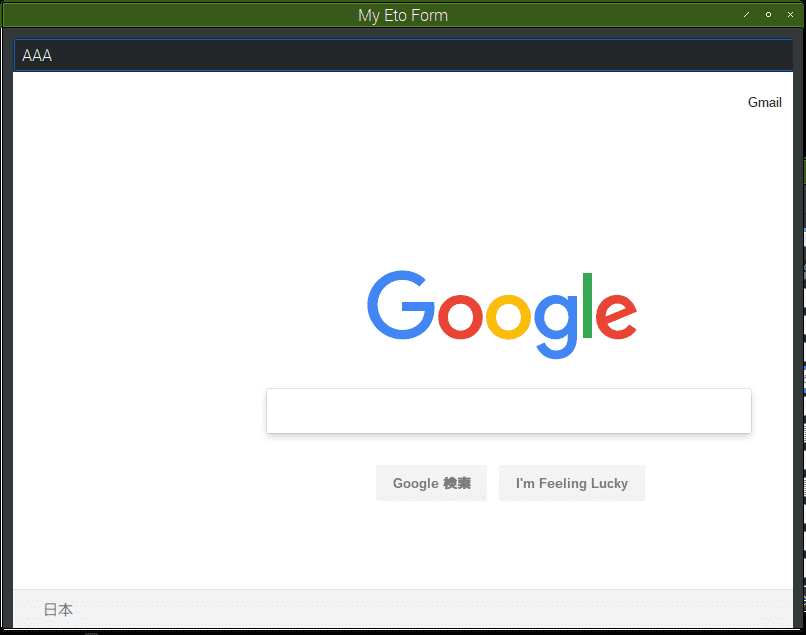
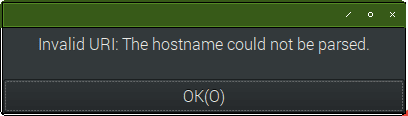
例外処理としてメッセージボックスを表示するようにした。内容はException.Message。
例外を出さず、WebViewでエラーを表示する場合もある。おそらく先頭がhttpなどで存在しないURLならこのパターン。