VNCごしにやるのは初めて。
前回まで
- micro HDMIケーブルがなくてディスプレイが使えない……
- 別マシンからSSHでログインして
raspi-configにて設定する - VNCでログインできた
これでmicro HDMIケーブルがなくても進められる!
手順
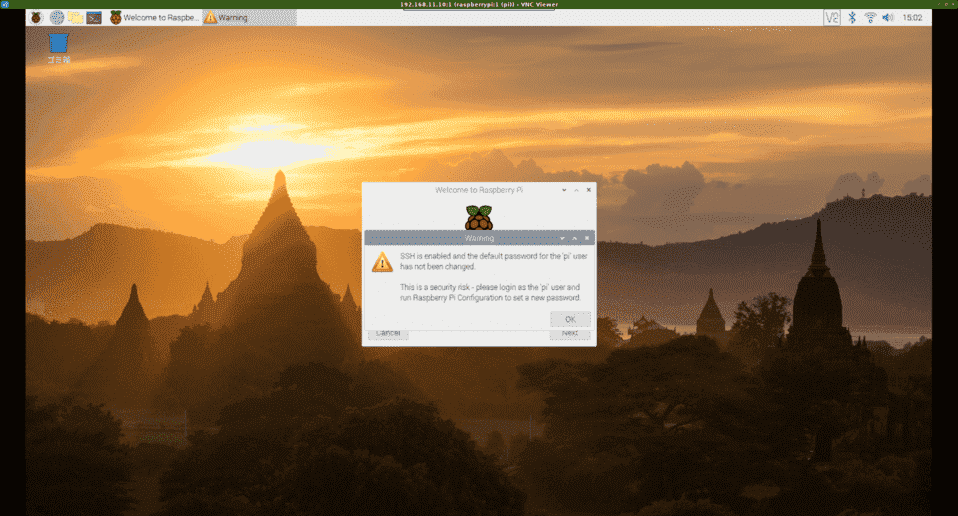
1. SSHデフォルトパスワード警告ダイアログを消す
SSH is enabled and the default password for the 'pi' user has not been changed.

This is a security risk - please login as the 'pi' user and run Raspberry Pi Configuration to set a new password.
OKボタンを押下する。
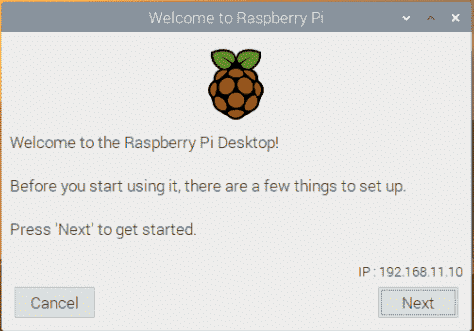
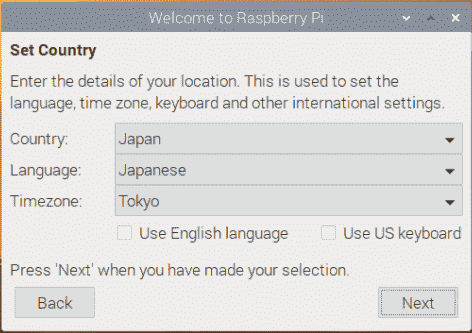
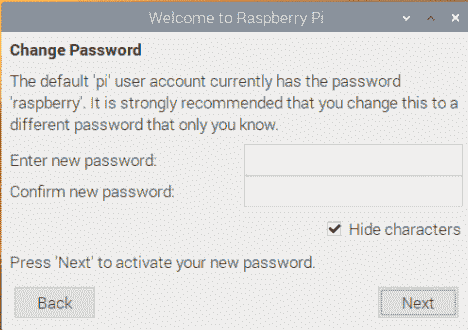
2. Welcome to Raspberry Pi ダイアログを進める
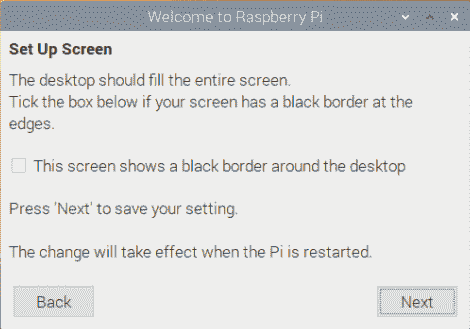
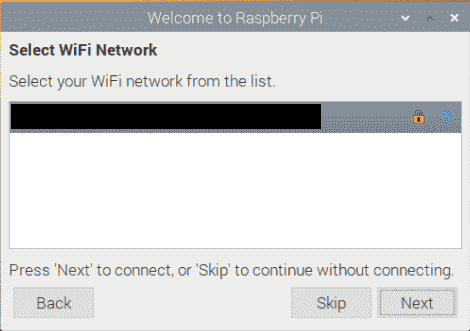
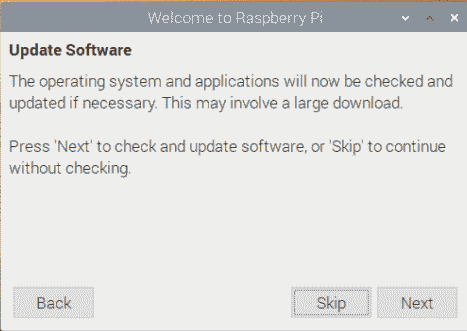
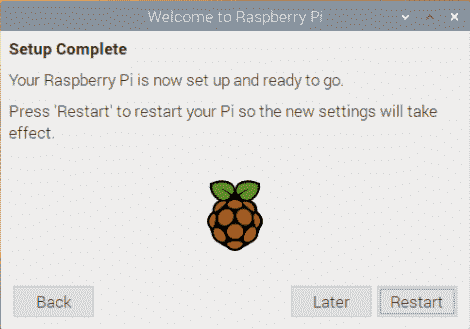
NextSet CountryはすでにJapan/Japanese/Tokyoに設定済みなのでNextChange Passwordも任意にしてNextSet Up ScreenのチェックボックスThis screen shows a black border around the desktopはデフォルトのままOFFSelect WiFi Networkも設定済みなのでNextUpdate SoftwareはSkipSetup Complete。完了したのでRestart
VNCが自動終了する。

前回まで
ハード。
- Raspberry Pi 4B (4GB) を2個予約した(KSY先行予約販売)
- Raspberry Pi 4B 届いた! 開封の儀
- Raspberry Pi 4B ヒートシンク取付
- Raspberry Pi 4B ケース装着
- HDMIまちがえて買ってた……(type A, C, D の罠)
ソフト。
- RPI4B Raspbian Buster USB boot 未対応……
- Raspbian Buster 2019-09-26 インストール
- Raspbian Buster 2019-09-26 ダウンロード
- Raspbian Buster 2019-09-26 HDMI設定について調べた
- Raspbian Buster 2019-09-26 インストール前の設定(Wi-Fi)
設定。
- Raspbian Buster ヘッドレス 初期設定 できないか調べた
- Raspberry Pi 4B でSSHログインできた
- Raspberry Pi 4B 初期設定(ヘッドレス)
- Raspberry Pi 4B SDブート+USBルート(≒USB boot)に成功
- VNCからRaspbian Busterへログインする方法を調べる
企業。
