tl;dr
目次
環境の説明
ここに書いてあるとおり環境の構築を進めてみます。
npx create-probot-app my-first-appでmy-first-appを作成していきます。
いくつか設問を受けますが、全てデフォルトで問題ないです。
yoshitaku$ npx create-probot-app my-first-app
npx: 213個のパッケージを11.251秒でインストールしました。

Let's create a Probot app!
Hit enter to accept the suggestion.

? App name: my-first-app
? Description of app: A Probot app
? Author's full name: yoshitaku_jp
? Author's email address: undefined
? Homepage:
? GitHub user or org name: yoshitaku
? Repository name: my-first-app
? Which template would you like to use? basic-js
yarnの人はこちらyarn create probot-app my-first-appです。
npm run devを実行し、起動確認をしましょう
cd my-first-app/
npm run dev
内容
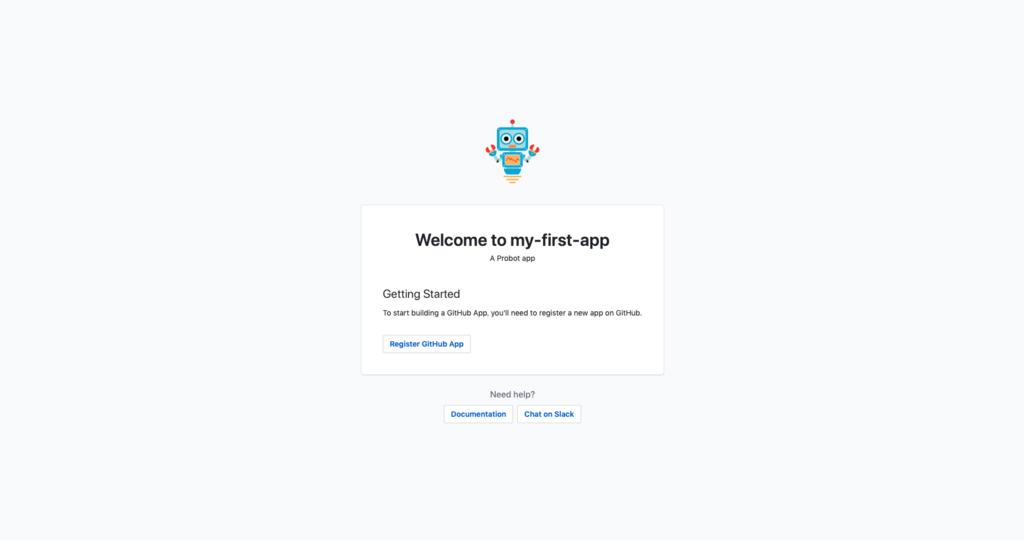
npm run devを実行し、http://localhost:3000にアクセスする
この画面が出ていれば大丈夫です。
GitHubにアプリをインストールする
Register Appsをクリックし進みます。
どのアカウントにインストールするか決定します。
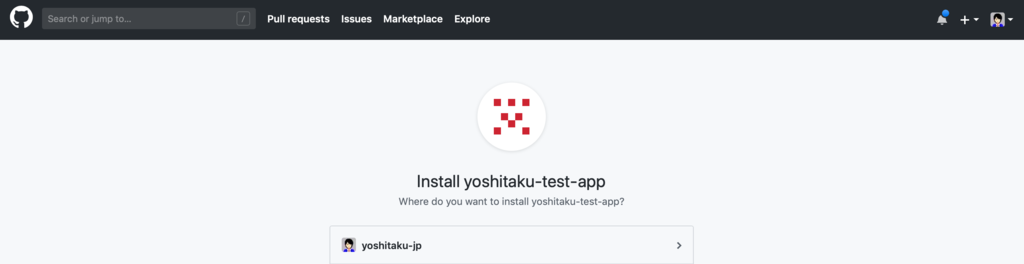
どのリポジトリに適用するか決定します。
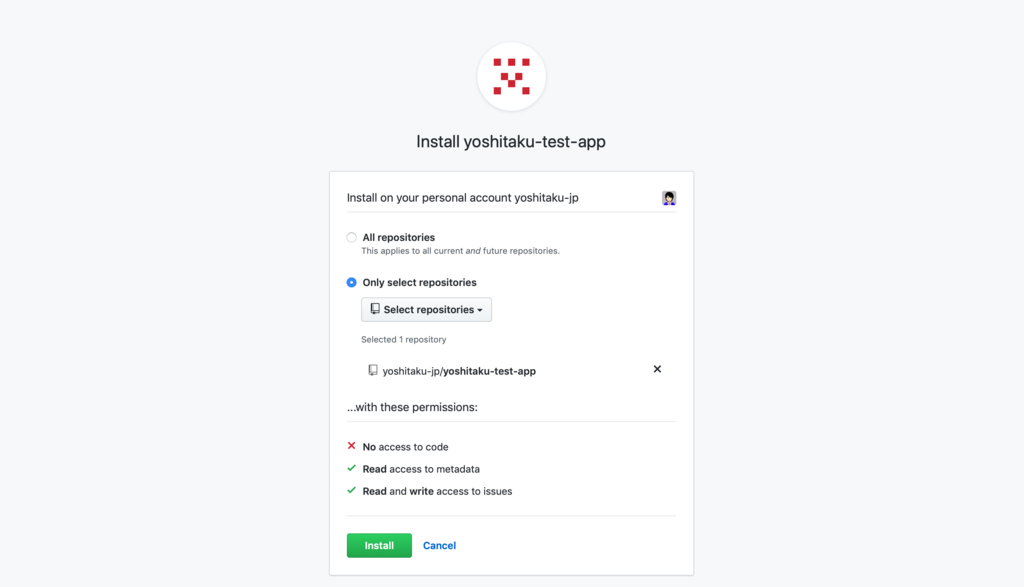
これで完了です。
Issueを立ててみる
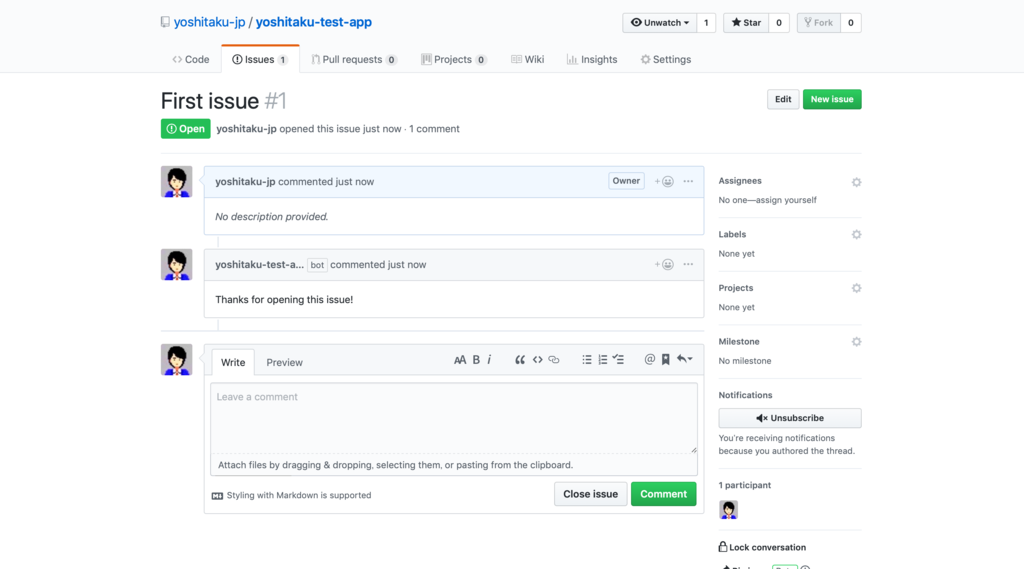
デフォルトで用意されている、index.jsにはissueがオープンになったときにbotが自動でコメントしてくれるものがあります。
module.exports = app => {
  // Your code here
  app.log('Yay, the app was loaded!')

  app.on('issues.opened', async context => {
    const issueComment = context.issue({ body: 'Thanks for opening this issue!' })
    return context.github.issues.createComment(issueComment)
  })

  // For more information on building apps:
  // https://probot.github.io/docs/

  // To get your app running against GitHub, see:
  // https://probot.github.io/docs/development/
}
起動していなければnpm run devを実行し、インストールしたリポジトリを開きIssueをオープンにしてみます。(オープンにしたあと、画面更新した)無事にbotからのコメントが入っています!