
基本的には以下の公式ドキュメントがわかりやすいし参考になる。
ただ実際使う時どうなるの、どうすんの?っていうのを紹介する。
AppleScriptでiTermを操作する基本的な構文
iterm.sh
#!/usr/bin/osascript
tell application "iTerm"
    activate
    set _current_session to current session of current window
    tell _current_session
        # ここに操作したいことを書く
        set columns to 90 # ex.) カラム数を変更
    end tell
end tell
実行は以下
$ osascript iterm.sh

# もしくは実行権限を与えて
$ ./iterm.sh
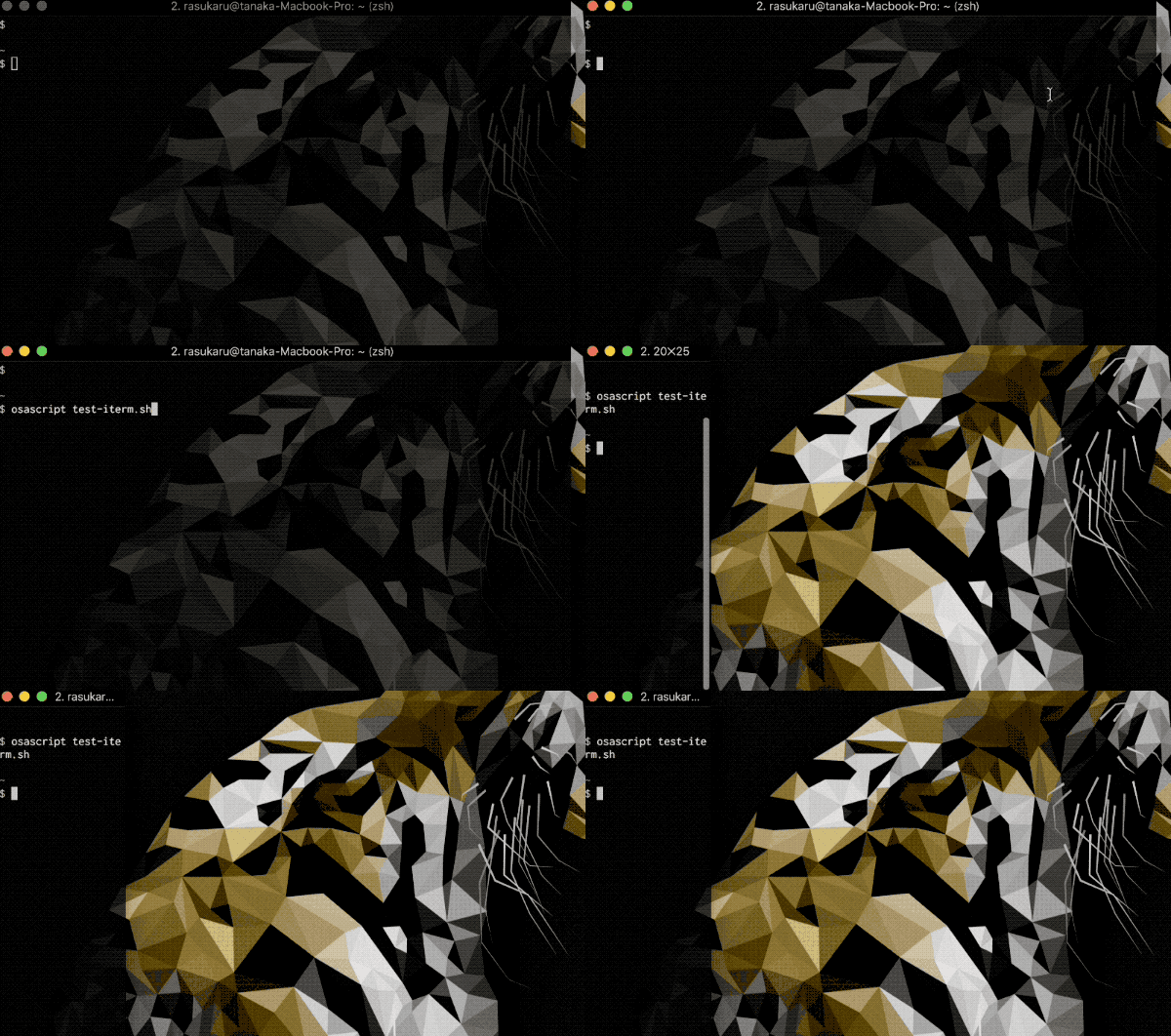
.scptで保存してosascript iterm-test.scptと実行してもいいが、.scptだとgitでpushした時にバイナリ文字列になってしまうので管理がし辛い。
なのでシェバンにosascriptと書いてしまうのが色々とやりやすいと思う。
パスは一応which osascriptで確認するのが吉ね。
透明度を変更
set transparency to 0.8
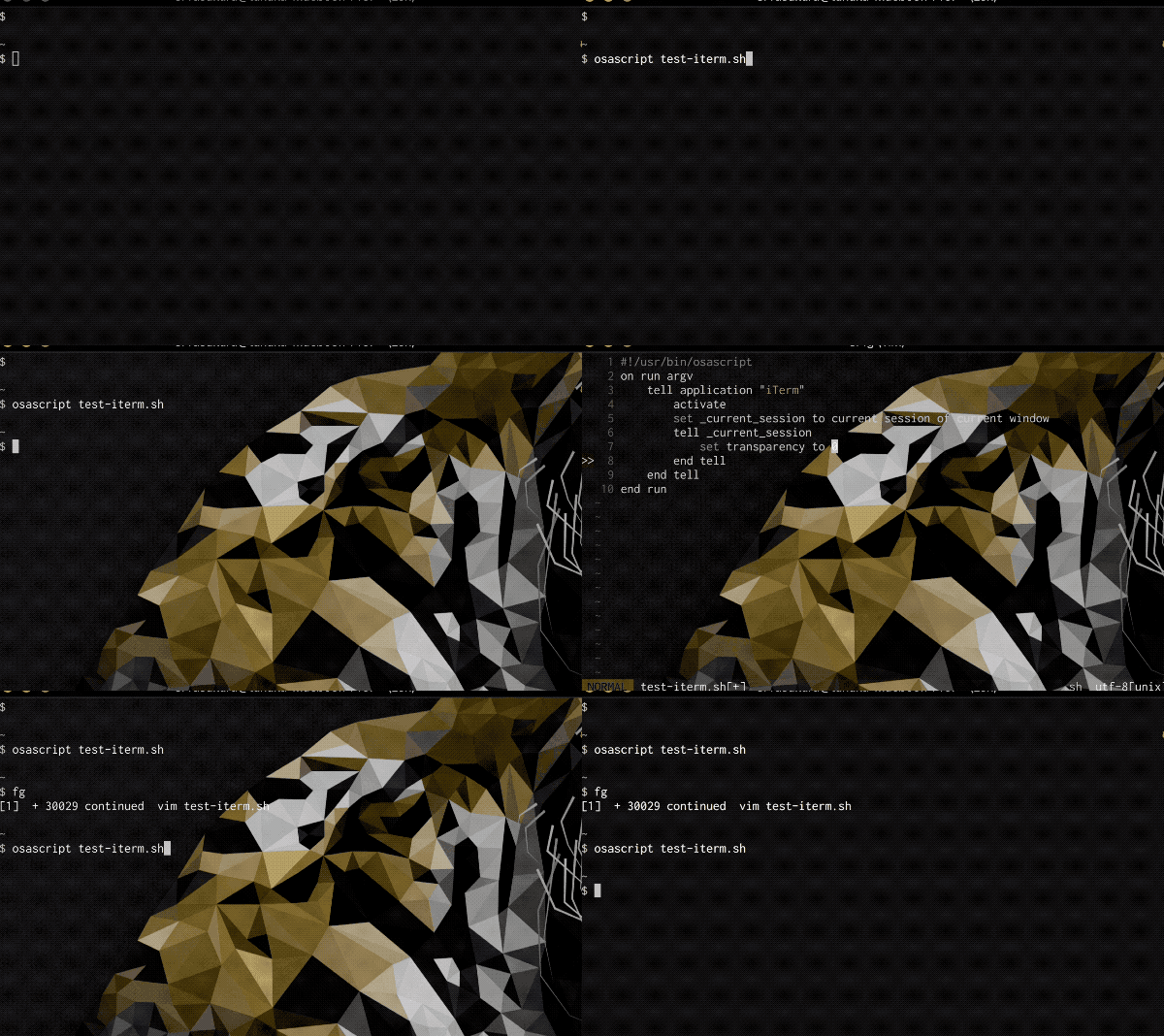
0~1を設定できて1に近づくほど透明度が上がる。
画面を分割
# 縦分割
split vertically with default profile

# 横分割
split horizontally with default profile

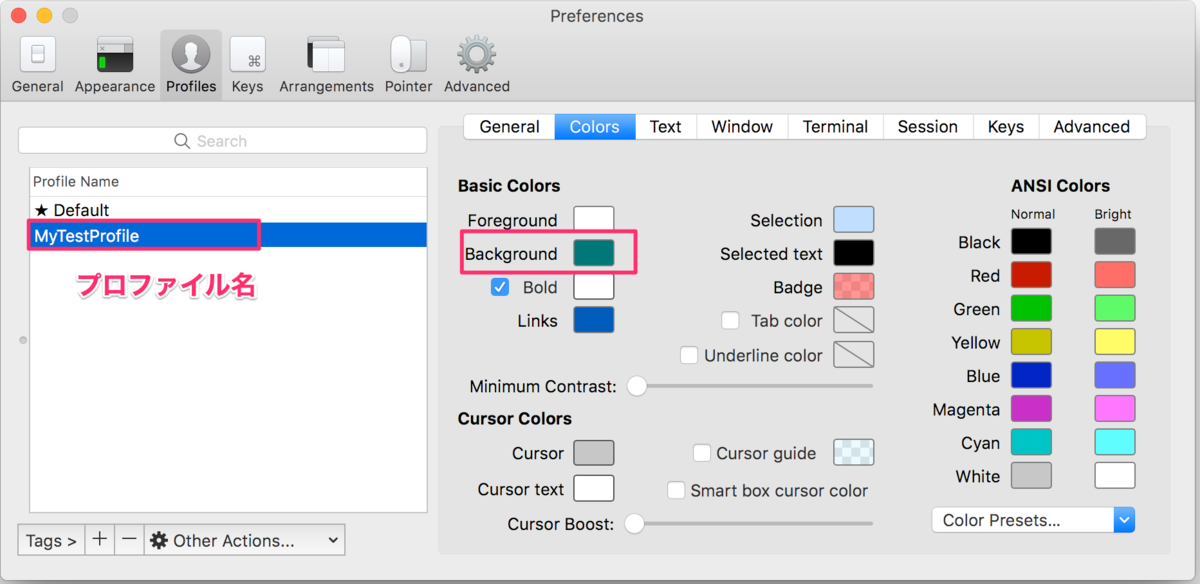
プロファイルが複数あるなら、プロファイル名を指定して分割することも可能。
split vertically with profile "プロファイル名"

# ex.) プロファイル名が"MyTestProfile"の場合
# split vertically with profile "MyTestProfile"
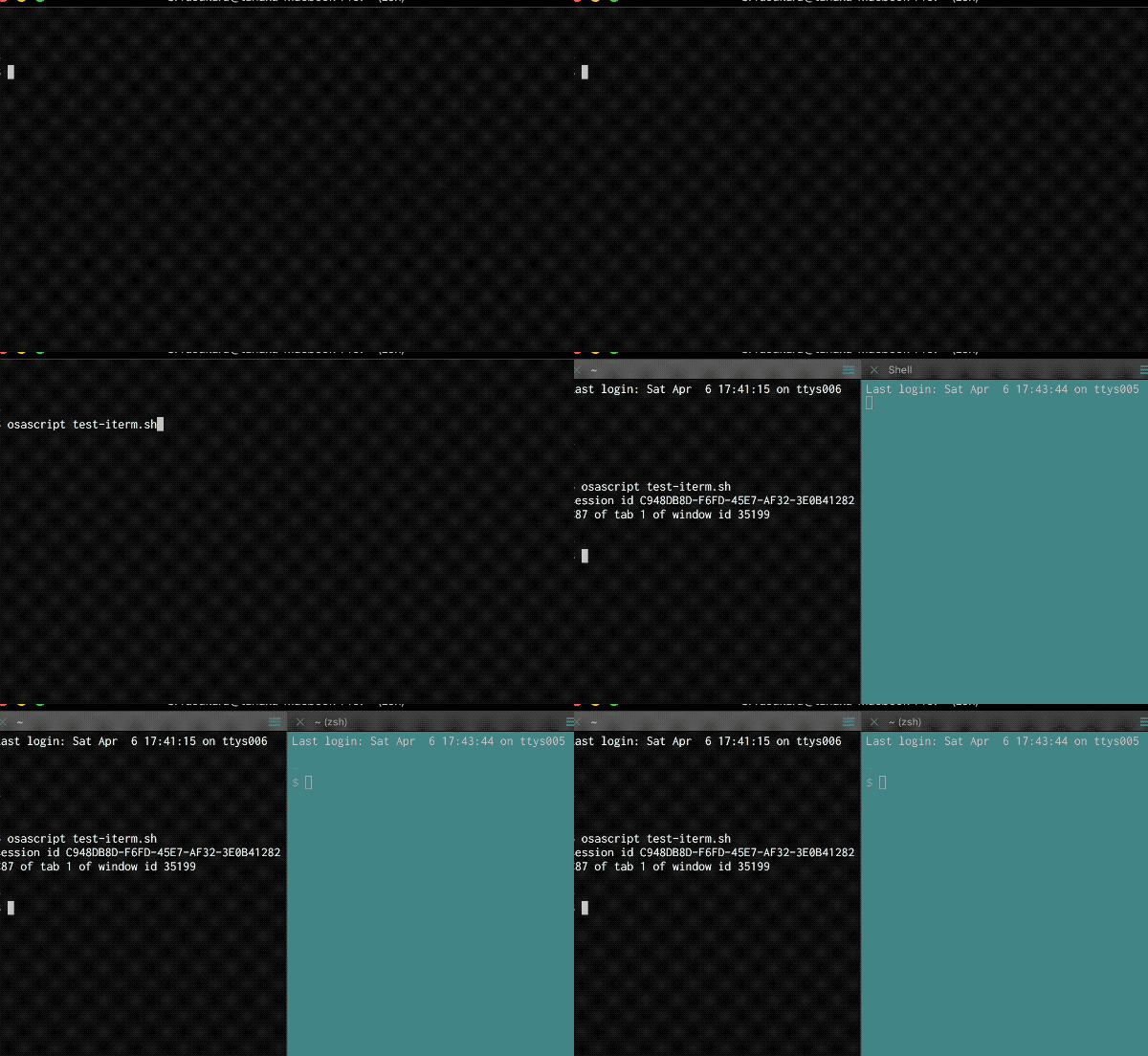
分割先にだけ適用できるから地味に便利。
画面分割後、分割先の画面でコマンド実行
tell application "iTerm"
    activate
    set _current_session to current session of current window

    # 画面を分割
    tell _current_session
        split vertically with default profile
    end tell

    # 分割先画面での実行
    tell last session of current tab of current window
        # 分割先のttyを取得
        set last_session_tty to tty as text
        do shell script "echo " & quoted form of last_session_tty
    end tell

end tell
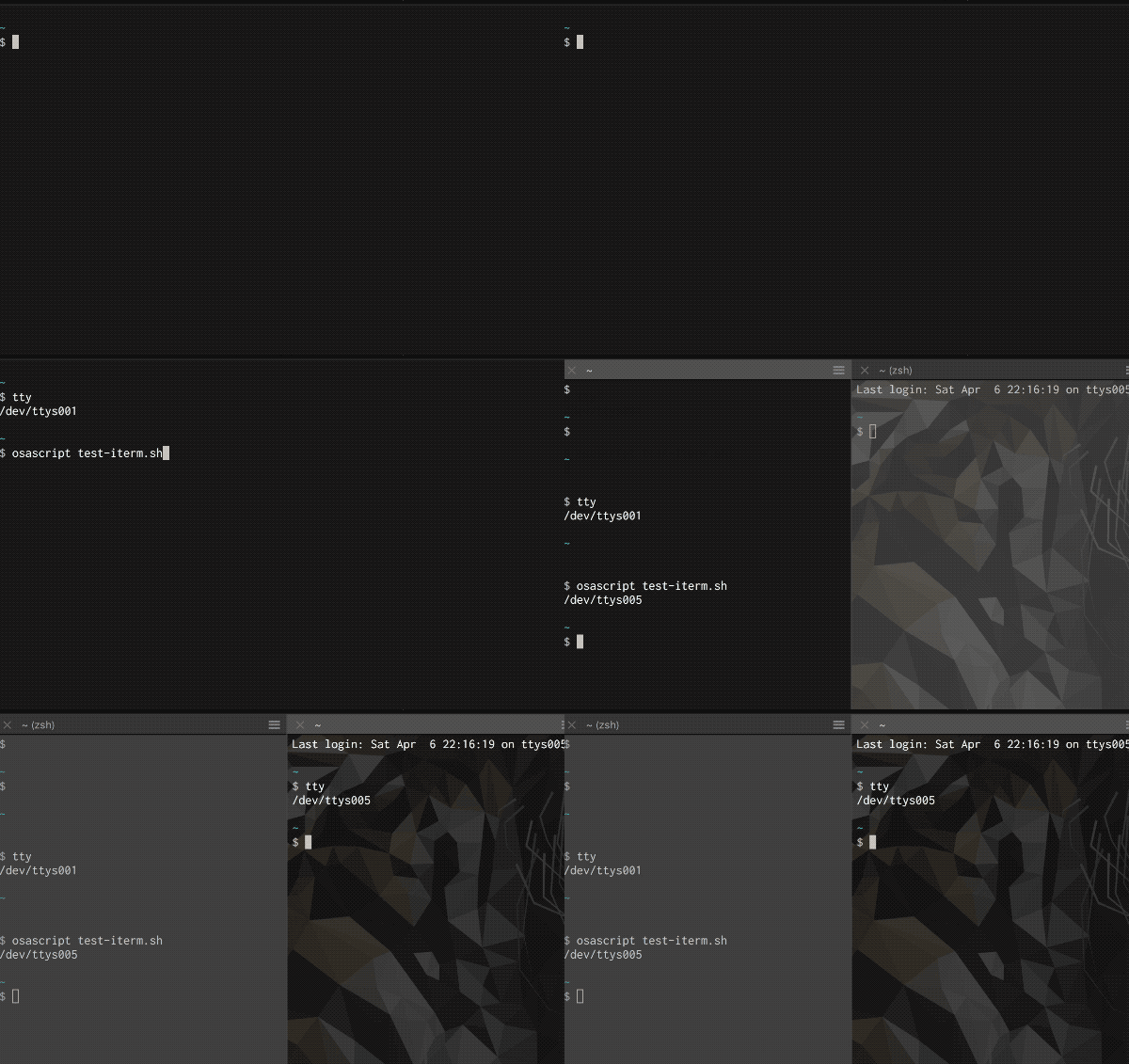
画面分割後、フォーカスを分割後の画面に移したいときはselectを使う
...
tell last session of current tab of current window
    # フォーカスを分割後の画面に移す
    select
    # コマンドを実行する
    write text "echo hoge"
end tell
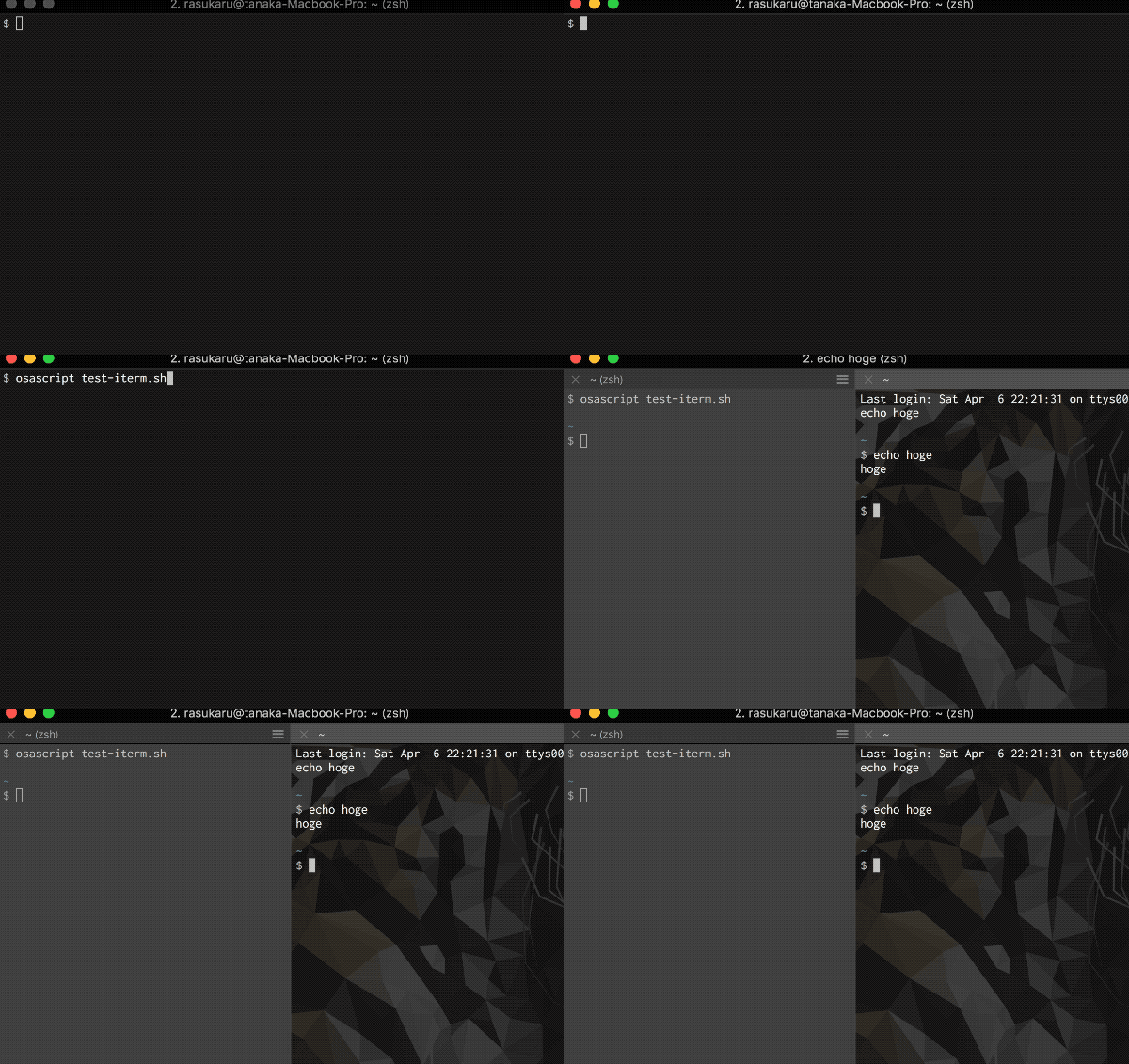
ちなみにtell last session of current tab of current windowではなく
tell first session of current tab of current window
tell second session of current tab of current window
tell third session of current tab of current window
tell ....
のようにfirst, second, ...で指定することもできる。
バックグラウンドの色を変更
set background color to {red, green, blue, alpha}
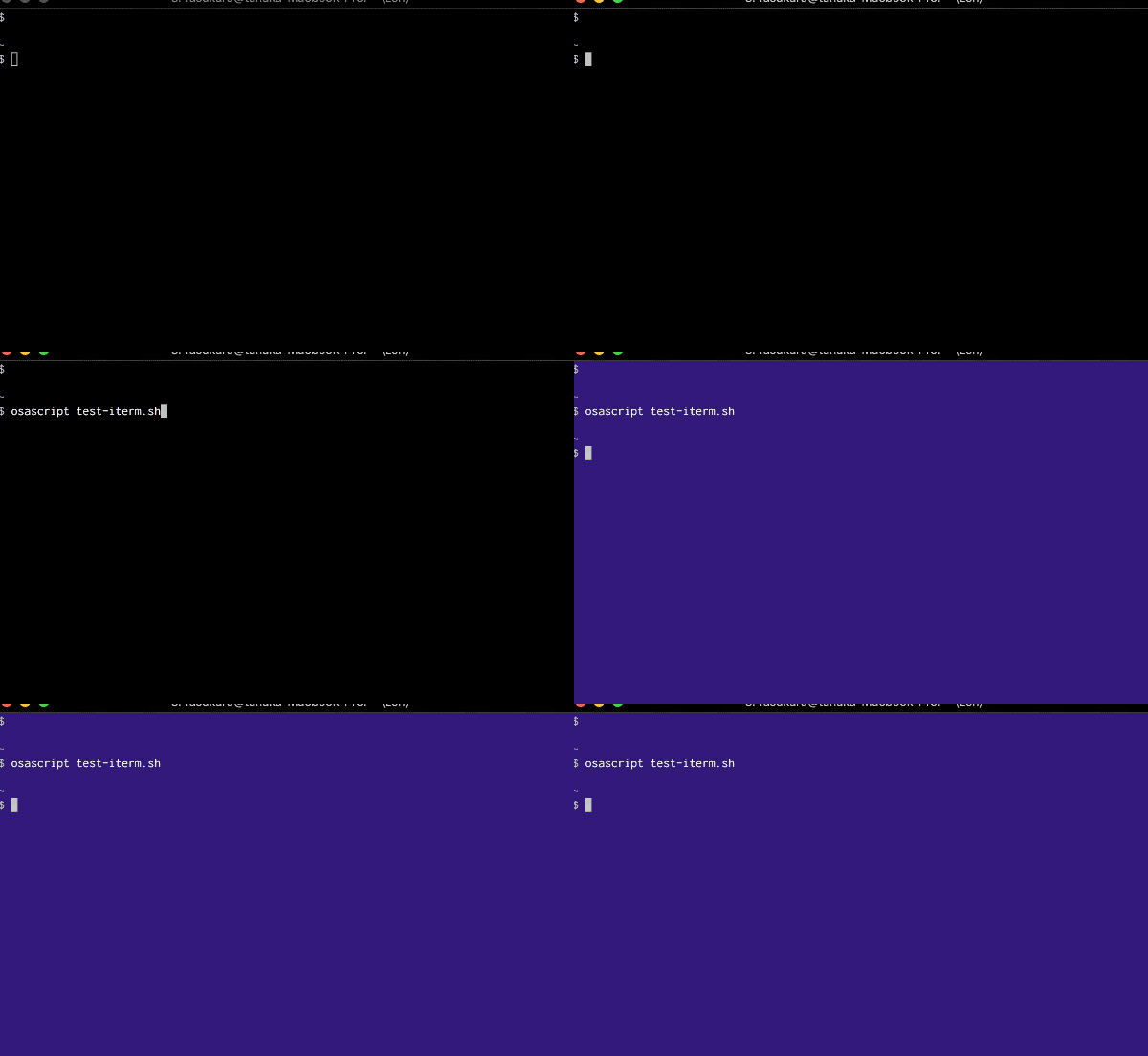
各値には0~65536の値を入れる。(256ではないので注意) 例えば青っぽい色に変えたいならこんな感じ。
set background color to {8700, 400, 24200, 1}
適当に青っぽいRGB値に二桁0を足せば似たような色になる(上記は元の値は(87,4,242))
バックグラウンド画像を変更
set background image to "/Users/rasukarusan/output.png"

注意したいのは画像パスは絶対パスで書くこと。~で書くと別の意味で解釈されてしまうのでうまいこと設定できない。「POSIX Applescript path」とかで調べると変換方法とか出てくるので調べてみて。
元に戻すときは画像パスに空文字を指定してあげる
# 背景画像をもとに戻す
set background image to ""
現在のカラム数やttyを取得する
取得できる値は公式ドキュメントに色々書かれている。 こんな形で取得できるよという形を紹介しておく。
tell application "iTerm"
    activate
    set _current_session to current session of current window
    tell _current_session
        # カラム数を取得
        set current_column to columns
        do shell script "echo " & current_column
    end tell
end tell
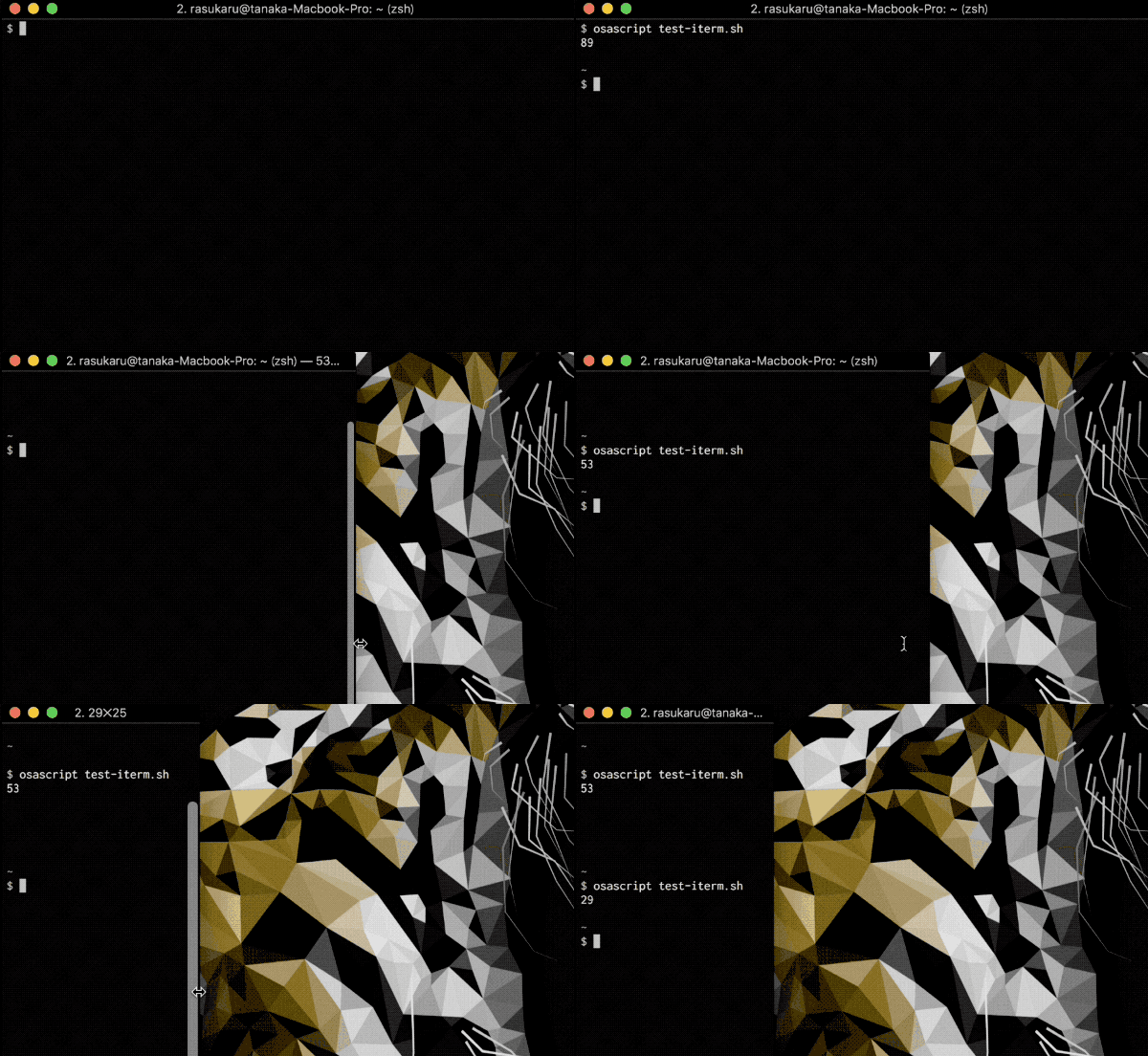
基本的にはset 変数名 to 取得したいもの(iTermで定められている変数名)で取得できる。
例えばttyを取得したいなら
set current_tty to tty
で取得できる。
終わり
他にも色々あるけどとりあえず使えそうなやつはこんなものだろうか。
特に画面分割やttyを取得できるのは色々と応用できそうなので、またそれも後日まとめる。
AppleScriptは単体ではなく、ShellScriptと組み合わせると幅が広がるので可能性は無限大だと思う。
