In Part 1, we went through how to set up EasyReforge and generate images for the first time. If you followed along, you should already be able to create character illustrations with AI.
But after the first few images, many people start to notice something:
“All my characters look stiff.”
“The face feels emotionless.”
The good news is that you can improve all of these with just a few additional prompt words. In this article, we’ll look at two simple techniques that make a big difference: adding poses, controlling facial expressions.
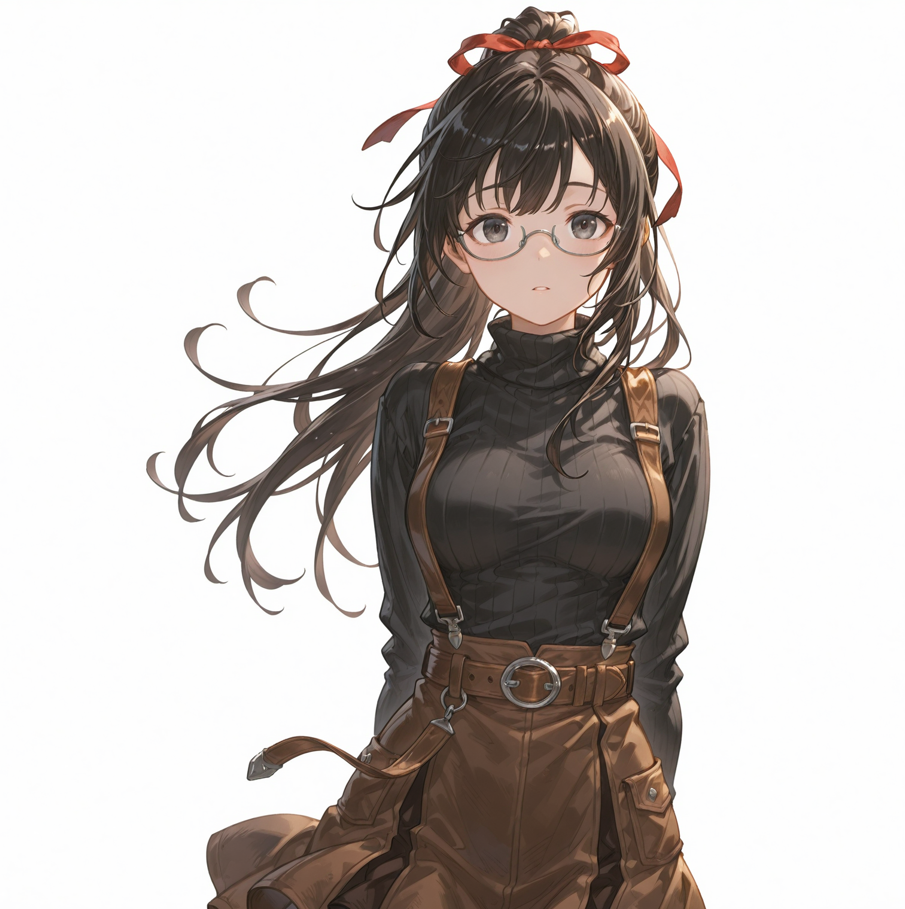
Adding Natural Poses
When you don’t specify a pose, AI often defaults to a very plain standing position. The character may be facing forward with arms at their sides, which can feel unnatural or lifeless.
To fix this, think of your prompt as a short sentence describing what the character is doing. You don’t need complicated language — simple action words work best.
For example, you can add:
- standing
- sitting
- looking back
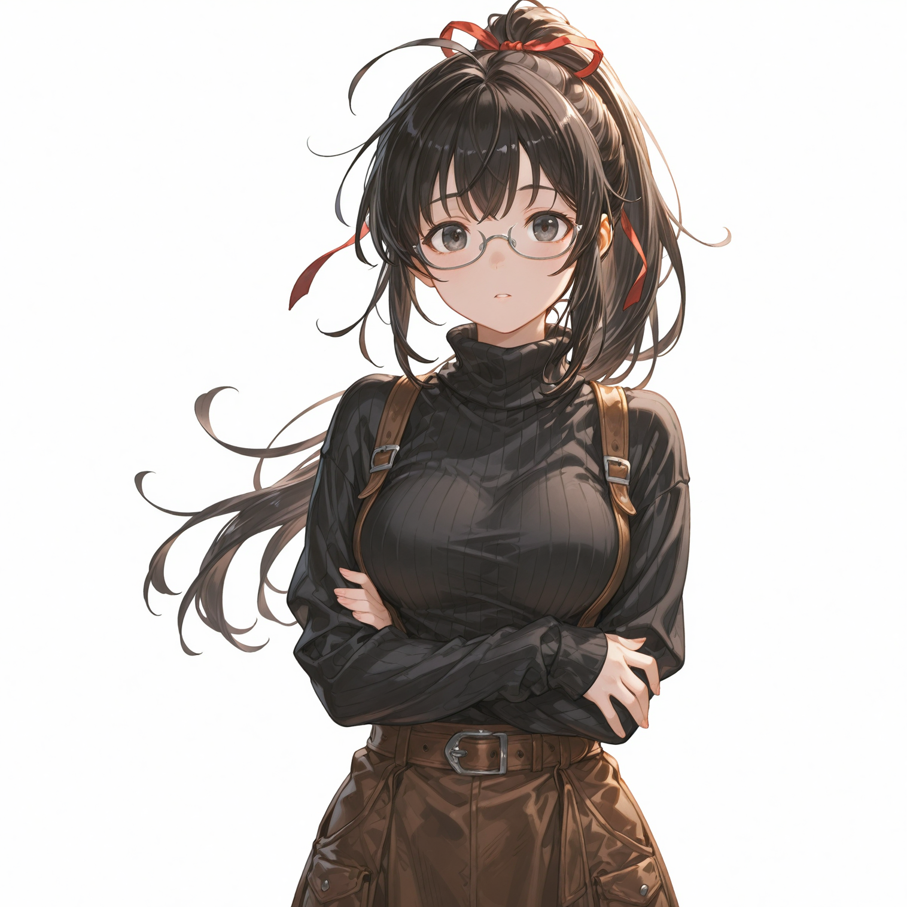
- crossed arms
- hands on own hips
A useful approach is to combine body position with an action. Instead of only writing standing, try describing the upper body or head as well.
Here is a simple example:
1girl, standing, looking back, hands on own hips
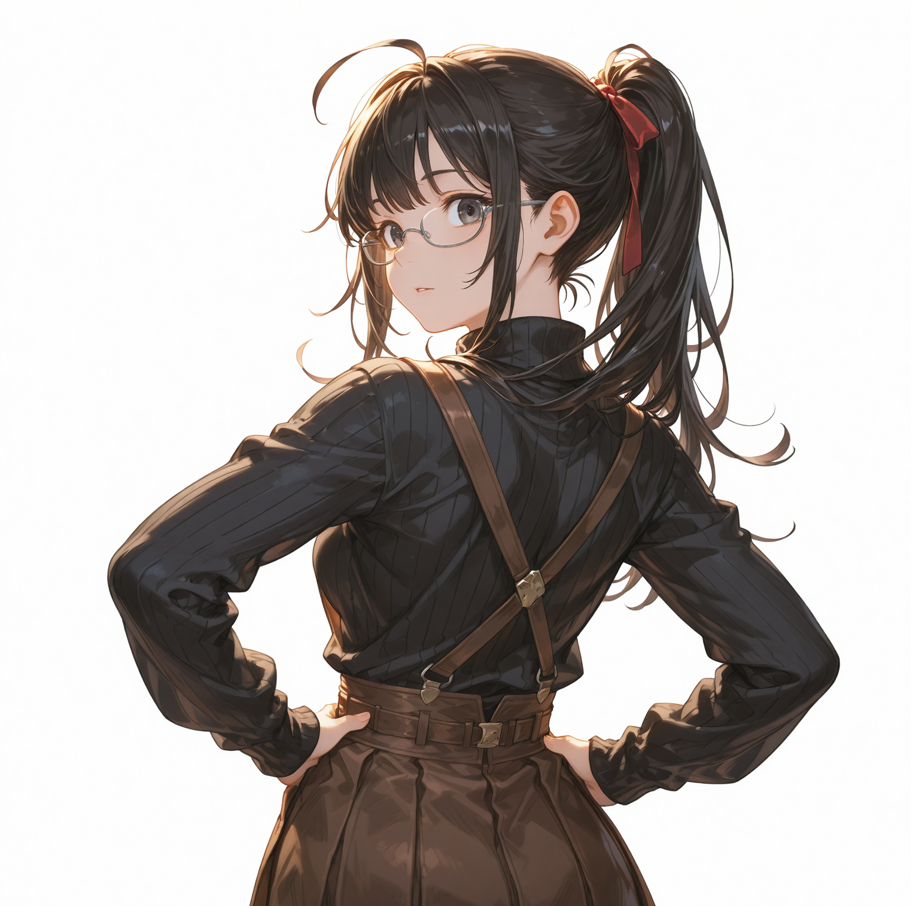
This tells the AI that the character is standing, turning her head or body, and placing one hand on her hip. Even with just a few words, the pose becomes more dynamic and less stiff.
1girl, standing, crossed arms
Giving Your Character a Clear Expression
Facial expression is just as important as pose. If you don’t include any expression-related prompts, the AI may generate a neutral or slightly blank face. This can make even a well-drawn character feel dull.
Fortunately, expressions are very easy to control. A single word can change the entire mood of the image.
Some commonly used prompts are:
- smile
- light smile
- expressionless
- angry
- blush
For example:
1girl, smile, teeth,
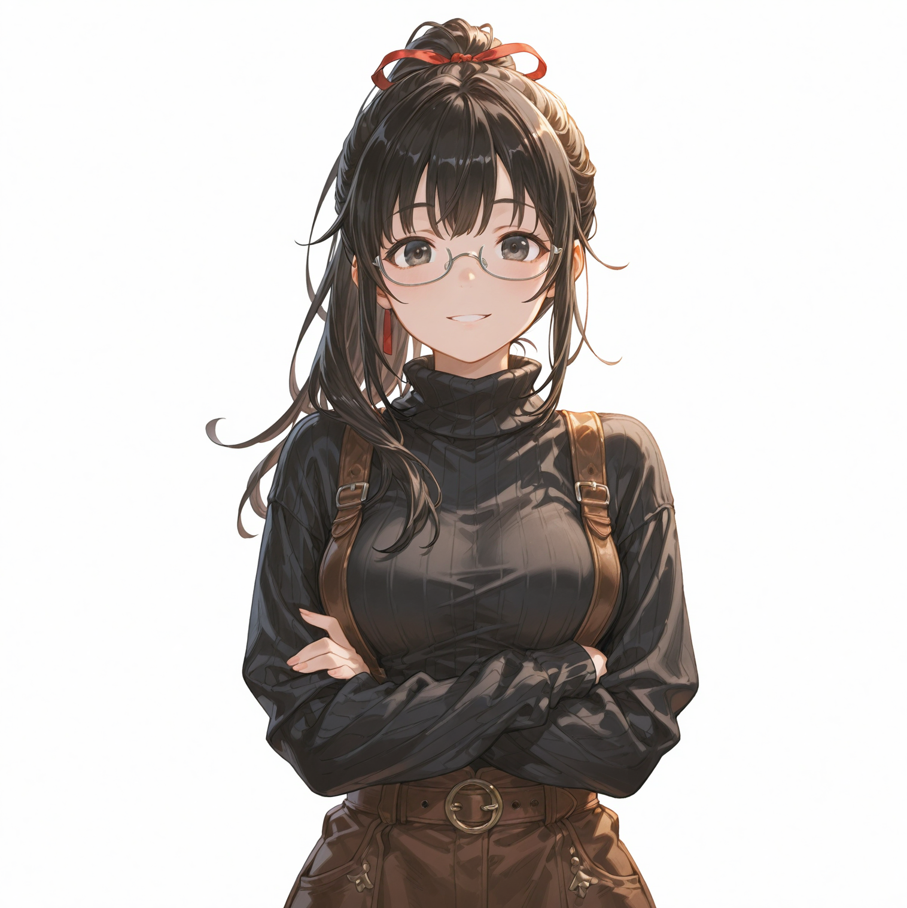
This alone will usually produce a friendly, cheerful look.
You can also combine expressions to create more nuanced emotions.
1girl, smile, blush, nose blush
This often results in a shy or embarrassed smile. It gives the character more personality than a simple smile alone.
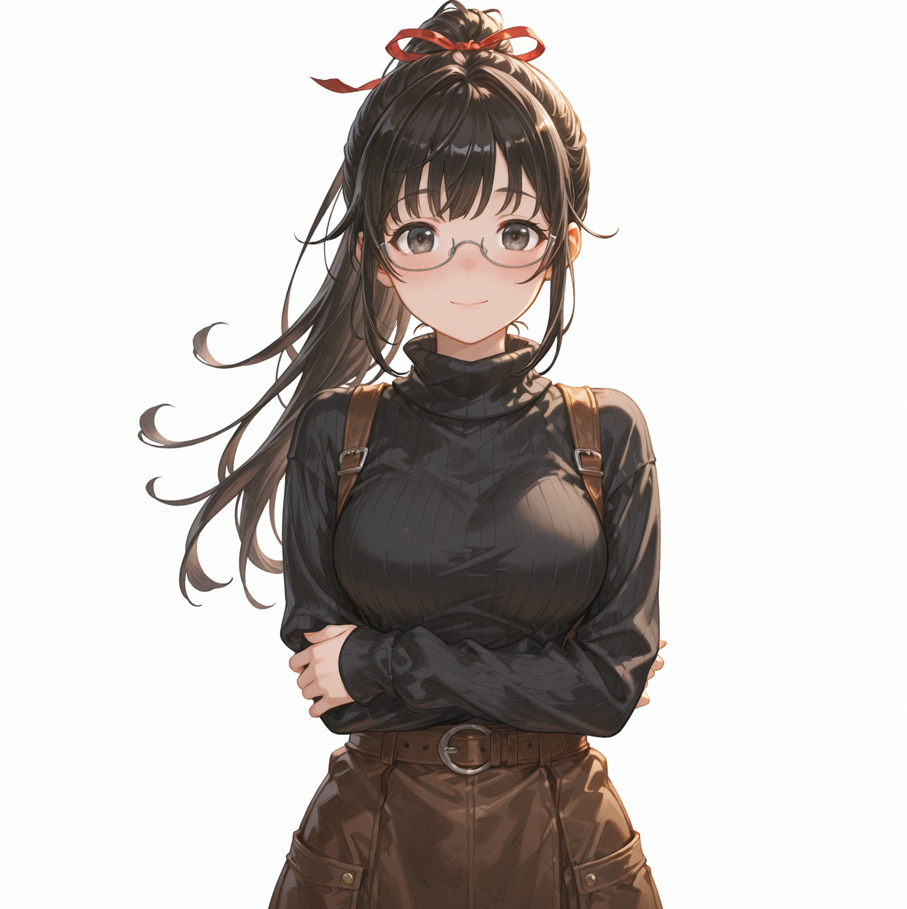
Another powerful combination is expression plus eye direction:
1girl, angry, looking at viewer
Now the character is not only angry, but also staring directly at the viewer, which makes the emotion feel stronger and more dramatic.
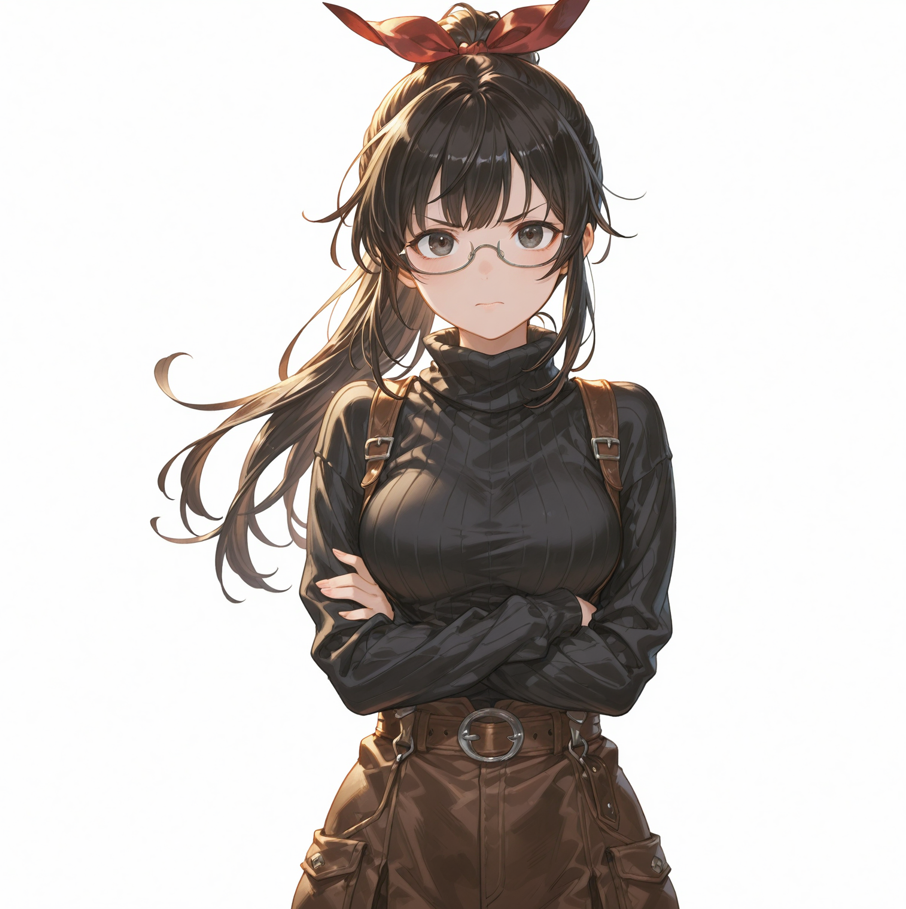
By thinking about how the character feels — happy, shy, upset, surprised — and adding that as a word, your images will immediately feel more alive.
Final Thoughts
Improving AI-generated images doesn’t require long or complicated prompts. In fact, small and clear additions often work best.
To recap:
- Use simple action words to describe poses
- Add emotion words to control facial expressions
Prompts are not magic spells. They are just short descriptions of the image you want to see. Once you start thinking in this way, it becomes much easier to guide the AI and create illustrations that match your vision.
