I enjoy exploring AI image generation.
Currently, I mainly use AI image generation tools such as EasyReforge. While I won’t go into detailed installation instructions here, as they are well documented on the official website, the setup process itself is surprisingly straightforward. In most cases, you can have a fully functional image generation environment ready in about one hour.
This ease of installation makes EasyReforge an excellent choice for beginners who want to start generating AI images quickly without dealing with overly complex configurations.
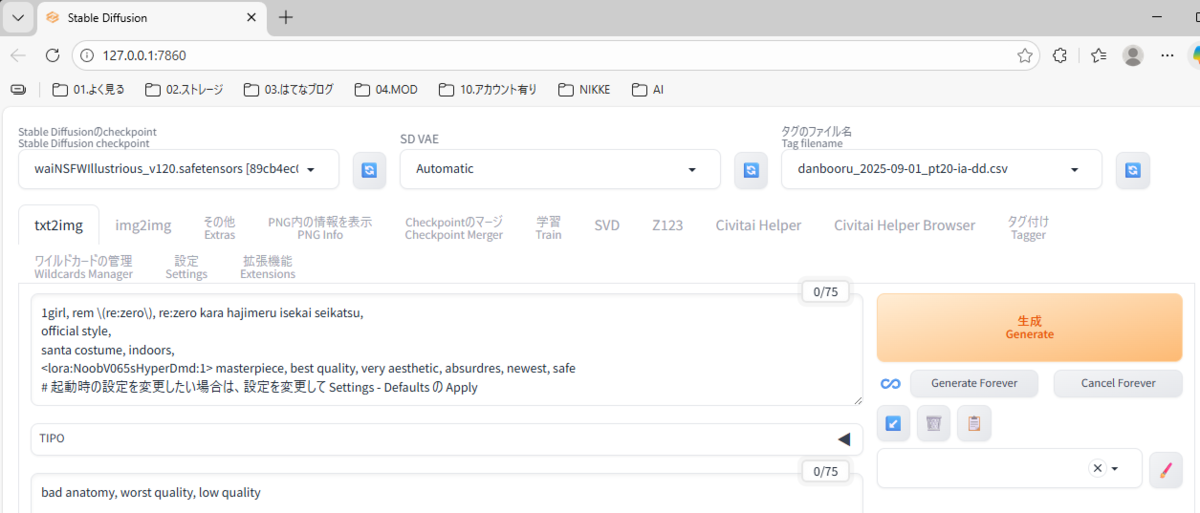
This is the interface you see right after launching the application. By simply clicking the “Generate” button, an image of Rem from KonoSuba: God’s Blessing on This Wonderful World! is generated in about five seconds, depending on your PC’s performance.
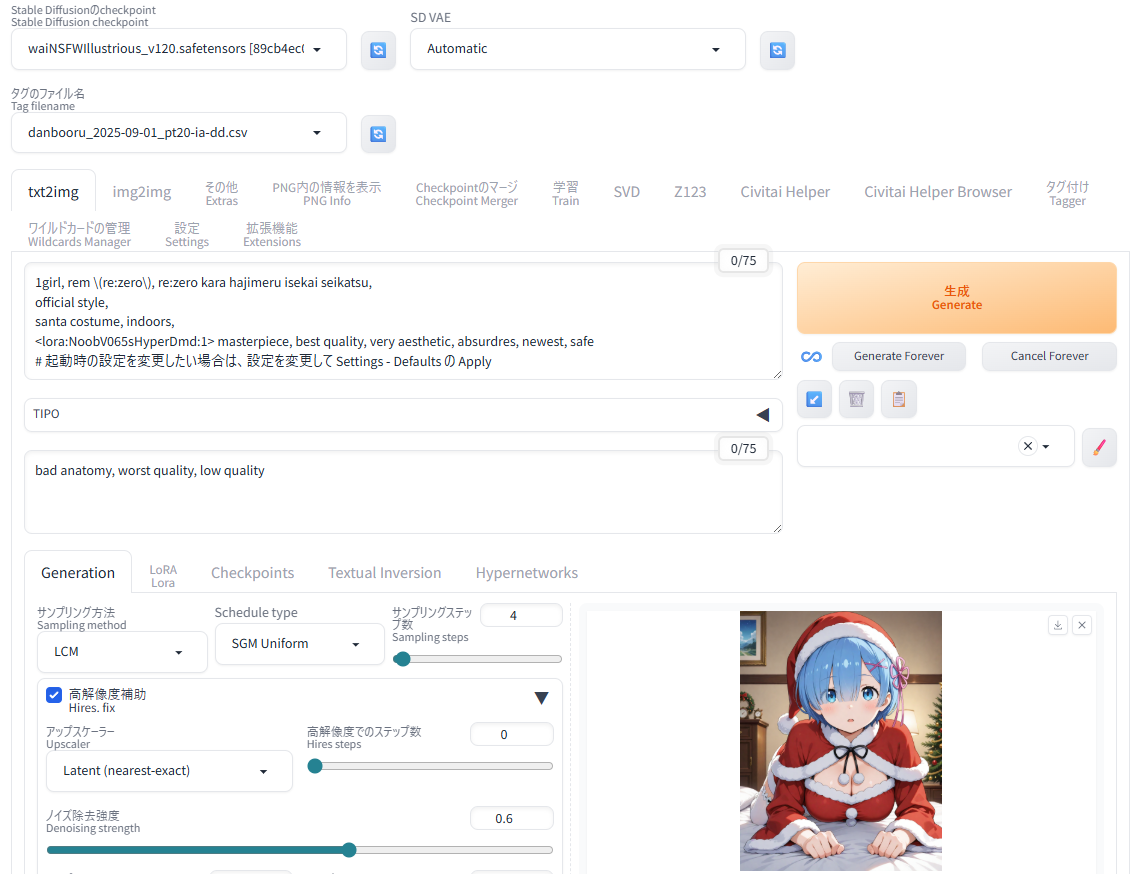
From this point on, all you need to do is adjust the prompt, and you can generate virtually any image you can imagine. It’s honestly amazing.
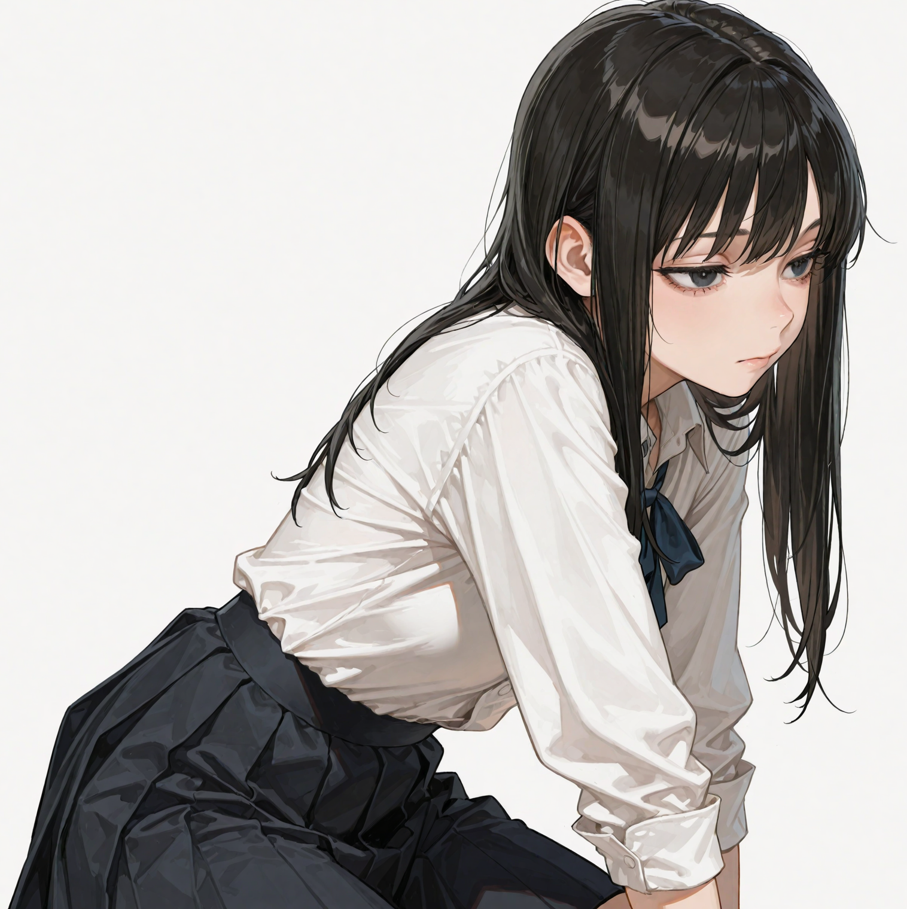
For example, if you want to create an original character described as “a woman with black eyes and long black hair, wearing a white shirt and a black skirt,” the prompt used to generate this character would look like the following:
1girl, original, black eyes, black hair, long hair, white shirt, black skirt,
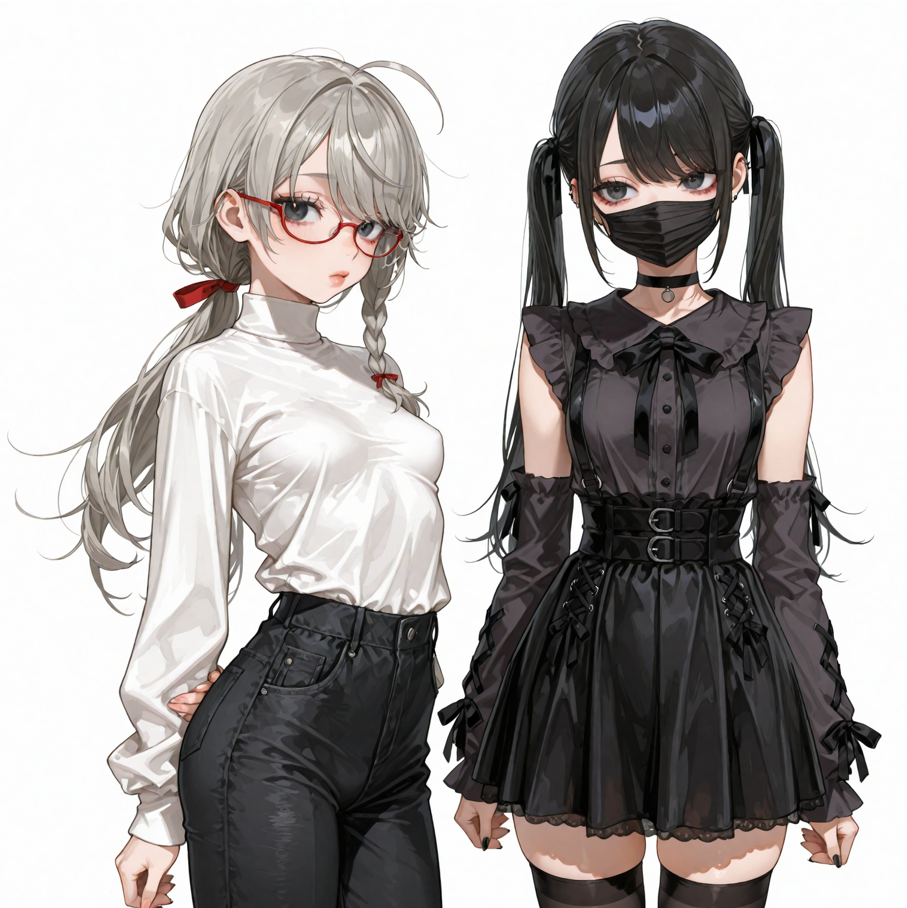
As you become more comfortable with writing prompts, generating multiple characters at the same time also becomes surprisingly easy.
That’s all for this article. In future posts, I plan to cover more detailed usage and advanced techniques.
Stay tuned for the next article.
