インストール
pipでインストールできるので下記コマンドを実行。
$ pip install ptpython
$ ptpython --help
ptpython: Interactive Python shell.
Usage:
    ptpython [ --vi ]
             [ --config-dir=<directory> ] [ --interactive=<filename> ]
             [--] [ <arg>... ]
    ptpython -h | --help

Options:
    --vi                         : Use Vi keybindings instead of Emacs bindings.
    --config-dir=<directory>     : Pass config directory. By default '~/.ptpython/'.
    -i, --interactive=<filename> : Start interactive shell after executing this file.

Other environment variables:
PYTHONSTARTUP: file executed on interactive startup (no default)
使い方
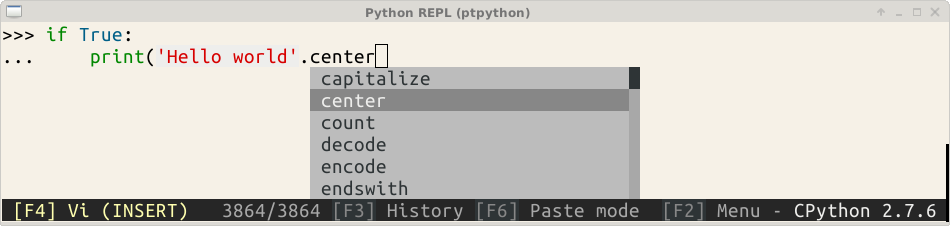
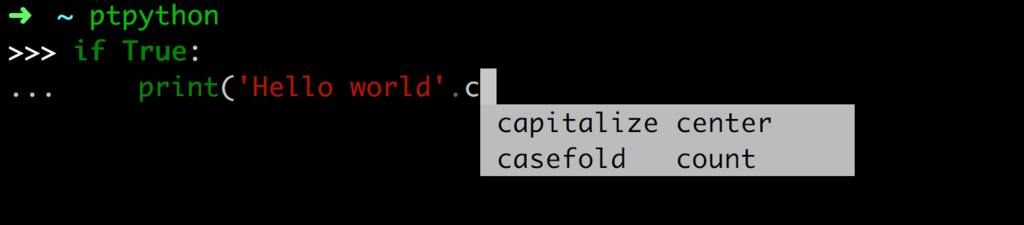
インストールが成功していればptpythonコマンドで起動できる。デフォルト設定のままでシンタックスハイライト、補完は動作する。
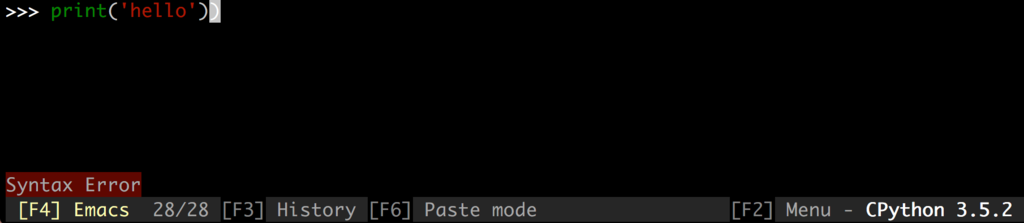
シンタックスエラーがあるとSyntax Errorと表示される。
Pythonコード中に埋め込む場合は、下記コードを挿入する。
from ptpython.repl import embed
embed(globals(), locals())
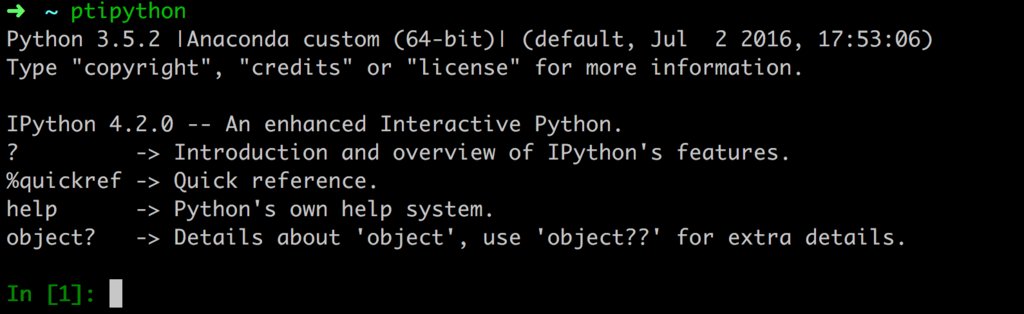
なお、IPython向けのptipythonというコマンドもある。
設定
F2を押すと下図のような設定メニューが表示されるので、矢印キーで設定を変更してからEnterキーで終了すると設定が反映される。

ただし、この設定は一時的なものなので変更を保存したい場合はconfig.pyを ~/.ptpython/config.pyにコピーして設定値を変更する。
