FUNDING.yml とは
FUNDING.yml は、リポジトリにスポンサーボタンを追加して、金銭的な支援を受けるためのファイルです。
.github ディレクトリの他、リポジトリルートや docs ディレクトリに配置することもできます。
スポンサーの仕組みはいわゆる「GitHub Sponsors」です。
手数料や収益などの情報についてはドキュメントを参照しましょう。
作り方
リポジトリ > Settings > General > Features の中にある「Sponsorships」を有効化し、「Setup a sponsor button」をクリックします。
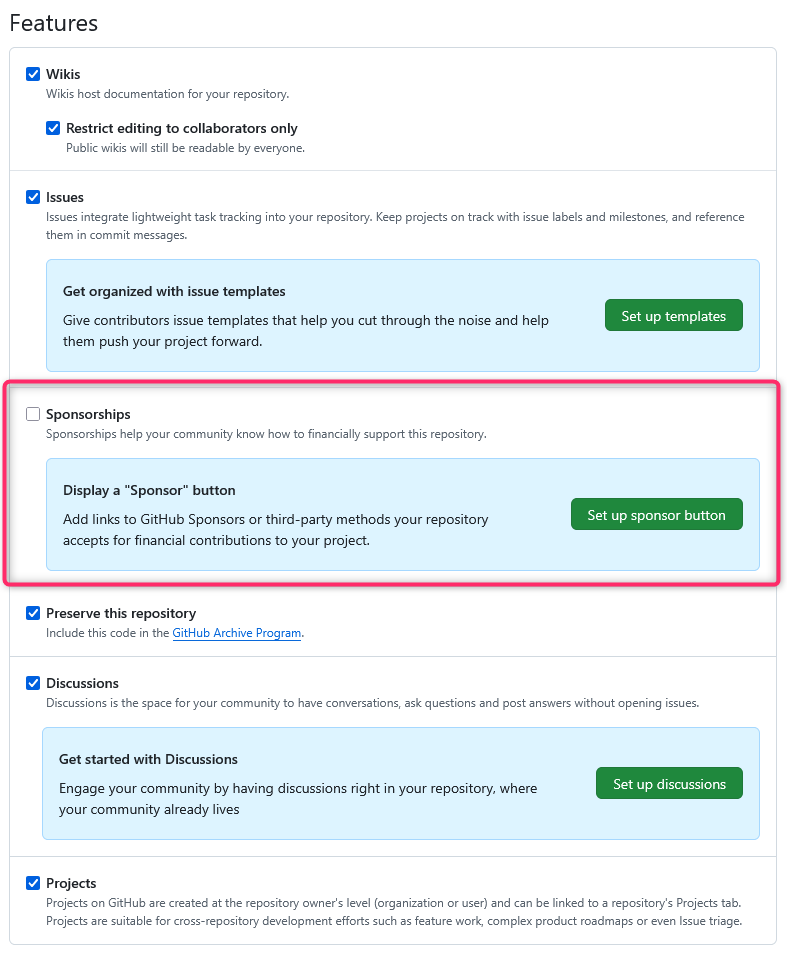
.github/FUNDING.yml ファイルの編集が始まり、支援を受けるためのプラットフォームを選択できます。詳細はドキュメントに記載されています。
最初の状態はこちらです。
# These are supported funding model platforms

github: # Replace with up to 4 GitHub Sponsors-enabled usernames e.g., [user1, user2]
patreon: # Replace with a single Patreon username
open_collective: # Replace with a single Open Collective username
ko_fi: # Replace with a single Ko-fi username
tidelift: # Replace with a single Tidelift platform-name/package-name e.g., npm/babel
community_bridge: # Replace with a single Community Bridge project-name e.g., cloud-foundry
liberapay: # Replace with a single Liberapay username
issuehunt: # Replace with a single IssueHunt username
lfx_crowdfunding: # Replace with a single LFX Crowdfunding project-name e.g., cloud-foundry
polar: # Replace with a single Polar username
buy_me_a_coffee: # Replace with a single Buy Me a Coffee username
thanks_dev: # Replace with a single thanks.dev username
custom: # Replace with up to 4 custom sponsorship URLs e.g., ['link1', 'link2']
FUNDING.yml の表示箇所
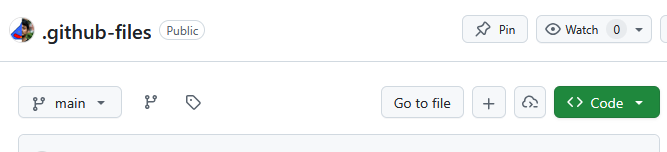
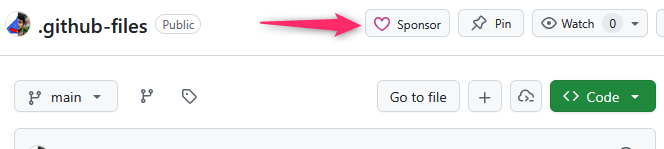
リポジトリに FUNDING.yml ファイルがある場合、リポジトリのページ上部に「Sponsor」ボタンが表示されます。
↓
まとめ
.github に配置できるファイルの一覧はこちらの記事でまとめています。
