はじめに
GLM-Imageは一つのモデルでText2ImageとImage2Imageの両方が行えます。
それぞれ行ったうえでQwen-Imageと比較してみました。
4bit量子化を使ってRTX 4090(VRAM 24GB)1枚で動くようにしています。
Text to Image Generation (Qwen-Image-2512と比較)
GLM-Image
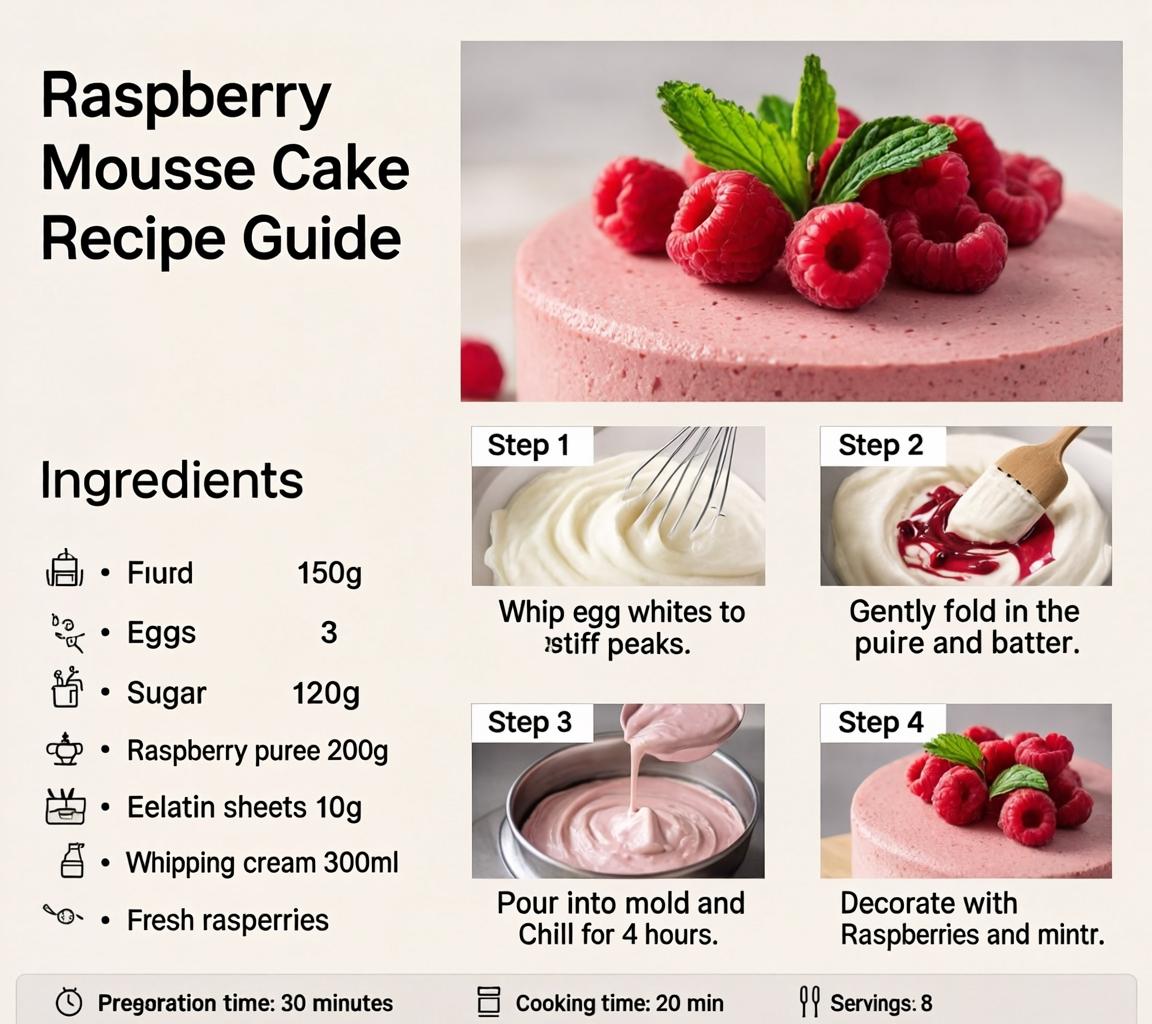
Qwen-Image-2512
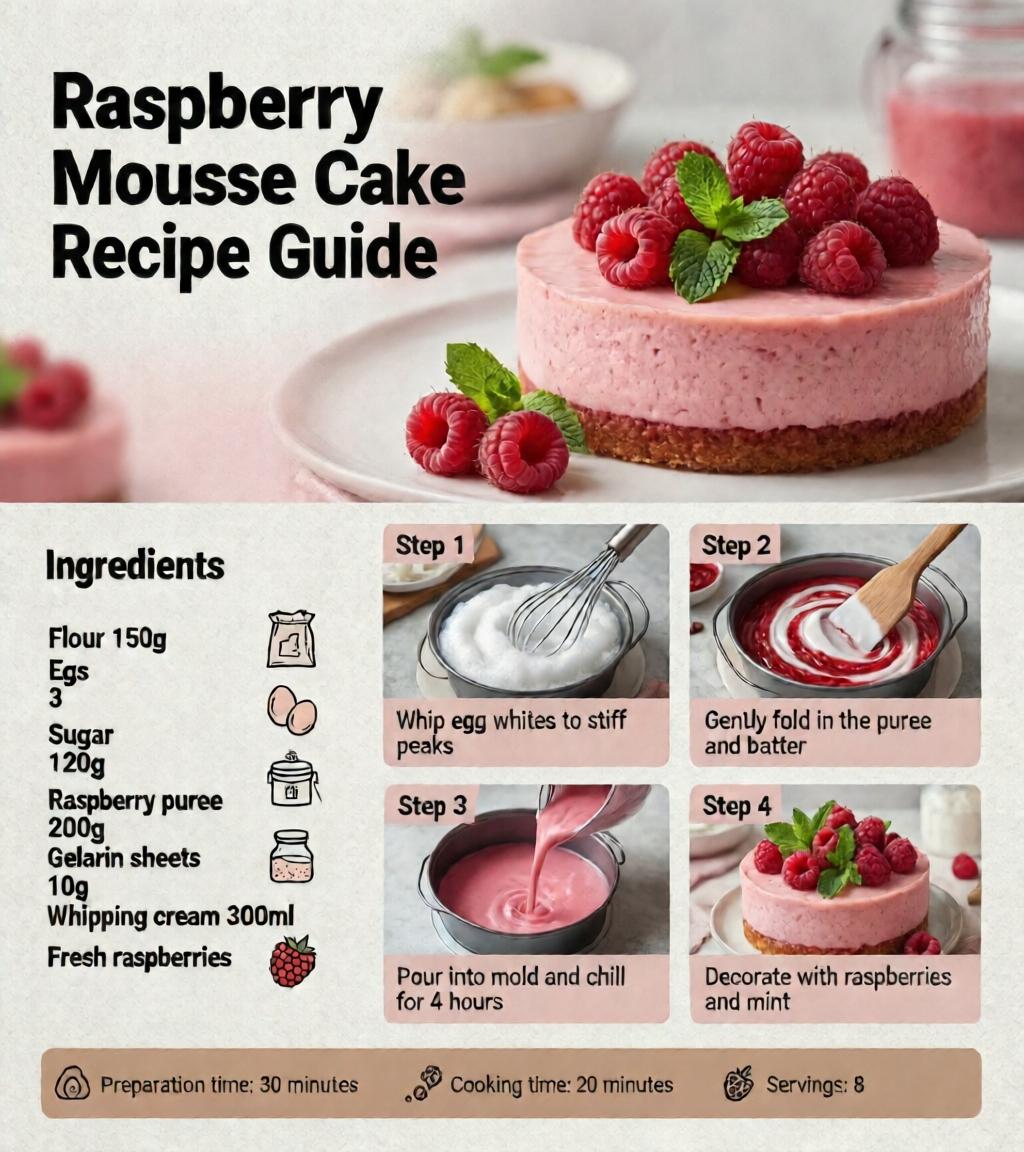
Image to Image Generation (Qwen-Image-Edit-2511と比較)
元画像
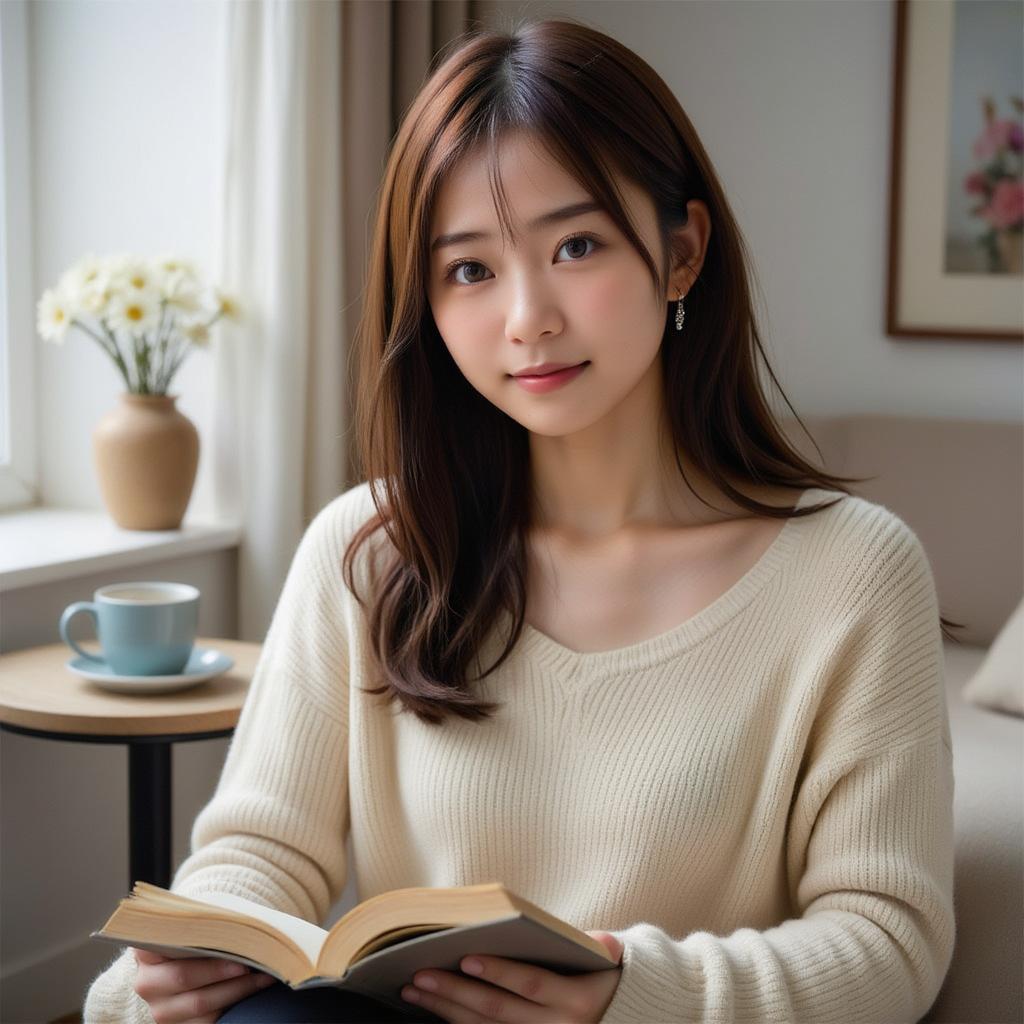
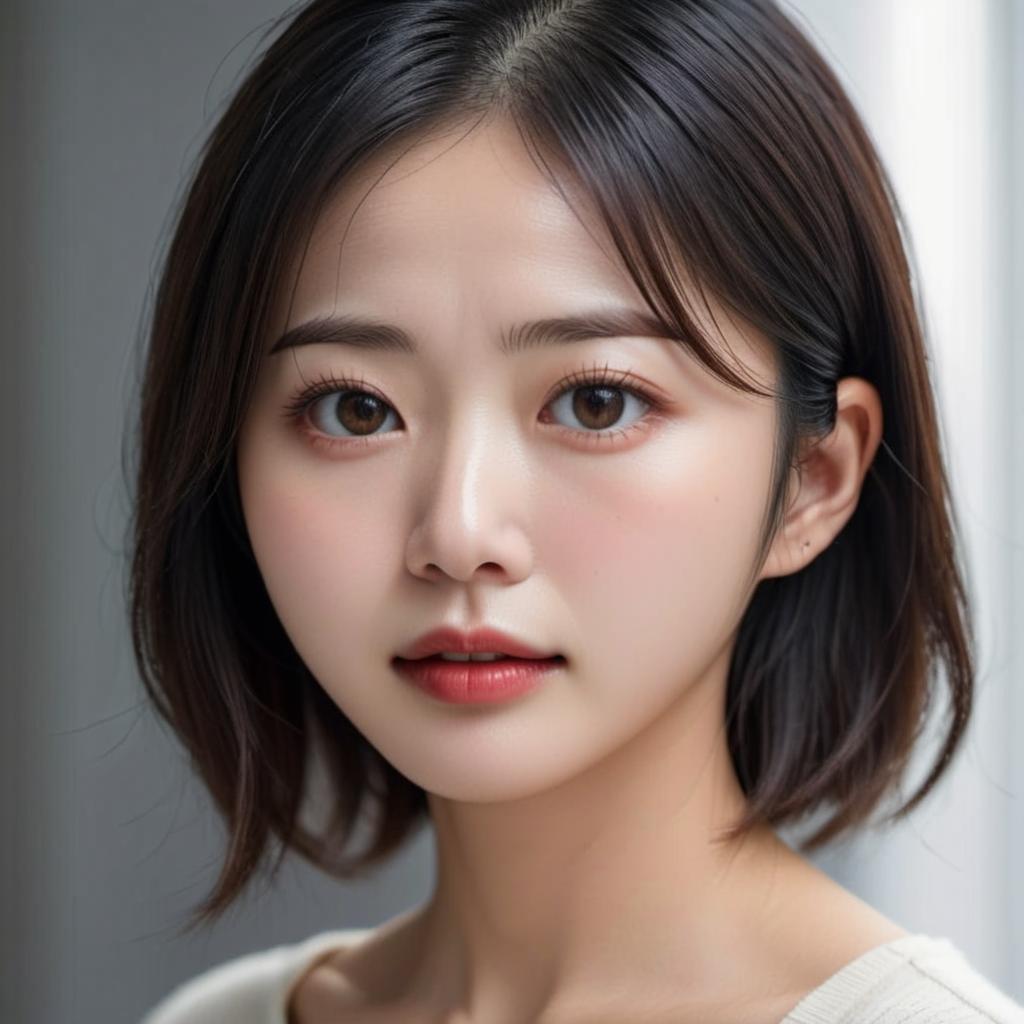
結果
GLM-Image
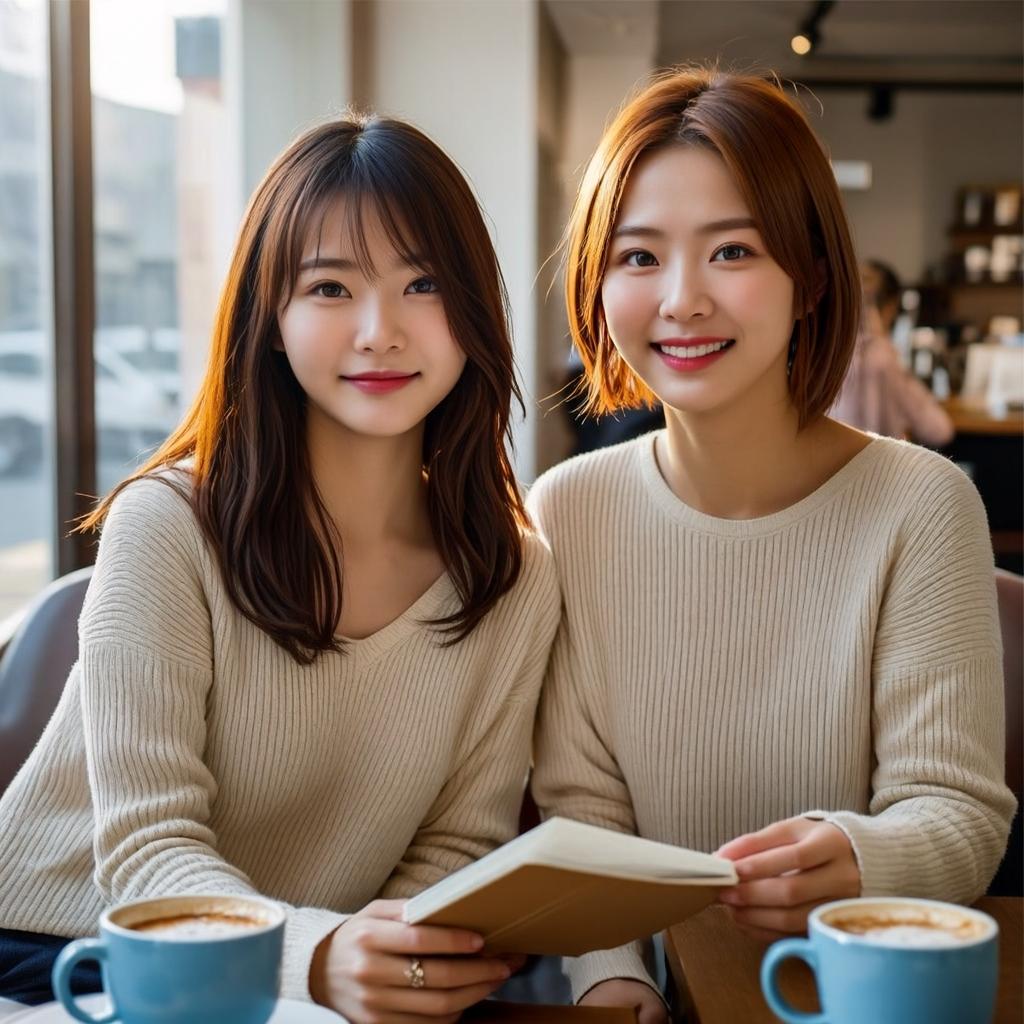
Qwen-Image-Edit-2511
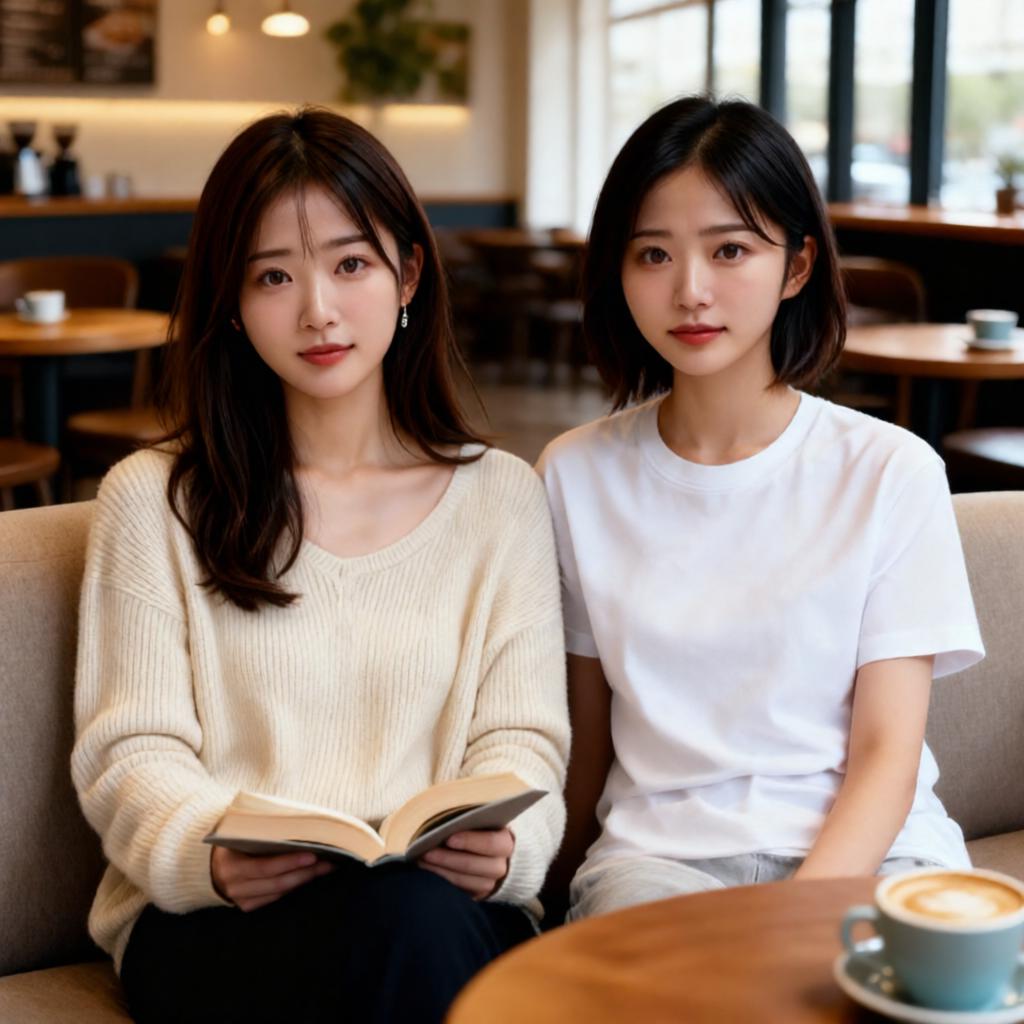
Pythonスクリプト
Text to Image Generation
import torch
from diffusers.pipelines.glm_image import GlmImagePipeline
from diffusers.quantizers import PipelineQuantizationConfig

pipeline_quant_config = PipelineQuantizationConfig(
    quant_backend="bitsandbytes_4bit",
    quant_kwargs={
        "load_in_4bit": True,
        "bnb_4bit_quant_type": "nf4",
        "bnb_4bit_compute_dtype": torch.bfloat16
    },
    components_to_quantize=["text_encoder", "transformer"]
)

pipe = GlmImagePipeline.from_pretrained(
    "zai-org/GLM-Image",
    quantization_config=pipeline_quant_config,
    torch_dtype=torch.bfloat16
)

pipe.enable_model_cpu_offload()

prompt = "A beautifully designed modern food magazine style dessert recipe illustration, themed around a raspberry mousse cake. The overall layout is clean and bright, divided into four main areas: the top left features a bold black title 'Raspberry Mousse Cake Recipe Guide', with a soft-lit close-up photo of the finished cake on the right, showcasing a light pink cake adorned with fresh raspberries and mint leaves; the bottom left contains an ingredient list section, titled 'Ingredients' in a simple font, listing 'Flour 150g', 'Eggs 3', 'Sugar 120g', 'Raspberry puree 200g', 'Gelatin sheets 10g', 'Whipping cream 300ml', and 'Fresh raspberries', each accompanied by minimalist line icons (like a flour bag, eggs, sugar jar, etc.); the bottom right displays four equally sized step boxes, each containing high-definition macro photos and corresponding instructions, arranged from top to bottom as follows: Step 1 shows a whisk whipping white foam (with the instruction 'Whip egg whites to stiff peaks'), Step 2 shows a red-and-white mixture being folded with a spatula (with the instruction 'Gently fold in the puree and batter'), Step 3 shows pink liquid being poured into a round mold (with the instruction 'Pour into mold and chill for 4 hours'), Step 4 shows the finished cake decorated with raspberries and mint leaves (with the instruction 'Decorate with raspberries and mint'); a light brown information bar runs along the bottom edge, with icons on the left representing 'Preparation time: 30 minutes', 'Cooking time: 20 minutes', and 'Servings: 8'. The overall color scheme is dominated by creamy white and light pink, with a subtle paper texture in the background, featuring compact and orderly text and image layout with clear information hierarchy."

image = pipe(
    prompt=prompt,
    height=32*32,
    width=32*36,
    num_inference_steps=50,
    guidance_scale=1.5,
    generator=torch.Generator(device="cuda").manual_seed(42),
).images[0]

image.save("output_t2i.png")
Image to Image Generation
vision_language_encoderも量子化できますが、それをやると生成画像の質が低下しました。
また次の1行がないとエラーが出ました。
pipe.vision_language_encoder.to("cuda")
import torch
from diffusers.pipelines.glm_image import GlmImagePipeline
from diffusers.quantizers import PipelineQuantizationConfig
from diffusers.utils import load_image

pipeline_quant_config = PipelineQuantizationConfig(
    quant_backend="bitsandbytes_4bit",
    quant_kwargs={
        "load_in_4bit": True,
        "bnb_4bit_quant_type": "nf4",
        "bnb_4bit_compute_dtype": torch.bfloat16
    },
    components_to_quantize=["text_encoder", "transformer"]
)

pipe = GlmImagePipeline.from_pretrained(
    "zai-org/GLM-Image",
    quantization_config=pipeline_quant_config,
    torch_dtype=torch.bfloat16
)

pipe.enable_model_cpu_offload()

pipe.vision_language_encoder.to("cuda")

image1 = load_image("1.jpg").convert("RGB")
image2 = load_image("2.jpg").convert("RGB")

prompt = "Two women are sitting side by side on a sofa in a cafe."

image = pipe(
    prompt=prompt,
    image=[image1, image2],
    height=32 * 32,
    width=32 * 32,
    num_inference_steps=50,
    guidance_scale=1.5,
    generator=torch.Generator(device="cuda").manual_seed(42),
).images[0]

image.save("output_i2i.png")

