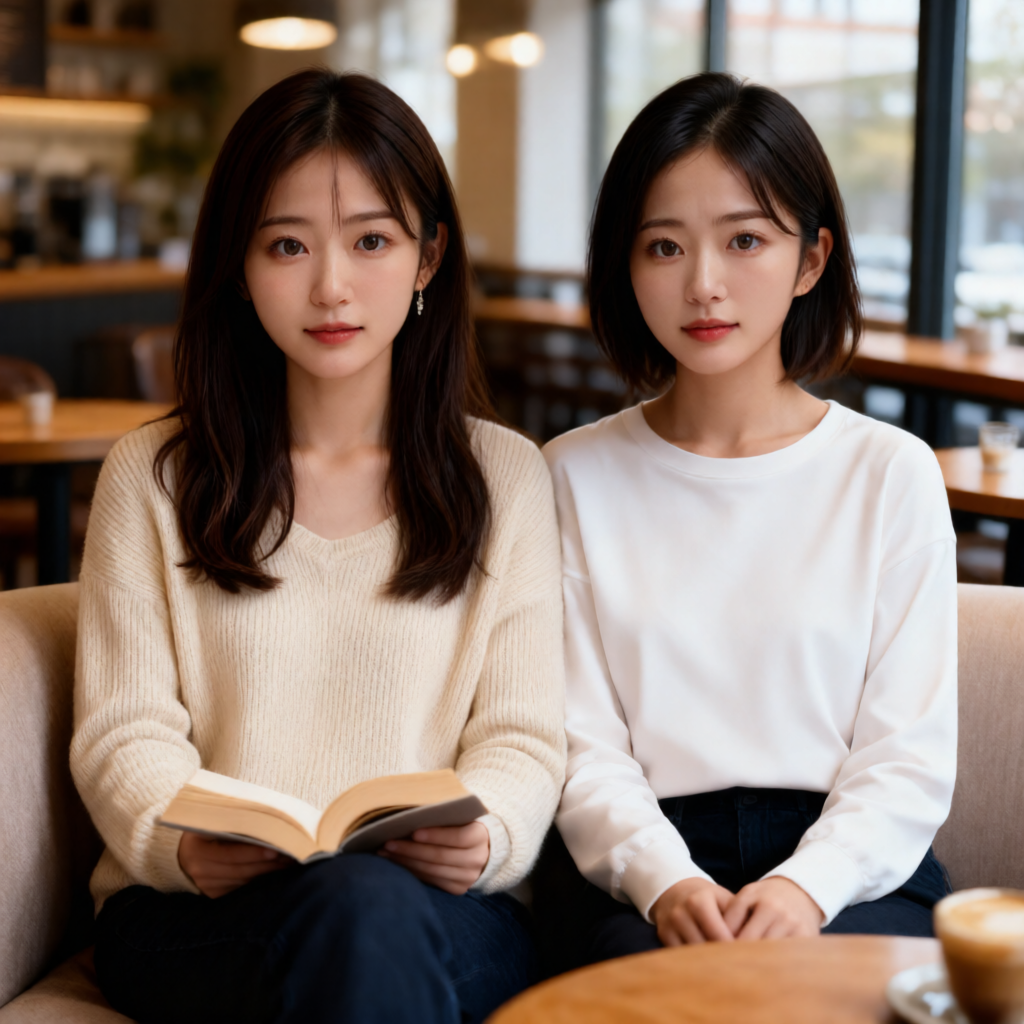
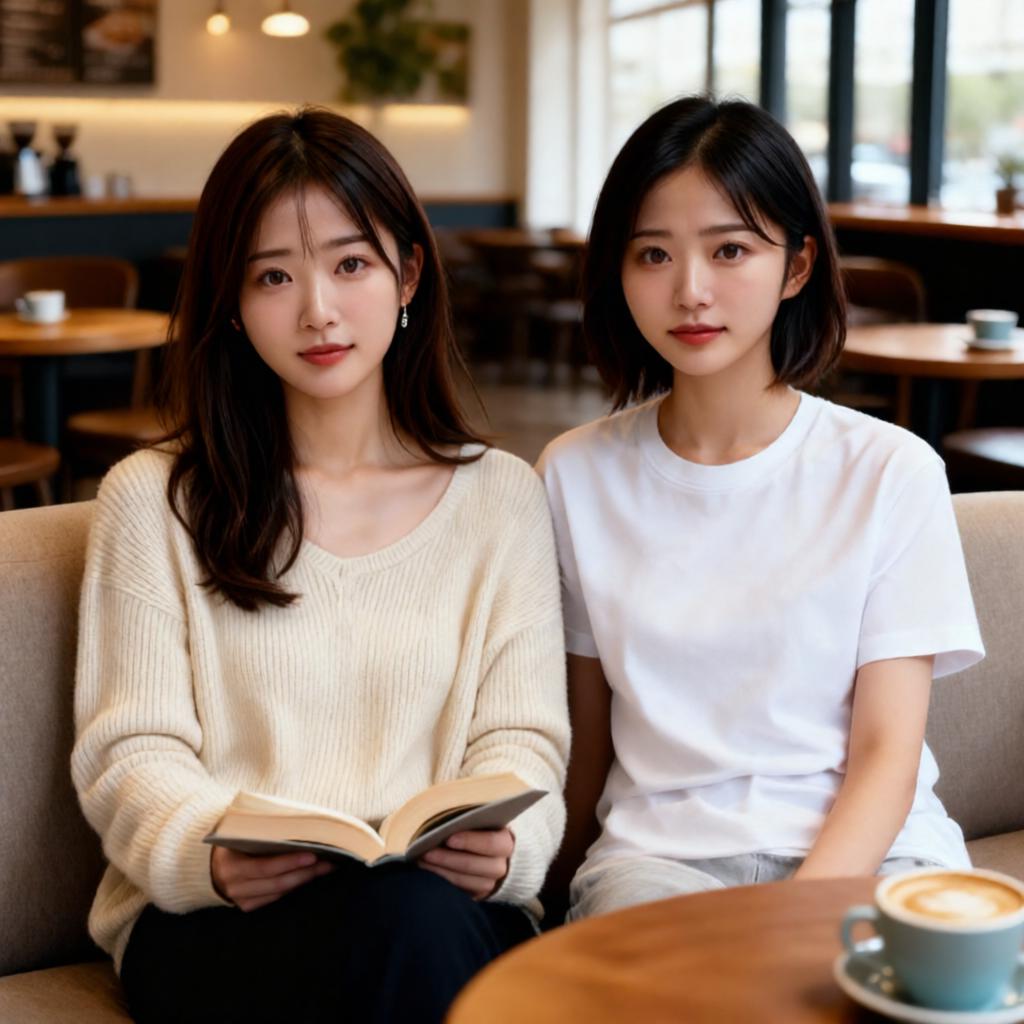
結果
上が元画像、下が作成画像です。
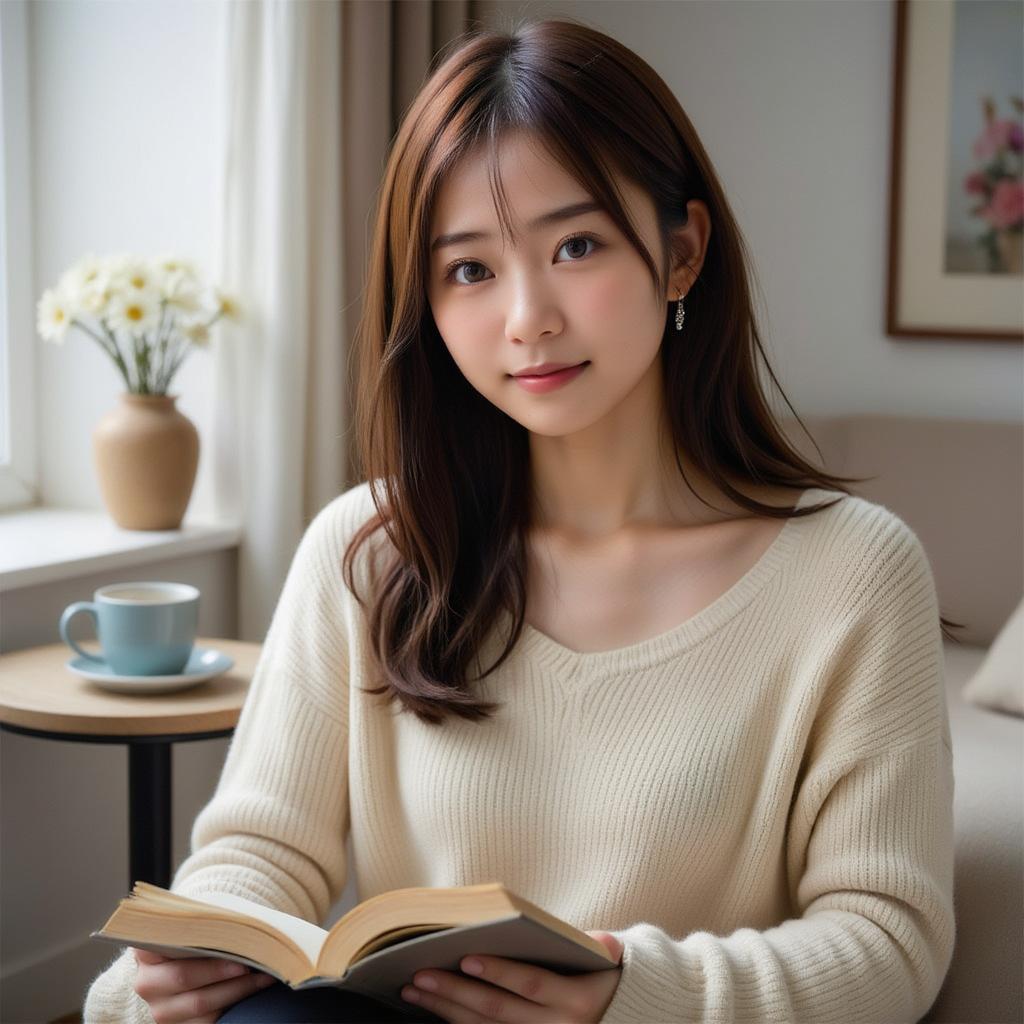
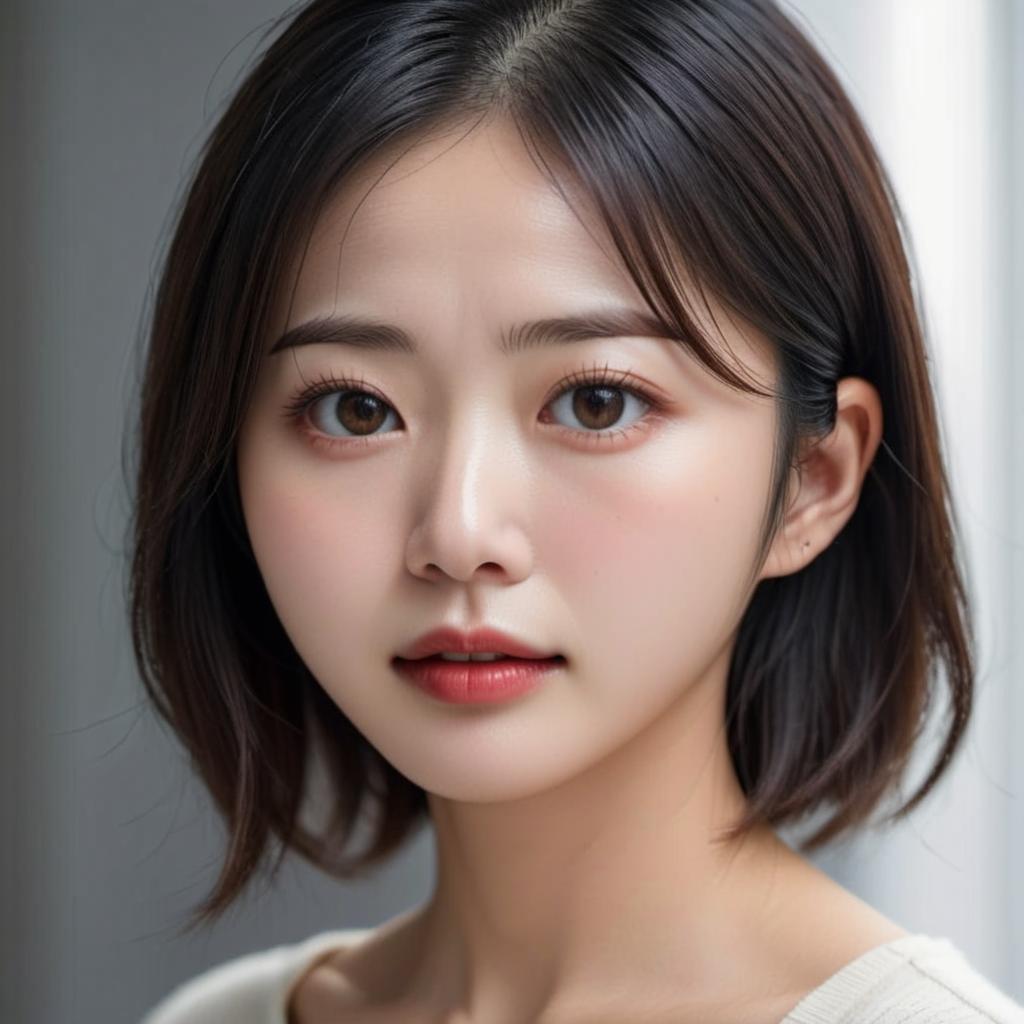
以前、似たようなことをOmniGenで行いました。
Pythonスクリプト
import torch
from diffusers import QwenImageEditPlusPipeline
from diffusers.utils import load_image
from diffusers.quantizers import PipelineQuantizationConfig

from decorator import gpu_monitor, time_monitor

@time_monitor
@gpu_monitor(interval=0.5)
def main():
    pipeline_quant_config = PipelineQuantizationConfig(
        quant_backend="bitsandbytes_4bit",
        quant_kwargs={
            "load_in_4bit": True,
            "bnb_4bit_quant_type": "nf4",
            "bnb_4bit_compute_dtype": torch.bfloat16,
            "llm_int8_skip_modules": ["transformer_blocks.0.img_mod"]
        },
        components_to_quantize=["text_encoder", "transformer"]
    )

    pipe = QwenImageEditPlusPipeline.from_pretrained(
        "Qwen/Qwen-Image-Edit-2511",
        quantization_config=pipeline_quant_config,
        torch_dtype=torch.bfloat16
    )

    pipe.enable_model_cpu_offload()

    image1 = load_image("girl.jpg").convert("RGB")
    image2 = load_image("lady.jpg").convert("RGB")

    prompt = "Two woman are sitting side by side on a sofa in a cafe."

    image = pipe(
        image=[image1, image2],
        prompt=prompt,
        negative_prompt=" ",
        num_inference_steps=40,
        true_cfg_scale=4.0,
        num_images_per_prompt=1
    ).images[0]

    image.save("qwenimage_edit.png")

if __name__=="__main__":
    main()
VRAM使用量と時間の計測はこちらのスクリプトを使いました。
RTX 4090を使っています。
GPU 0 - Used memory: 19.95/23.99 GB
time: 264.68 sec
環境構築
pyproject.tomlを載せておきます。
uvを使うとuv syncだけで環境構築できると思います。
[project]
name = "qwen"
version = "0.1.0"
description = "Add your description here"
readme = "README.md"
requires-python = ">=3.13"
dependencies = [
    "accelerate==1.12.0",
    "bitsandbytes==0.49.0",
    "diffusers @ git+https://github.com/huggingface/diffusers",
    "hf-xet==1.2.0",
    "nvidia-ml-py==13.590.44",
    "torch==2.9.1+cu126",
    "torchvision==0.24.1+cu126",
    "transformers==4.57.3",
]

[[tool.uv.index]]
name = "torch-cuda"
url = "https://download.pytorch.org/whl/cu126"
explicit = true

[tool.uv.sources]
torch = [{ index = "torch-cuda" }]
torchvision = [{ index = "torch-cuda" }]
補足
できるだけ詳細にプロンプトを書いてもそれほど結果は変わりませんでした。
Create a high-quality photo that merges the woman from image 1 and the woman from image 2 into a single scene. Both individuals must maintain their exact facial features with high fidelity. They are sitting side by side on a sofa in a cafe. Ensure that their distinct characteristics from the reference images are perfectly preserved without any image drift.