はじめに
Web上で使うならHuggingChatで使えます。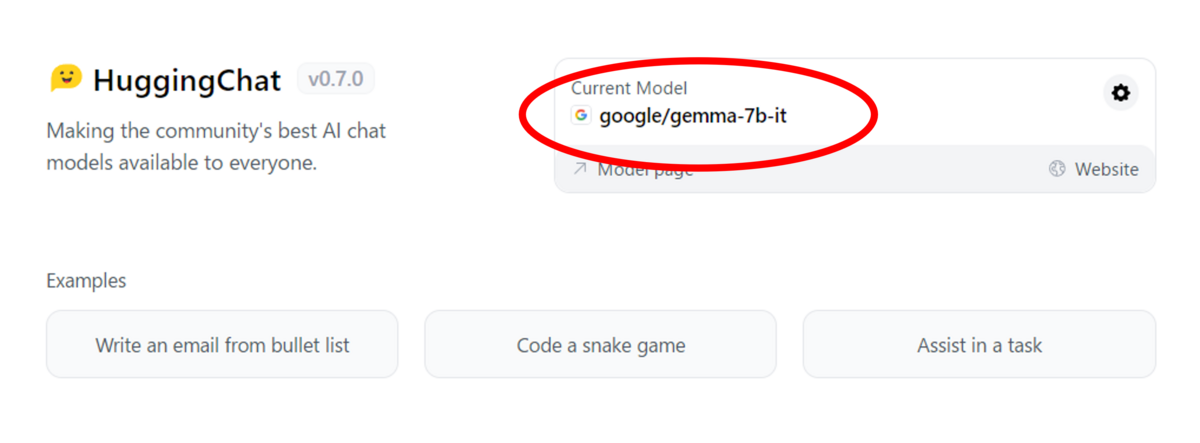
今回はモデルをダウンロードしてローカル環境で実行しました。
結果
英語を使いました。「Write a hello world program in c#」(C#でhello worldのプログラムを書いて)と聞いた時の答えです。```c#
using System;
class Hello
{
static void Main(string[] args)
{
Console.WriteLine("Hello, world!");
}
}
```
**Explanation:**
* The above program is a simple C# program to print "Hello, world!".
* The program starts with a `using System;` statement to include the System namespace.
* The `class Hello` class is defined and the `Main` method is the entry point of the program.
* Inside the `Main` method, the `Console.WriteLine("Hello, world!");` line prints "Hello, world!" to the console.
* The program then exits.
**Output:**
```
Hello, world!
```
**Note:**
* You need to have the .NET Framework SDK installed on your computer.
*
説明付きでたぶん完璧と思える答えが返ってきました。
Pythonスクリプト
from transformers import AutoTokenizer, AutoModelForCausalLM
import torch

# from https://huggingface.co/google/gemma-7b-it
model_id = "LLM/gemma-7b-it"
dtype = torch.bfloat16

tokenizer = AutoTokenizer.from_pretrained(model_id)
model = AutoModelForCausalLM.from_pretrained(
    model_id,
    device_map="cuda",
    torch_dtype=dtype,
)

chat = [
    { "role": "user", "content": "Write a hello world program in c#" },
]
prompt = tokenizer.apply_chat_template(chat, tokenize=False, add_generation_prompt=True)

inputs = tokenizer.encode(prompt, add_special_tokens=True, return_tensors="pt")
outputs = model.generate(input_ids=inputs.to(model.device), max_new_tokens=180)
print(tokenizer.decode(outputs[0][inputs.shape[1]:], skip_special_tokens=True).strip())
PC環境
Windows 11
CUDA 11.8
Python 3.11

