MacのSafariでブラウジングする時の必要最低限のショートカットの覚えです。マウスやトラックパッドに手を伸ばさなくてもSafariが操作出来ます。
| No. | ショートカットキー | 動作 |
|---|---|---|
| ① | command+N | 新規ウィンドウ |
| ② | command+T | 新規タブ |
| ③ | command+W | タブを閉じる |
| ④ | option+command+W | その他のタブを閉じる |
| ⑤ | shift+command+T | タブを復活 |
| ⑥ | shift+command+→/← | タブの移動 |
| ⑦ | command+↑/↓ | ページの始まり終わり |
| ⑧ | command+「 / 」 | ページを進む戻る |
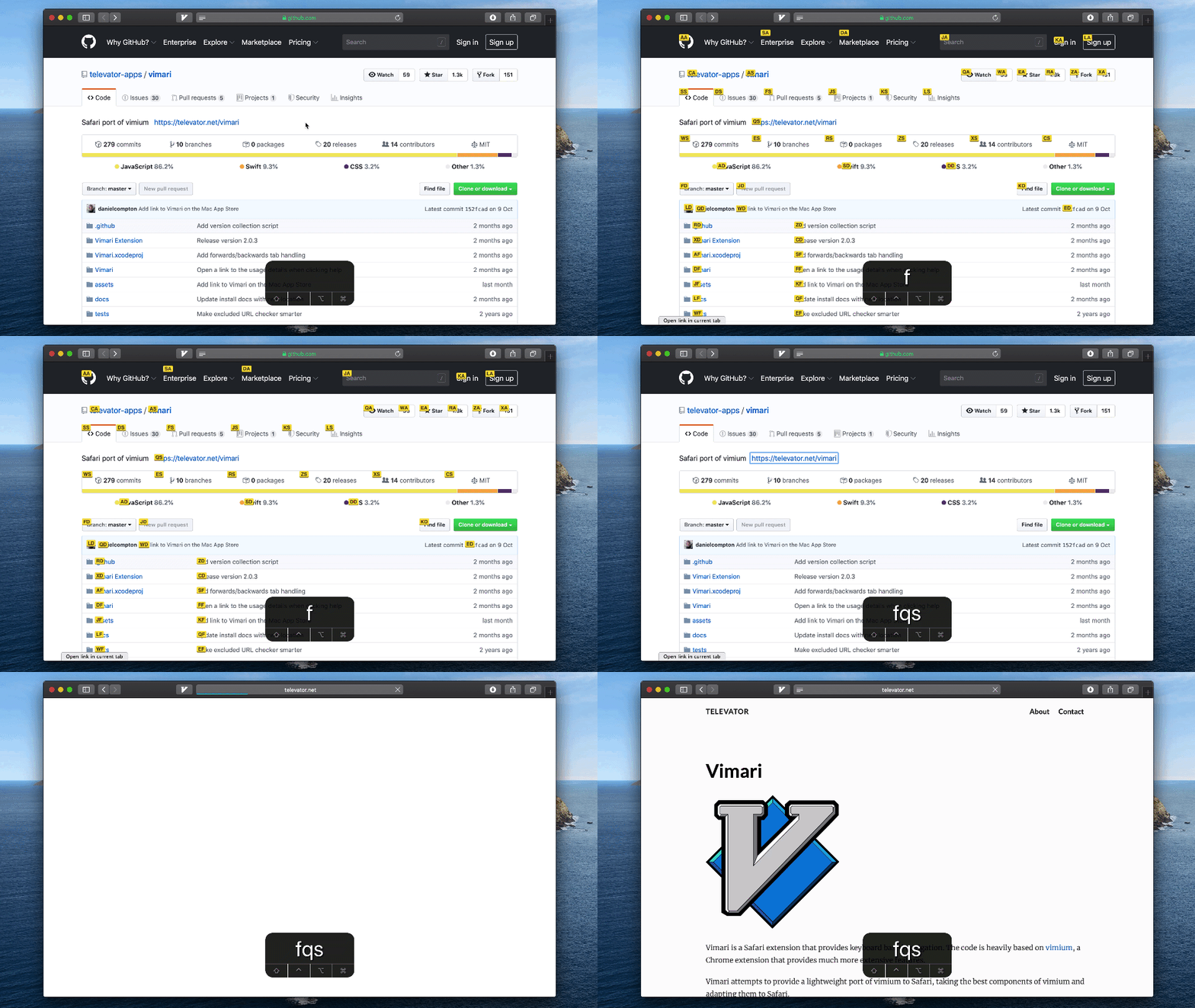
Google Chromeの拡張機能Vimiumと同じくVimのキーバインドでSafariを操作出来るVimariがApple Storeで入手出来ます。


Keyboard Bindings
In-page navigation
| ショートカットキー | 動作 |
|---|---|
| f | Toggle links |
| F | Toggle links (open link in new tab) |
| k | Scroll up |
| j | Scroll down |
| h | Scroll left |
| l | Scroll right |
| u | Scroll up half page |
| d | Scroll down half page |
| g g | Go to top of page |
| G | Go to bottom of page |
Page/Tab navigation
| ショートカットキー | 動作 |
|---|---|
| H | History back |
| L | History forward |
| r | Reload |
| w | Next tab |
| q | Previous tab |
| x | Close current tab |
| t | Open new tab |
Chromeの拡張機能のVimiumと同じようには動きませんが主な機能は使えます。しかしデフォルトのショートカットで十分かとも思います。
See you tomorrow!
