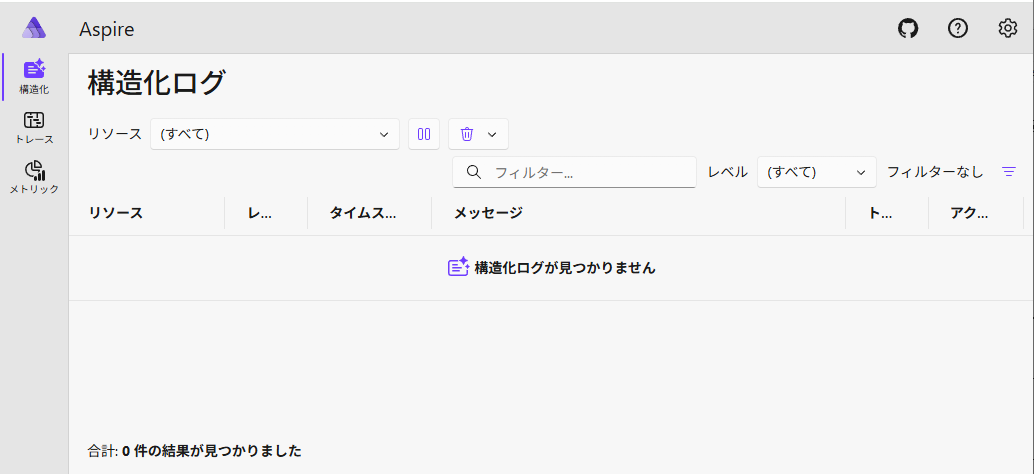
Docker コンテナは使わず、Windows 上で直接 Aspire Dashboard を動かしたい。
PowerShell で下記を順に実行。
# GitHub から Aspire のリポジトリをクローン。
git clone https://github.com/dotnet/aspire

# Aspire のルートディレクトリに移動
cd aspire

# .NET 10 Preview はまだ使わないので v9.3.2 タグをチェックアウト。
git checkout v9.3.2

# ビルド実行
# Visual Studio でビルドしたいなら restore.cmd で NuGet パッケージを復元する必要がある
.\build.cmd

# 一時的に環境変数設定
$env:ASPNETCORE_ENVIRONMENT = "Development"
$env:ASPIRE_DASHBOARD_OTLP_ENDPOINT_URL = "https://localhost:15877"
$env:ASPIRE_DASHBOARD_OTLP_HTTP_ENDPOINT_URL = "https://localhost:15876"
$env:ASPNETCORE_URLS = "https://localhost:15889;http://localhost:15888"

# Aspire.Dashboard 実行
.\artifacts\bin\Aspire.Dashboard\win-x64\Debug\net8.0\win-x64\Aspire.Dashboard.exe
実行したら、ターミナルに出力されるログの中ほどに、ダッシュボードにログインするための URL が表示される。下記がそれ。
info: Aspire.Dashboard.DashboardWebApplication[0]
      Login to the dashboard at https://localhost:15889/login?t=534af80f7b229346d233af60b22c4691
URL にアクセスすると Aspire.Dashboard が表示できた。