リモートデスクトップの設定と起動
Windowsでリモートデスクトップを有効にする設定の場所がわかりにくいのでメモ
設定→システム→リモートデスクトップの順にたどる。
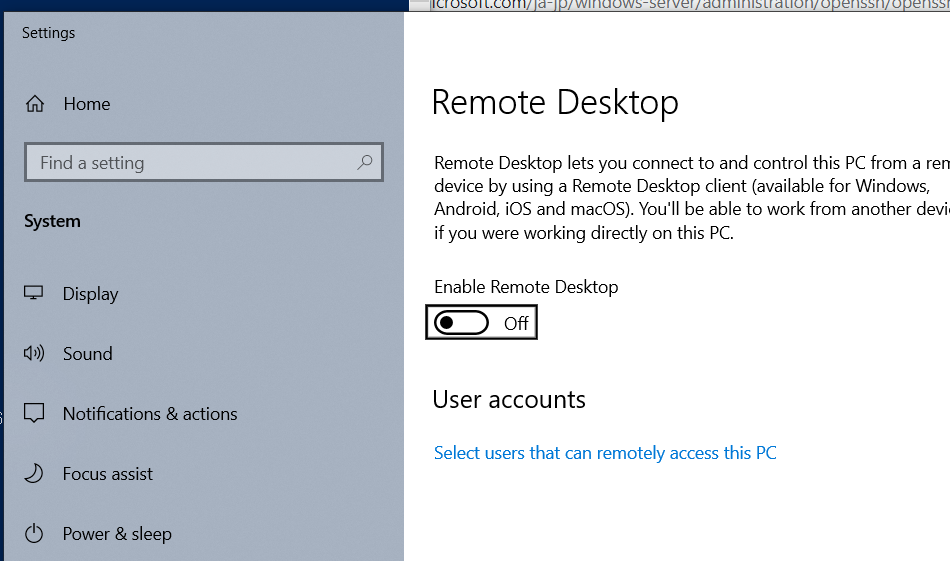
Win10に搭載されている設定メニューにコントロールパネルみたいに「パス」がなくなったのは設計上大問題ですわ。
コマンド
Enable-NetFirewallRule -DisplayGroup "Remote Desktop"
PS C:\Windows\system32> Set-ItemProperty -Path 'HKLM:\System\CurrentControlSet\Control\Terminal Server'-name "fDenyTSConnections" -Value 0
PS C:\Windows\system32> Enable-NetFirewallRule -DisplayGroup "Remote Desktop"
PS C:\Windows\system32>
PS C:\Windows\system32>
