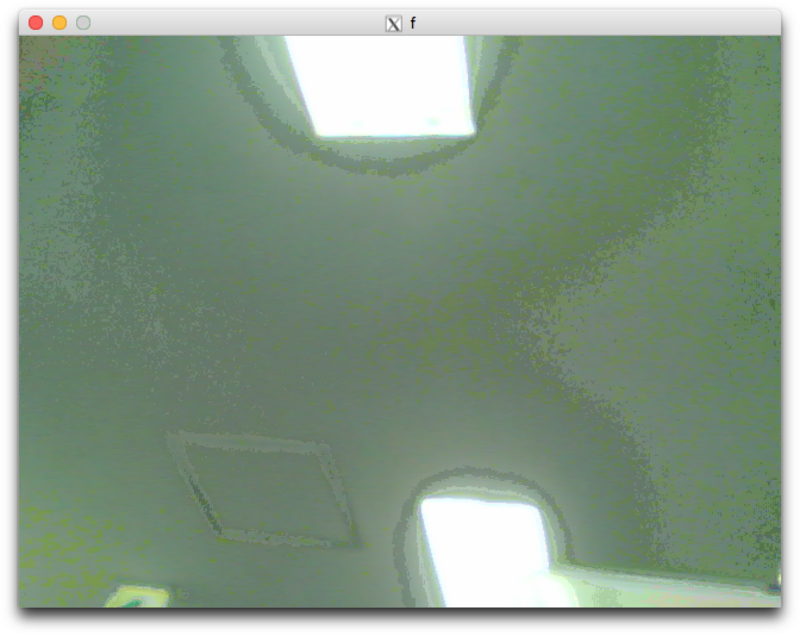
Xilinuxのデモを動かした時は普通に使えていたが、Petalinux+ZyboでUSBカメラを認識してくれない。
lsusbすると、libusbの初期化エラーとなる。
# lsusb
=> unable to initialize libusb: -99.
そもそもUSBが認識されていない。
XilinxのWiki(USBドライバの設定)をみてカーネルの修正を行う。→状況変わらず
http://www.wiki.xilinx.com/Zynq+Linux+USB+Device+Driver
Device Drivers
USB support
    <*> Support for Host-side USB
    <*> EHCI HCD (USB 2.0) support
    <*> USB Mass Storage support
    <*> ChipIdea Highspeed Dual Role Controller
    <*> ChipIdea host controller
        USB Physical Layer drivers --->
        <*> Generic ULPI Transceiver Driver
(その他にもUSB Gadget Webcam?とかV4L2関係をチェックした)デバイスツリーを修正したら、lsusbで認識されるようになった!
しかし依然として/dev/video0は出現しない。
https://forums.xilinx.com/t5/Embedded-Linux/Webcam-support-with-Petalinux/td-p/731349
\{
    #address-cells = <0x1>;
    #size-cells = <0x1>;
    compatible = "xlnx,zynq-7000";

	〜(中略)〜

    amba_pl {
        #address-cells = <0x1>;
        #size-cells = <0x1>;
        compatible = "simple-bus";
        ranges;

    	〜(中略)〜

        usb@e0002000 {
            compatible = "xlnx,zynq-usb-2.20a", "chipidea,usb2";
            status = "okay";
            clocks = <0x1 0x1c>;
            dr_mode = "host";  // ←←←←ここを追加
            interrupt-parent = <0x4>;
            interrupts = <0x0 0x15 0x4>;
            reg = <0xe0002000 0x1000>;
            usb-phy = <&usb_phy0>;   // ←←←←ここを追加
        };

	    〜(中略)〜
    };
    〜(中略)〜
};

//これを追加↓↓↓↓↓↓↓↓
/{
   usb_phy0: phy0 {
	compatible = "ulpi-phy";
	#phy-cells = <0>;
	reg = <0xe0002000 0x1000>;
	view-port = <0x170>;
	drv-vbus;
	};
};
Root file systemでV4L2関係をオンにする。
Filesystem Packages>misc>v4l-utils>
[*] v4l-utils
そうしたら/dev/video0で認識するようになった!
# v4l2-ctl --info
Driver Info (not using libv4l2):
	Driver name   : uvcvideo
	Card type     : Vimicro USB Camera (Altair)
	Bus info      : usb-ci_hdrc.0-1
	Driver version: 4.9.0
	Capabilities  : 0x84200001
		Video Capture
		Streaming
		Extended Pix Format
		Device Capabilities
	Device Caps   : 0x04200001
		Video Capture
		Streaming
		Extended Pix Format
# ls /dev/video0
/dev/video0
と思ったら、再起動したら/dev/video0にいない。
何をやったのか思い出せない。(たぶんこのときはmodprobeでV4L2のカーネルモジュールをロードしたんだろうけど、読み込んだLKMの名前を忘れた)
どうやらVideo4Linuxが読み込めていないらしい。
カーネル設定でVideo4Linuxをオンにするのと、USB Gadget>USB Webcamを指定してカーネルに組み込むと動いた。
Device Drivers>USB support>USB Gadget Support
<*> USB functions configurable through configfs
<*> Mass storage
[*] USB Webcam function
<*> USB Gadget Drivers -->
  (X) USB Webcam Gadget
追記:V4L2、USV Video Class(UVC)の有効化
Device drivers>Multimedia support>Camera/video grabbers support
Device drivers>Multimedia support>V4L2 sub-device userspace API
Device drivers>Multimedia support>V4L platform devices
Device drivers>Multimedia support>Media USB Adapters>USB Video Class(UVC)
X11を転送してMacの画面でカメラ画像を確認したいので、Root file systemを編集する。
[*]Filesystem packages>misc>petalinux-x11
[*]Filesystem packages>misc>xauth
authenticationが不完全でX11転送するとuntrustedだ云々と言われるので、SSHの設定ファイルに以下を記述
Host zybo
  HostName 192.168.100.71
  User root
  ForwardX11 yes #←これを追加
  ForwardX11Trusted yes #←これを追加
ログインすると
xauth: file /home/root/.Xauthority does not exist
と言われたので、以下を実行
https://unix.stackexchange.com/a/162675
# xauth merge /home/root/.Xauthority
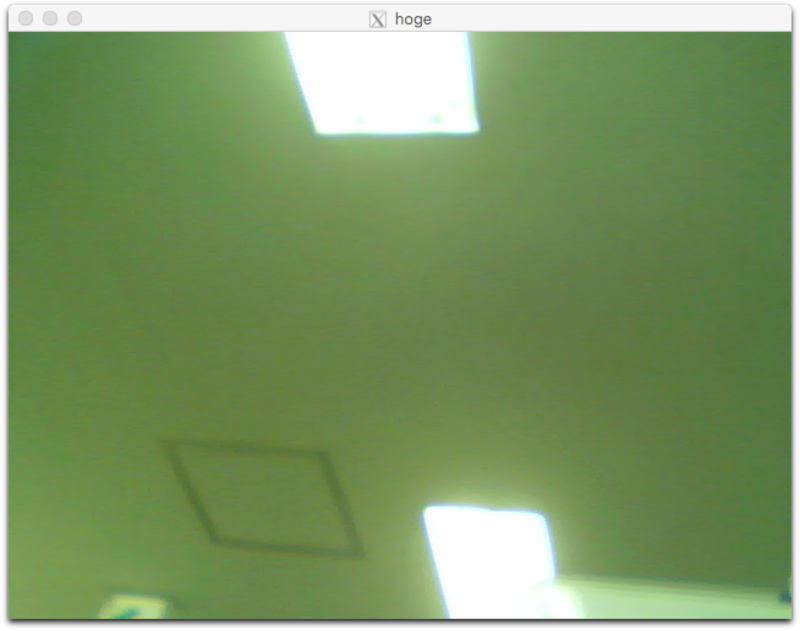
Webカメラの画像がうまく取得・X転送で表示できた
root@zybo_minimal:~# python
Python 2.7.12 (default, Oct  5 2017, 18:20:47)
[GCC 6.2.1 20161016] on linux2
Type "help", "copyright", "credits" or "license" for more information.
>>> import cv2
>>> cap = cv2.VideoCapture(0)
>>> _,frame = cap.read()
>>> cv2.imshow("hoge",frame)
>>> cv2.waitKey(0)
Root filesystemをdebianにしても動いた。
debianへのx11の追加
$ sudo apt-get install xorg