以前に Xamarin Forms で XAML を使わず開発する記事を書きました。
内容は特に何というわけでもなく、C# コードで UI を構築するものです。
コードで UI を構築するのは簡単なのですが、実はコードで DataBinding する方法が見つけづらそうなので今回書いてみました。
■ 結論
button.SetBinding(Button.CommandProperty, new Binding("OnTappedCommand"));
この様に書くと DataBinding が設定できます。
以降に XAML で書いた場合とコードで書いた場合の実例を書いてみます。
■ ViewModel
実際の UI の前に ViewModel です。ViewModel は XAML と C# コードで同じものを使います。
OnTappedCommand で Now プロパティの文字列を現在日時に更新するだけのクラスです。 INotifyPropertyChanged を実装しているためにコードが少しありますが、今回の要点ではないので読み飛ばしてください。
using System;
using System.ComponentModel;
using System.Runtime.CompilerServices;
using System.Windows.Input;
using Xamarin.Forms;

namespace CodeDataBinding
{
    public class ViewModel : INotifyPropertyChanged
    {
        public event PropertyChangedEventHandler PropertyChanged;

        private void SetProperty<T>(ref T value, T newValue, [CallerMemberName] string propertyName = null)
        {
            if (object.Equals(value, newValue)) return;
            value = newValue;
            PropertyChanged?.Invoke(this, new PropertyChangedEventArgs(propertyName));
        }

        public ICommand OnTappedCommand { private set; get; }

        string _now = DateTimeOffset.Now.ToString();
        public string Now { get => _now; private set => SetProperty(ref _now, value); }

        public ViewModel()
        {
            OnTappedCommand = new Command(OnTapped);
        }

        void OnTapped()
            => Now = DateTimeOffset.Now.ToString();
    }
}
■ XAML
XAML で書いた場合です。何のこともない良くある Binding です。
<?xml version="1.0" encoding="utf-8"?>
<ContentPage xmlns="http://xamarin.com/schemas/2014/forms"
             xmlns:x="http://schemas.microsoft.com/winfx/2009/xaml"
             xmlns:local="clr-namespace:CodeDataBinding"
             x:Class="CodeDataBinding.MainPage">
    <ContentPage.BindingContext>
        <local:ViewModel/>
    </ContentPage.BindingContext>
    <StackLayout VerticalOptions="Center">
        <Label Text="Xaml Page" HorizontalOptions="Center"/>
        <Label Text="{Binding Now}" HorizontalOptions="Center"/>
        <Button Text="Now" HorizontalOptions="Center" Command="{Binding OnTappedCommand}"/>
    </StackLayout>
</ContentPage>
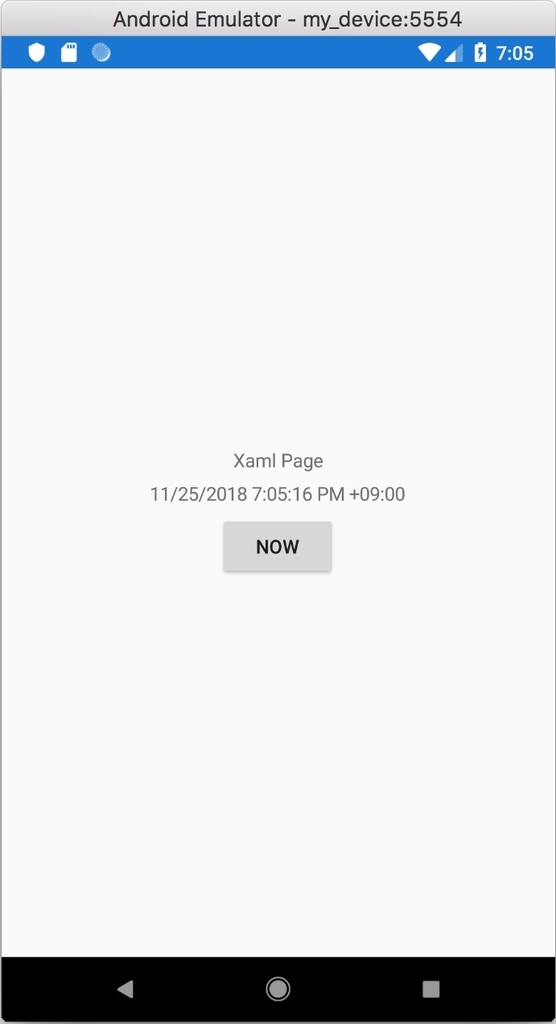
Now ボタンをタップすると日時の表示が更新されます。タップ前後の画像を用意してはいませんが、表示が更新されます。
■ コード
C# コードです。コードの下の方で DataBinding を設定しています。
UI コントロールの生成部分が少し重いですが、今回の要点ではないので生成部分は読み飛ばして OK です。
using System;
using Xamarin.Forms;

namespace CodeDataBinding
{
    public class CodePage : ContentPage
    {
        public CodePage()
        {
            Label label = null;
            Button button = null;

            Content = new StackLayout
            {
                VerticalOptions = LayoutOptions.Center,
                Children = {
                    new Label{
                        Text="Code Page",
                        HorizontalOptions= LayoutOptions.Center
                    },
                    (label = new Label{
                        HorizontalOptions= LayoutOptions.Center
                    }),
                    (button = new Button{
                        Text="Now",
                        HorizontalOptions= LayoutOptions.Center,
                    })
                }
            };

            // DataBinding
            label.SetBinding(Label.TextProperty, new Binding("Now"));
            button.SetBinding(Button.CommandProperty, new Binding("OnTappedCommand"));

            this.BindingContext = new ViewModel();
        }
    }
}
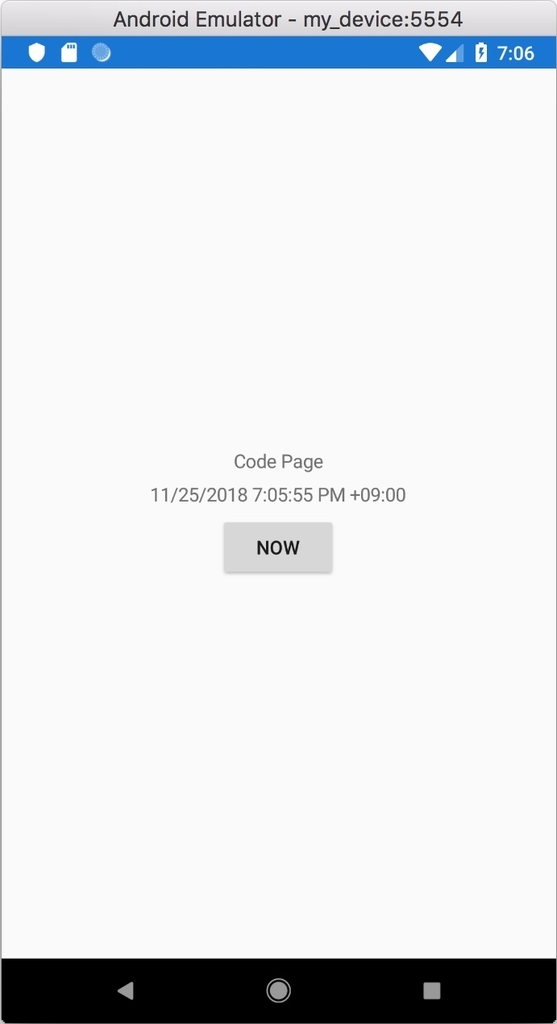
XAML の時と同じですが、Now ボタンをタップすると日時の表示が更新されます。タップ前後の画像を用意してはいませんが、表示が更新されます。
■ 得意な方法で開発を
XAML と C# のどちらで記述しても構いません。XAML の方が情報は多いですが、XAML が良くわからないというだけで Xamarin.Forms をあきらめてしまうのはもったいないです。
XAML がどうも手に合わないという方も、C# コードで Xamarin.Forms を継続してみてください。
