利用できるフォントを探す
コード
import matplotlib.font_manager をインポートして findSystemFonts()でフォント一覧を取得します.
出力
わかりやすいようにjupyter notebookでやってます。

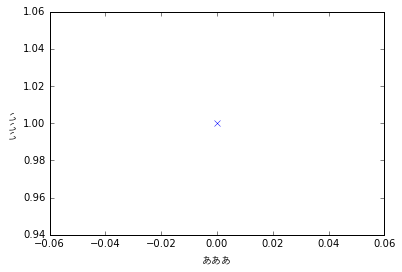
matplotlibで使用
fontdict={'family': 'YuGothic'}にてフォントの名前を指定する。
plt.plot([1], 'x')
plt.xlabel(u'あああ', fontdict={'family': 'YuGothic'})
plt.ylabel(u'いいい', fontdict={'family': 'YuGothic'})
plt.show()
さらなる詳細は以下で。
pylab_examples example code: fonts_demo.py — Matplotlib 2.0.2 documentation
