Spring AIからはデフォルトでLM Studioに接続できませんが、reactor-netty-httpへのdependencyを追加することで接続できるようになります。
この解決方法です。
https://github.com/spring-projects/spring-ai/issues/2445#issuecomment-3066995797
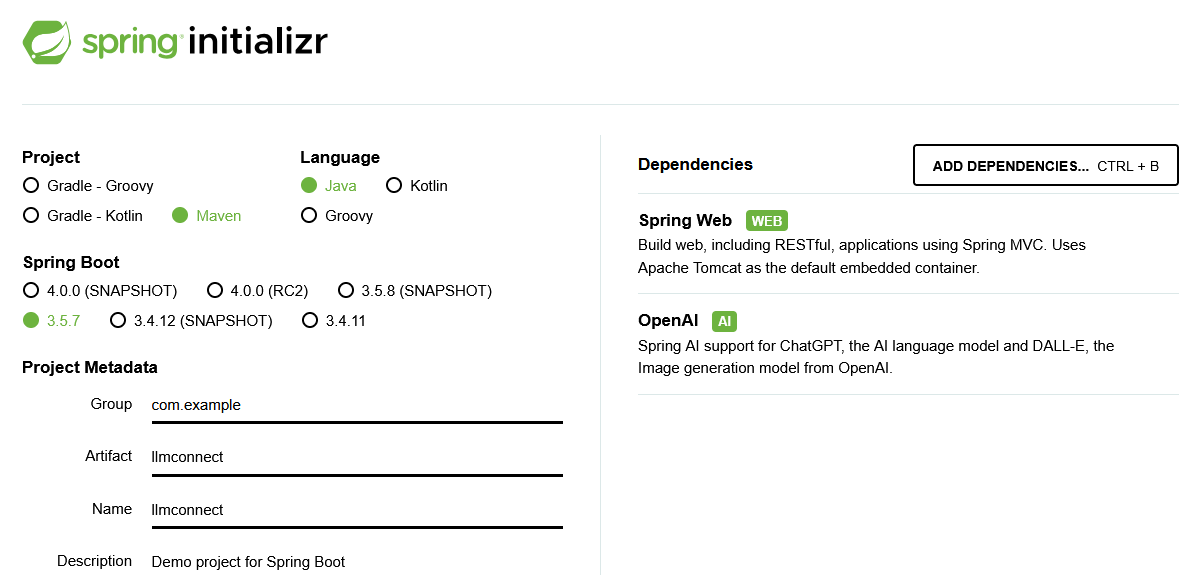
まずOpenAIをdependencyに加えたプロジェクトを作成します。
application.propertiesに接続用の設定を記述します。api-keyは本来不要ですが、無いとエラーになるのでtempにしておきます。
spring.ai.openai.base-url=http://localhost:1234/
spring.ai.openai.api-key=temp
spring.ai.openai.chat.options.model=gemma-3-4b-it
そしてこんなコントローラーを作る。
@RestController
public class DemoClient {
    ChatModel model;

    public DemoClient(ChatModel model) {
        this.model = model;
    }

    @GetMapping("/hello")
    public String hello() {
        return ChatClient.create(model)
                .prompt("こんにちは")
                .call()
                .content();
    }
}
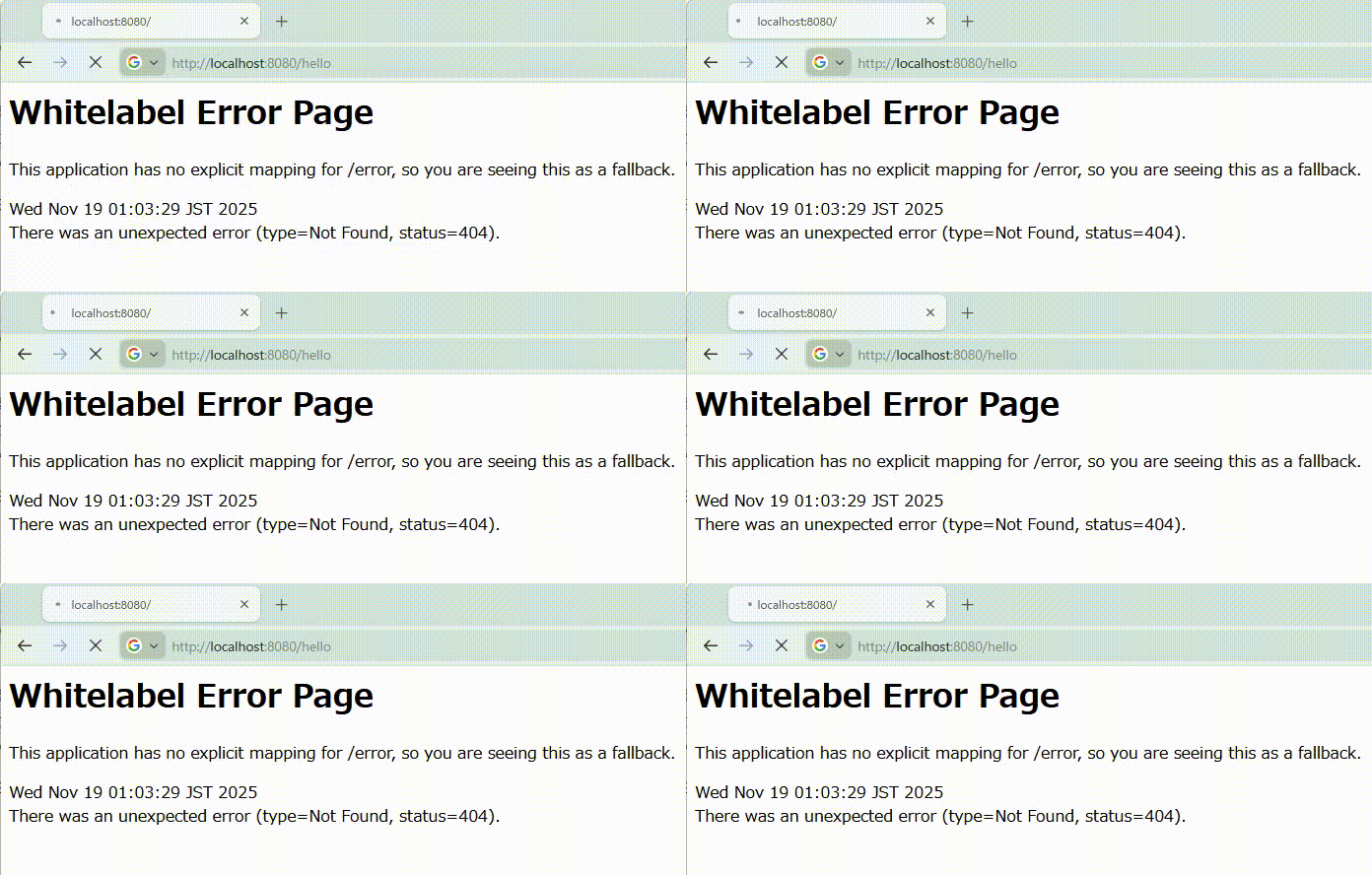
で、起動して試してみる。/helloに接続してるけど、ルートに接続したときのエラーがそのまま表示されて帰ってこない。
reactor-netty-httpへのdependencyを追加。
<dependency>
    <groupId>io.projectreactor.netty</groupId>
    <artifactId>reactor-netty-http</artifactId>
</dependency>
動いた。「ギャルっぽく」とLM Studio側でシステムプロンプトに入れてたのを忘れていた。
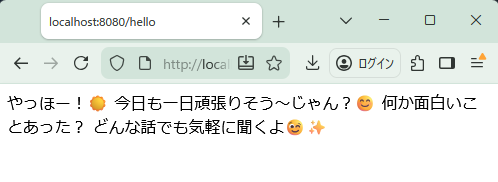
関係ないけど、こういった「ギャルっぽく」のような指示は、Gemma 3がオープンウェイトモデルの中で大きいモデルと比較しても一番うまい。
