2024/07/16更新: 再度確認したところ画像が表示されなかったので、getThumbnailImage演算子を利用して画像を表示するように変更しました。
※英語圏の方からご質問いただきましたので、がんばって英語で書いてみました。間違った英語等記載されていても、大目に見てください(泣)
I have previously added a timeline format sample to the PnP samples. However, in that added sample, an image could not be included in the description.
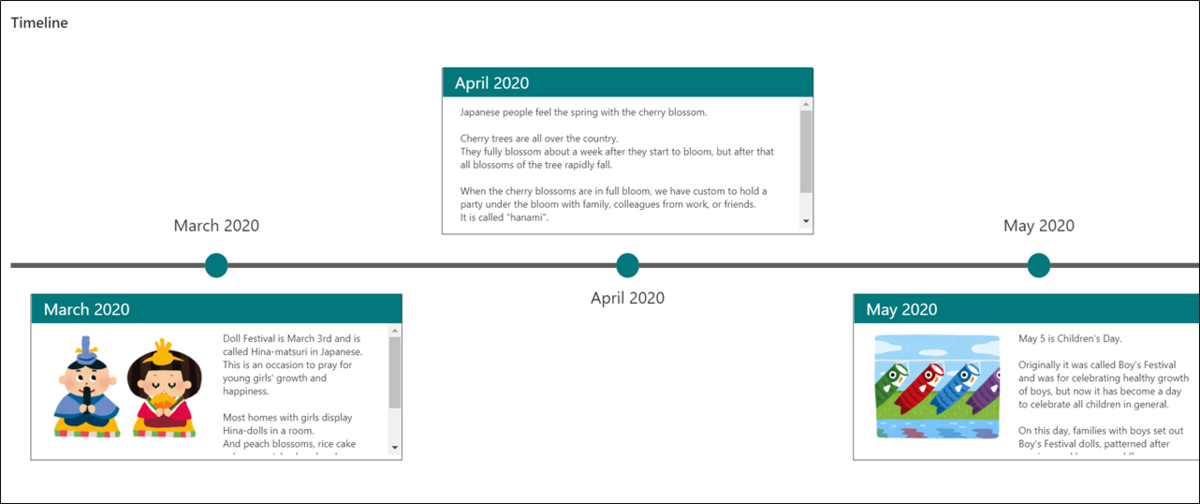
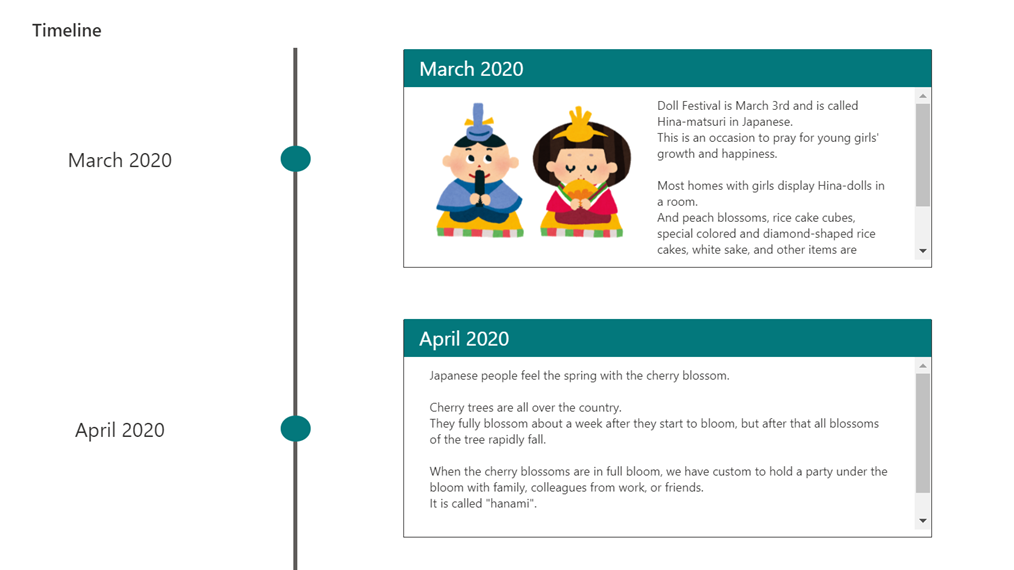
So I fixed so that an image can be included in the description, as shown above.
View requirements
The view must include these columns:
| Column Name | Type |
|---|---|
| Title | Single Line Text |
| Description | Multi Line Text |
| Image | Image |
Vertical Timeline Format Sample
Vertical Timeline Format Sample 1
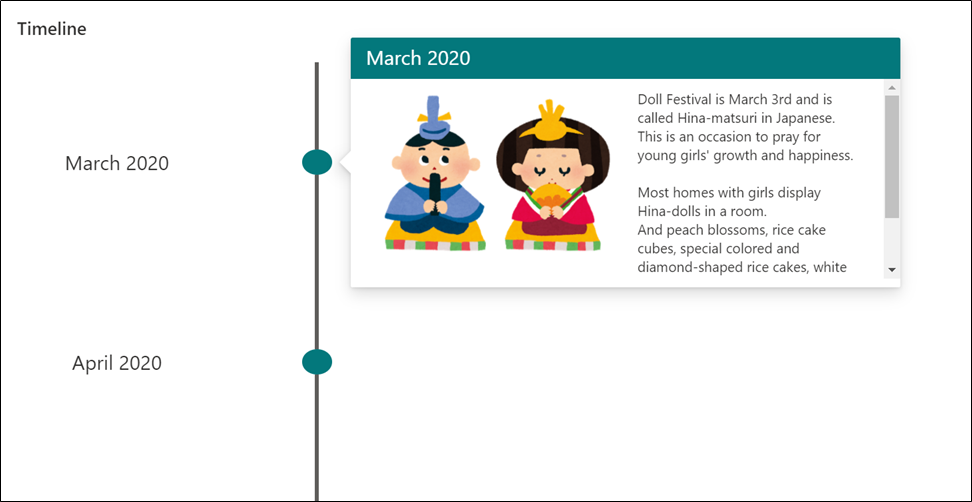
Click on the circle to see the description.
Vertical Timeline Format Sample 2
The description is always displayed.
Vertical Timeline Format Sample 3
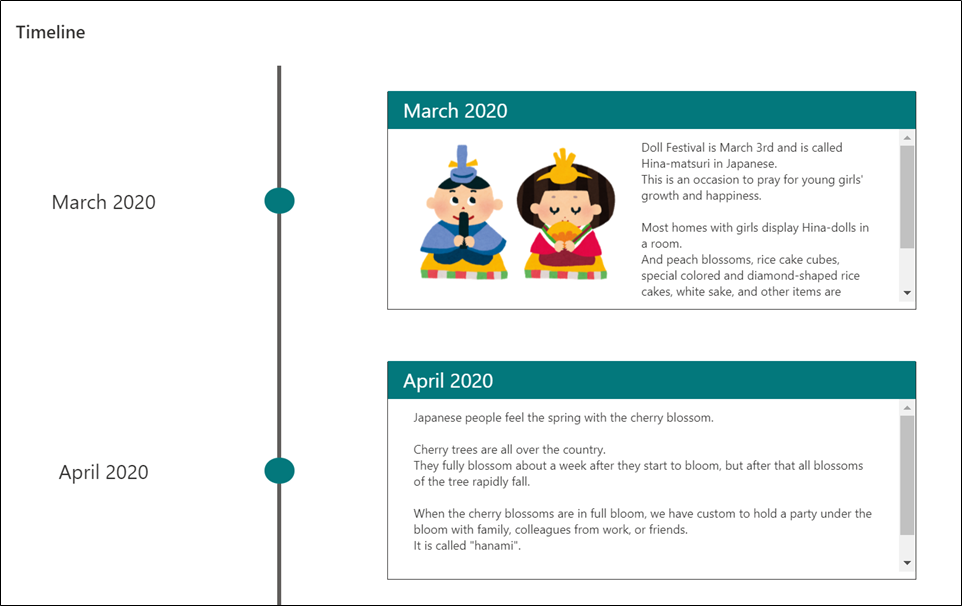
The description is always displayed. Also, the explanation is displayed alternately on the left and right.

Horizontal Timeline Format Sample
Horizontal Timeline Format Sample 1
Click on the circle to see the description.
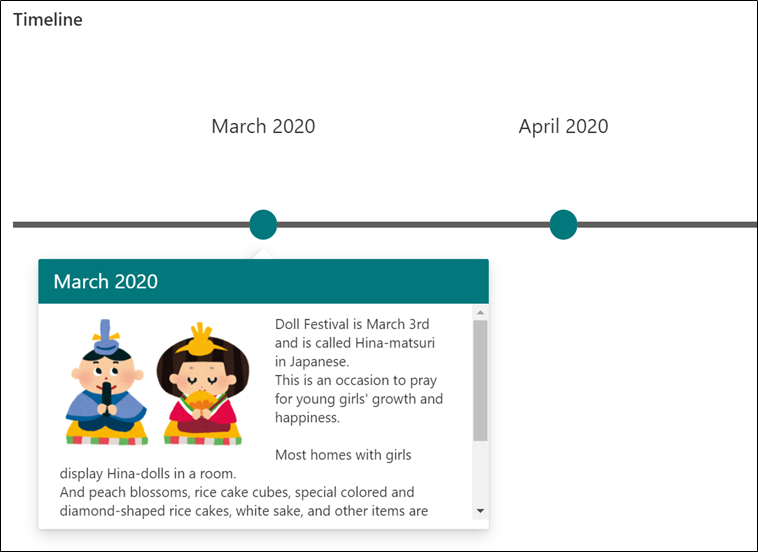
Horizontal Timeline Format Sample 2
The description is always displayed.
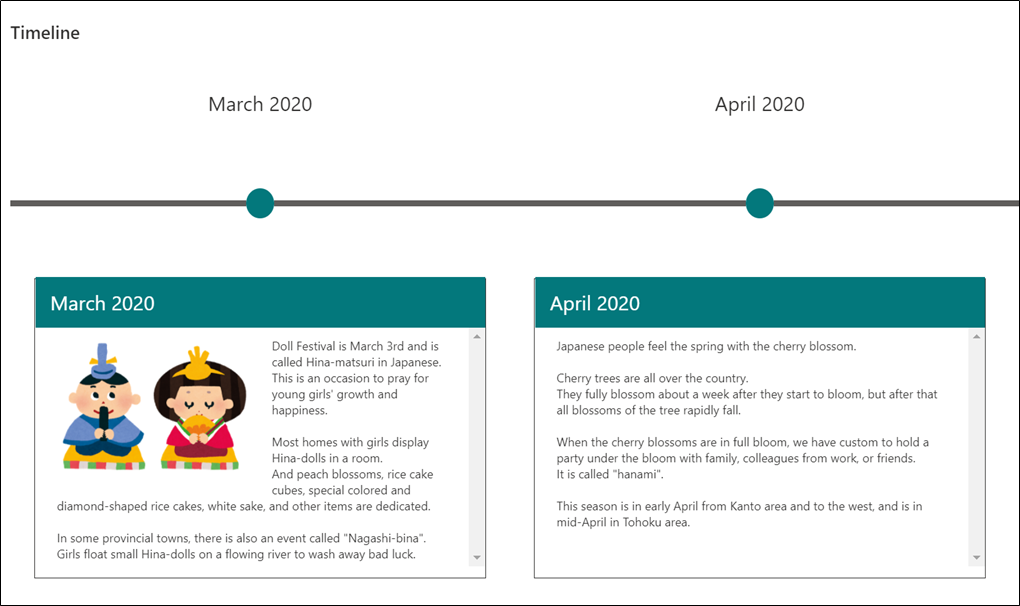
Horizontal Timeline Format Sample 3
The explanation is always displayed. The description is always displayed, and alternates between the top and bottom.