Verilatorを使った自作CPUのリグレッションテスト用に、Dockerを使った仮想環境を作っておきたい。Windowsを使っているので、WSL2のDockerを使って構築することにした。
ここを参考にしてインストールした。WindowsならばWindowsバイナリをダウンロードしたら自動的にWSL2を検出してくれるらしい。便利だ。
一応インストールできたので確認してみる。WSL2上でdockerを実行してみた。
$ docker --version
Docker version 20.10.8, build 3967b7d
ここから先はRISC-V+Chiselの本を参考にしながら組み立てていく。
FROM ubuntu:20.04

ENV RISCV=/opt/riscv
ENV PATH=$RISCV/bin:$PATH
ENV MAKEFLAGS=-j4

WORKDIR $RISCV

RUN apt update && \
    apt install -y tzdata && \
apt install -y autoconf automake autotools-dev curl libmpc-dev libmpfr-dev \
libgmp-dev gawk build-essential bison flex texinfo \
gperf libtool patchutils bc zlib1g-dev libexpat-dev \
pkg-config git libusb-1.0-0-dev device-tree-compiler default-jdk gnupg vim

RUN git clone -b rvv-0.9.x --single-branch https://github.com/riscv/riscv-gnu-toolchain.git && \
cd riscv-gnu-toolchain && \
git submodule update --init --recursive

RUN cd riscv-gnu-toolchain && mkdir build && \
cd build && \
../configure --prefix=${RISCV} --enable-multilib && \
make

# riscv-tests

RUN git clone -b master --single-branch https://github.com/riscv/riscv-tests && \
cd riscv-tests && \
git submodule update --init --recursive
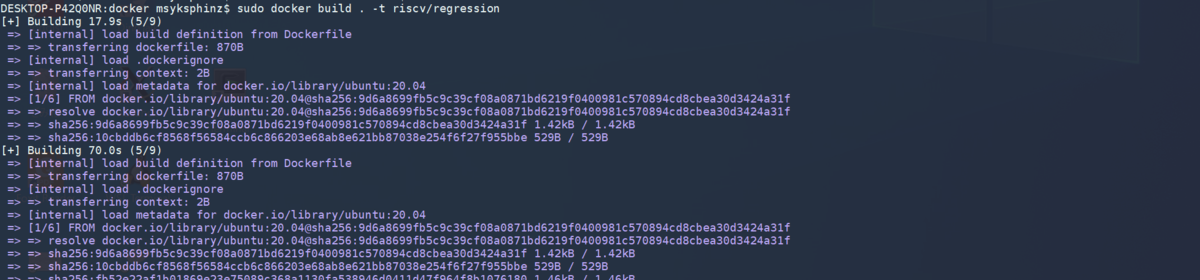
これでdockerコマンドを実行して立ち上げてみた。ビルドには時間がかかる。
sudo docker build . -t riscv/regression