※ これは 2023/03/24 時点の Unity 2022.2.12f1 の情報です
最新版では動作が異なる可能性がありますのでご注意ください
前回は URP 3D で Sprite に Point Light のライティングをあててみたが・・・
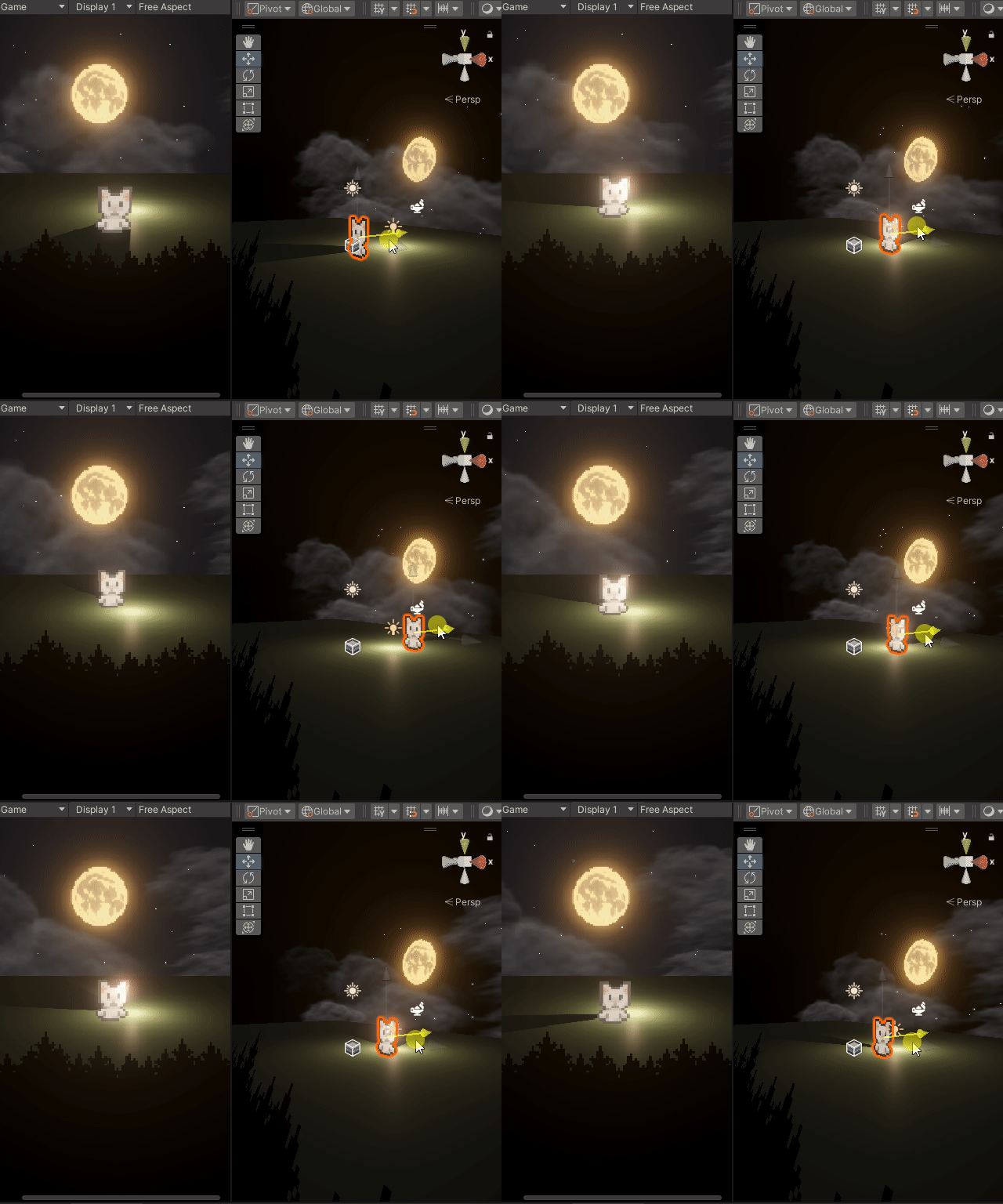
Sprite には向きがあるので、Point Light の前に持ってくるとライティングの効果が消えてしまう!
これを何とかしたい
やることはお手製の Sprite 用 Shader Graph の変更

青枠のノードが追加した部分で、Position (World) を Custom Function につなぎ、Blend (Screen) で明るさを合成して Base Color に出力するようにした
Custom Function は Input を Position (Vector3)、Output を Color (Vector3) にして名前を GetDistanceAdditionalLight に設定
Body には下記のコードを記述
#ifdef SHADERGRAPH_PREVIEW
    Color = half3(0.5, 0.5, 0.5);
#else

    uint lightCount = GetAdditionalLightsCount();
    for (uint lightIndex = 0u; lightIndex < lightCount; ++lightIndex)
    {
        Light light = GetAdditionalLight(lightIndex, Position);
        half3 lightColor  = light.color  * saturate(light.distanceAttenuation) * light.shadowAttenuation;
        Color +=  lightColor;
    }

#endif
これで Point Light の明るさを調整後さっきの操作をもう一回
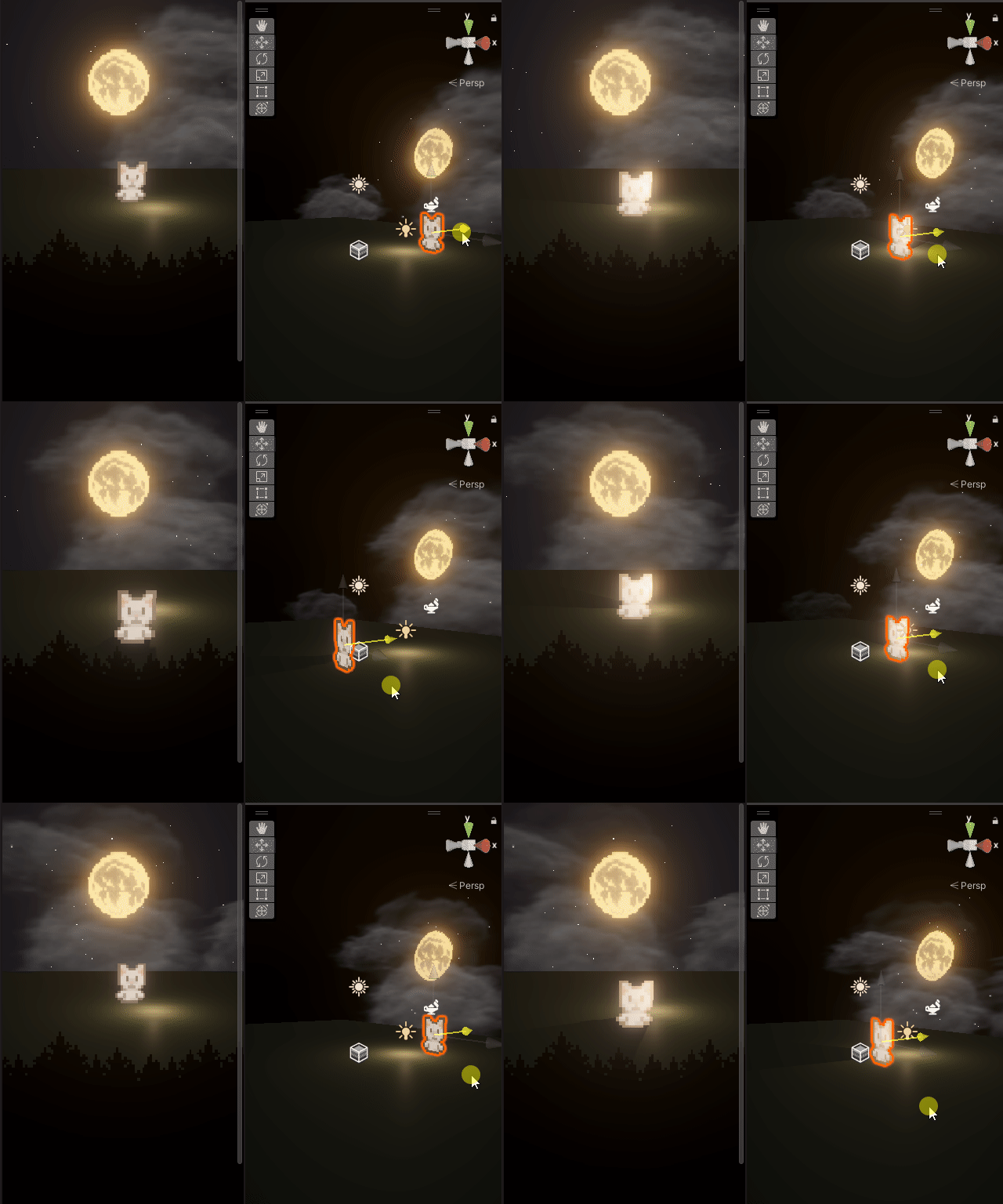
今度は前に出ても距離に応じてライティングが当たるようになった
