Ray を飛ばしてオブジェクトを取得し、RaycastHit.textureCoord もしくは RaycastHit.textureCoord2
を確認することでタップした位置の UV を取得することができる
var _cacheRaycastHit = new RaycastHit();
 var ray = _targetCamera.ScreenPointToRay(position);
 if (!Physics.Raycast(ray, out _cacheRaycastHit))
     return;

 Debug.Log(_cacheRaycastHit.textureCoord);
 Debug.Log(_cacheRaycastHit.textureCoord2);
がしかし、通常の Collider をセットしている場合 (0, 0)になってしまうため
正しく取得するには MeshCollider が必要になる
var _cacheRaycastHit = new RaycastHit();
 var ray = _targetCamera.ScreenPointToRay(position);
 if (!Physics.Raycast(ray, out _cacheRaycastHit))
     return;

var mr = _cacheRaycastHit.collider as MeshCollider;
if (mr == null)
    return;

 Debug.Log(_cacheRaycastHit.textureCoord);
 Debug.Log(_cacheRaycastHit.textureCoord2);
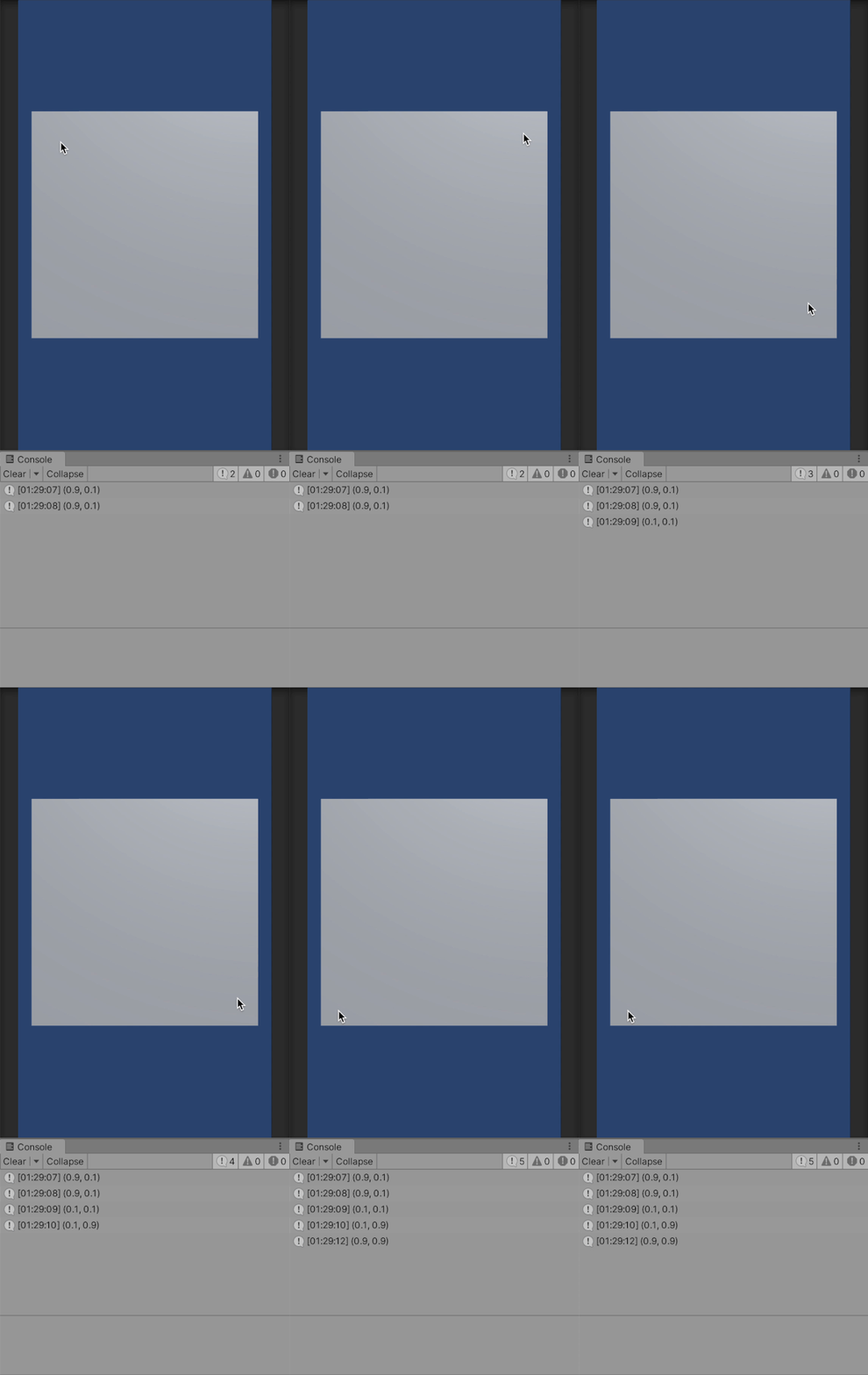
テスト
試しに Plane の UV を取得してみる
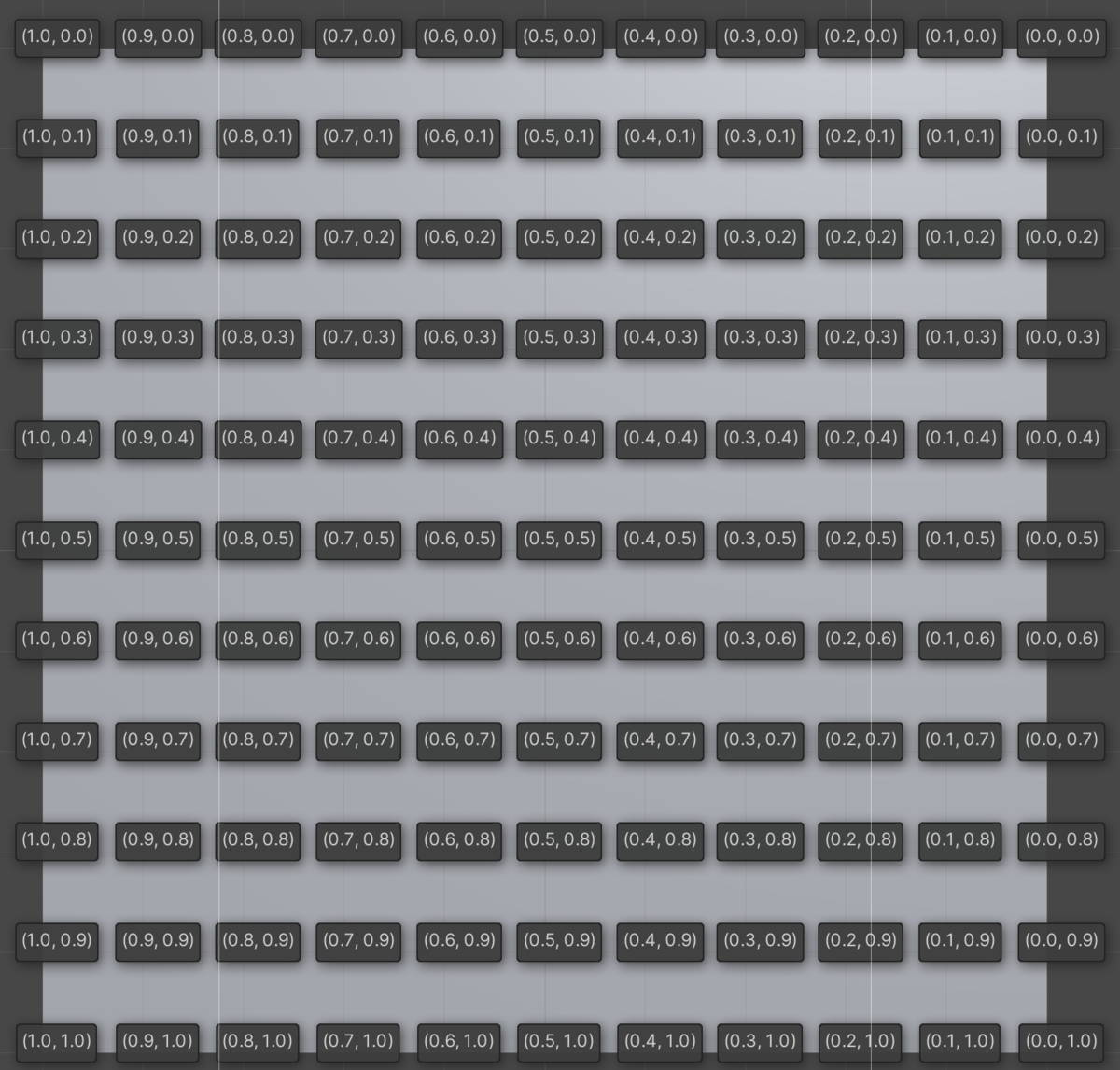
Plane を縦にして、UV を確認してみると右上が (0, 0) 右下が (1, 1) となっていた
実際にタップして値を取得してみると、親しい値が取得できていた