GitHub - hvkshetry/autocad-mcp: AutoCAD LT AutoLISP MCP Server という mcpサーバを見かけました。
READMEによれば Prerequisites が AutoCAD LT 2024 or newer ですが、 Claude Desktop から AutoCAD 2022 (≠LT)を操作してみます。
Install Dependencies
git clone https://github.com/hvkshetry/autocad-mcp.git
cd autocad-mcp
python -m venv venv
venv\Scripts\activate
pip install -r requirements.txt
server_lisp.py の修正
Claude Desktopは、window名で AutoCADを探し出し、接続しますが、 server_lisp.pyには「AutoCAD LT」等の記載がある為、修正します。
CONDA> vi server_lisp.py

L.48付近
old) if "AutoCAD LT" in window_text and "Drawing" in window_text:
new) if "AutoCAD LT" in window_text:

L.195付近
old) if "AutoCAD LT" in window_title:
new) if "AutoCAD" in window_title:
Configure Claude Desktop
CONDA> vi c:/Users/end0t/AppData/Roaming/Claude/claude_desktop_config.json

{
 "mcpServers": {
   "autocad-lisp": {
      "command":"c:\\Users\\end0t\\tmp\\autocad-mcp\\venv\\Scripts\\python.exe",
      "args" : ["c:\\Users\\end0t\\tmp\\autocad-mcp\\server_lisp.py"]
   }
 }
}
AutoCAD 2022を起動し、新規図面作成
start_lisp_server.bat で autocad-mcp/lisp-code/*.lsp を AutoCADへ読込み
CONDA> start_lisp_server.bat

Virtual environment activated
Starting the AutoLISP MCP Server for AutoCAD LT...
2025-04-20 17:39:14,864 - autocad-lisp-mcp - INFO -
  Successfully loaded all LISP libraries for a general 2D drafting assistant.
2025-04-20 17:39:14,865 - autocad-lisp-mcp - INFO -
  Successfully initialized AutoCAD LT with advanced LISP libraries.
尚、mcpサーバ動作時の Claude Desktopログは以下にあります
c:/Users/end0t/AppData/Roaming/Claude/logs:
  mcp.log
  mcp-server-autocad-lisp.log
Claude Desktopから作図の動作確認
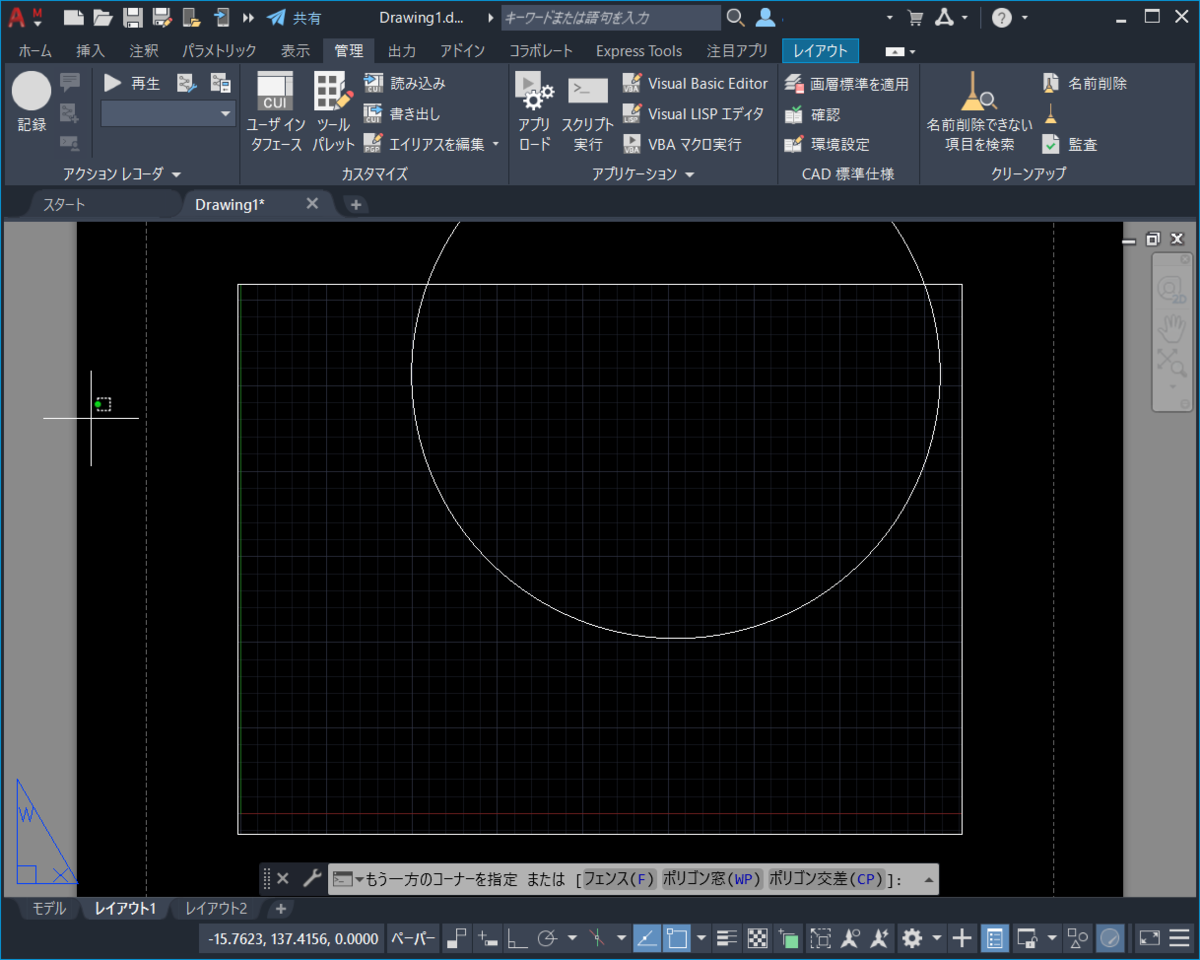
「mcpサーバのautocad-lispに接続し、AutoCADに円を描いてください」 ↑と指示すると、以下のように描画されます