概要
確認用ダイアログなど、モーダルが必要になるシーンは多々あると思います。
今回はAngular2で実装する方法を紹介します。
環境
- angular 2.4.7
- angular-cli 1.0.0-beta.32.3
要件
今回満たしているのは以下の項目です。
- serviceとしてどこからでも呼べる
- 中身を好きなcomponentで作ることができる
また今回満たしていない要件は以下です。これは次回にやり方を紹介します。
- モーダルの中に外から(呼び出しているComponentなどから)何かしらパラメータを渡す
成果物
今回の成果物は以下です。
ブログの説明でよく分からない時は参考にしてください。
フォルダ構造
├── app.component.css
├── app.component.html
├── app.component.spec.ts
├── app.component.ts
├── app.module.ts
├── complete
│   ├── complete.component.css
│   ├── complete.component.html
│   ├── complete.component.spec.ts
│   └── complete.component.ts
├── confirmation
│   ├── confirmation.component.css
│   ├── confirmation.component.html
│   ├── confirmation.component.spec.ts
│   └── confirmation.component.ts
└── modal
    ├── modal.component.css
    ├── modal.component.html
    ├── modal.component.spec.ts
    ├── modal.component.ts
    ├── modal.service.spec.ts
    └── modal.service.ts
動的に生成するComponentをCompleteComponent、ConfirmationComponentとしています。
実装
ポイントとなるところを抽出して説明します
modal.component.ts
モーダルを生成する場所(エントリーポイント)となる部分です。
@Component({
  selector: 'app-modal',
  templateUrl: './modal.component.html',
  styleUrls: ['./modal.component.css']
})
export class ModalComponent implements OnInit, AfterViewInit, OnDestroy {
  @ViewChild('inner', { read: ViewContainerRef }) vcr;
今回実現したいのは動的にComponentを生成することです。
これを実現してくれる機能がAngularのViewContainerRefです。これが持つcreateComponent()というメソッドで生成します。
これは各要素から取得できるので、今回はinnerというタグをつけた要素から取得しています。
modal.component.html
<div class="overlay" (click)="close()" [style.display]="display">
  <div class="container" (click)="containerClick($event)">
    <div #inner></div>
  </div>
</div>
これの<div #inner></div>の部分ですね。この辺の詳細は@ViewChildの使い方を学ぶと良いです。
他にもCustom Directiveから取得するやり方もあります。参考にさせて頂いた人たちは皆Directiveでした。
modal.component.ts
  constructor(private modal: ModalService) { }

  ngAfterViewInit() {
    this.modal.vcr = this.vcr;
  }
次に取得したViewContainerRef(以降vcr)をmodalServiceへ渡します。
生成処理はService内で実行するためです。
ポイントとしてvcrはビューの生成後じゃないの取得できないので、ngAfterViewInit()で渡します。
modal.service.ts
@Injectable()
export class ModalService {
  public vcr: ViewContainerRef;
  private currentComponent = null;

  constructor(private resolver: ComponentFactoryResolver) { }

  open(data: any): void {
    if (!data) {
      return;
    }

    const factory = this.resolver.resolveComponentFactory(data);
    const component = this.vcr.createComponent(factory);

    if (this.currentComponent) {
      this.currentComponent.destroy();
    }

    this.currentComponent = component;
  }

  close(): void {
    if (this.currentComponent) {
      this.currentComponent.destroy();
    }
  }
}
次はserviceです。
vcrのcreateComponent()で動的に生成する、と先ほど書きましたが、このメソッドはComponentFactoryを引数に持つので、生成したいComponentをこの型に変換するためComponentFactoryResolverを利用します。
app.component.ts
@Component({
  selector: 'app-root',
  templateUrl: './app.component.html',
  styleUrls: ['./app.component.css']
})
export class AppComponent {
  constructor(private modal: ModalService) {}

  confirm(): void {
    this.modal.open(ConfirmationComponent);
  }

  complete(): void {
    this.modal.open(CompleteComponent);
  }
}
app.componentで呼び出すため、ModalServiceをDIします。
confirmやcompleteはボタンをクリックしたらモーダルを開くロジックです。
中でthis.modal.open()を呼ぶことで、好きなComponentを生成できることがわかります。
app.module.ts
@NgModule({
  declarations: [
    AppComponent,
    ModalComponent,
    ConfirmationComponent,
    CompleteComponent
  ],
  imports: [
    BrowserModule,
    FormsModule,
    HttpModule
  ],
  providers: [ModalService],
  bootstrap: [AppComponent],
  entryComponents: [
    ConfirmationComponent,
    CompleteComponent
  ]
})
vcrで作るComponentはentryComponentに登録する必要があるので追記します。
app.component.html
<app-modal></app-modal>
<button (click)="confirm()">Confirm</button>
<button (click)="complete()">Complete</button>
app-modalのセレクタを追記します。
動作確認
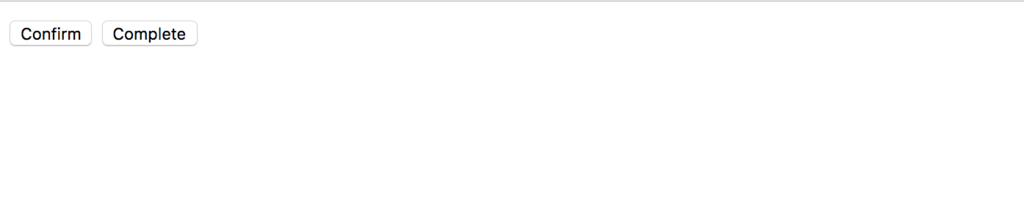
ボタンをクリックします。

別のボタンもクリックしてみます。
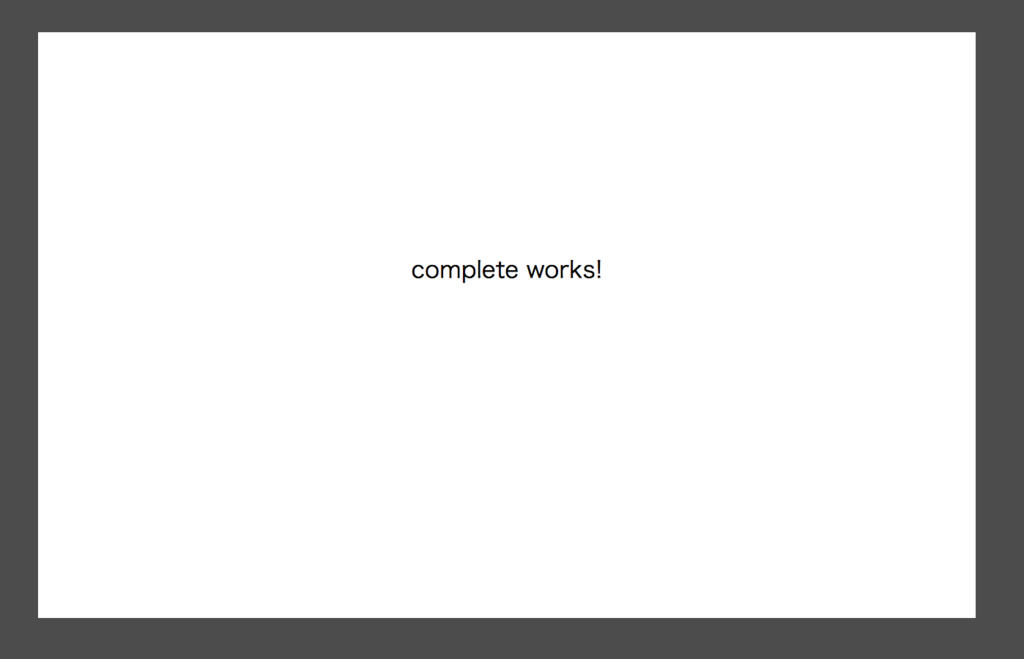
中のComponentを好きに切り替えられることがわかりますね。
