
公式アプリがあるのに、どうして車輪の再発明なことをわざわざやろうと思ったのか?
それは、これがやりたかったから。
もちろん、会社Slackなどの重要事項が流れてくるTeamではやりませんが、
基本ROMってるTeamで、SNS疲れみたいな気持ちになりたくないなーというのがありまして。
あと、Electronが未履修なので一回触っておきたいな、と思いました。
そういうことで、まずはElectronを動かしてみます。
上記の公式サイトでQuick Startをやってみます。
# Clone the Quick Start repository
$ git clone https://github.com/electron/electron-quick-start

# Go into the repository
$ cd electron-quick-start

# Install the dependencies and run
$ npm install && npm start
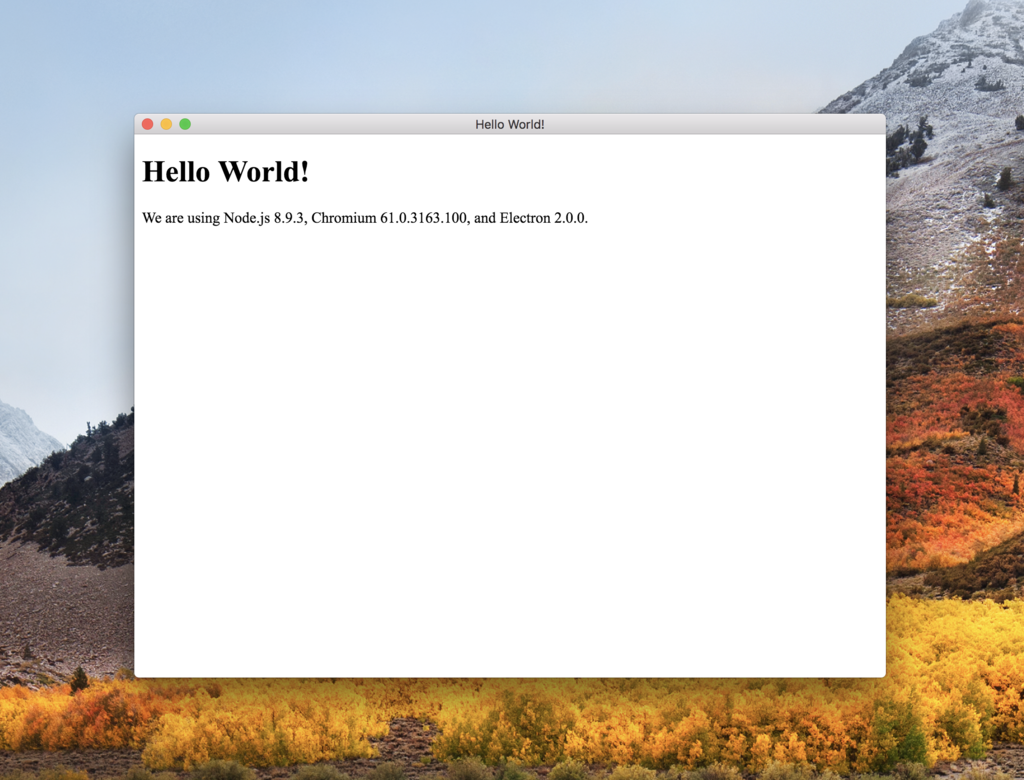
こんな感じで動きました。超簡単!
続いて、webviewを試してみましょう。
以下は公式ドキュメントです。
こちらにある以下の部分を、ルート直下にある index.html にコピーしてみます。
<webview id="foo" src="https://www.github.com/" style="display:inline-flex; width:640px; height:480px"></webview>
不要なところは削除して、こんな感じ。
<!DOCTYPE html>
<html>
  <head>
    <meta charset="UTF-8">
    <title>Hello World!</title>
  </head>
  <body>
    <webview id="foo" src="https://www.github.com/" style="display:inline-flex; width:640px; height:480px"></webview>
    <script>
      // You can also require other files to run in this process
      require('./renderer.js')
    </script>
  </body>
</html>
再度 npm start で動かしてみます。
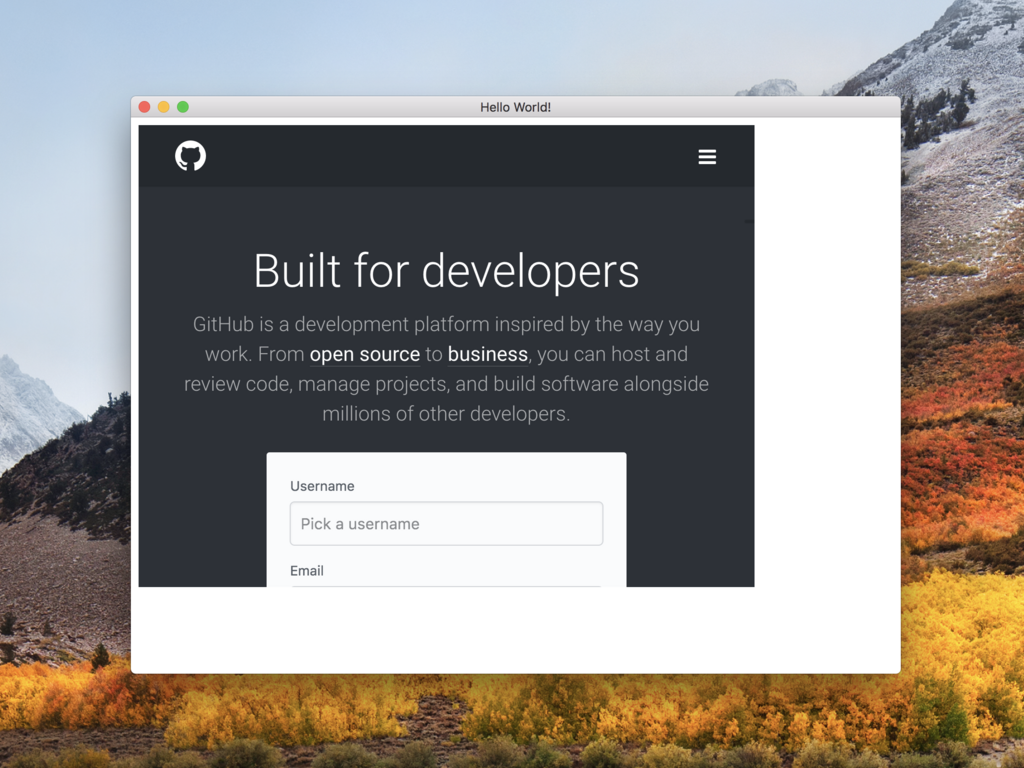
おお、GitHubのページが見られましたね!
webviewの幅や高さが微妙なので、CSSを追加します。
html {
  width: 100%;
  height: 100%;
}
body {
  margin: 0;
  padding: 0
  height: 100%;
}
CSSを読み込むため、 index.html に <link rel="stylesheet" href="style.css"> を追加します。
そして、webviewの src 属性を、 https://www.github.com/ から https://slack.com/signin に変更してあげます。
これで再度 npm start してみましょう。
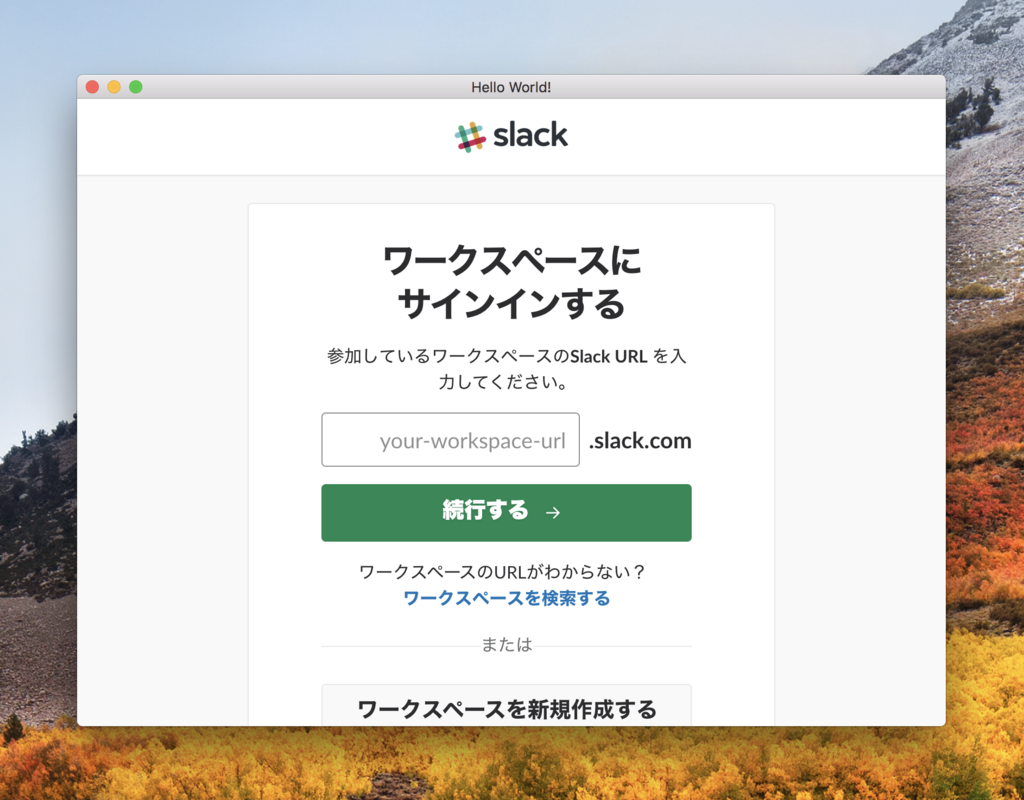
おお、なんかそれっぽくなってきました。
試しにログインしてみます。けれど、サインインした瞬間にフリーズしますね...😭
ひとまず表題の件については今回はここまで。
フリーズの原因がわかったら続きをやっていきたいと思います。笑
