本日はMRTK2.8の小ネタ枠です。
MRTK2.8のStandardShaderでディザリングを使った透明化を行う方法を試したので記事にします。
ディザリング透過とは
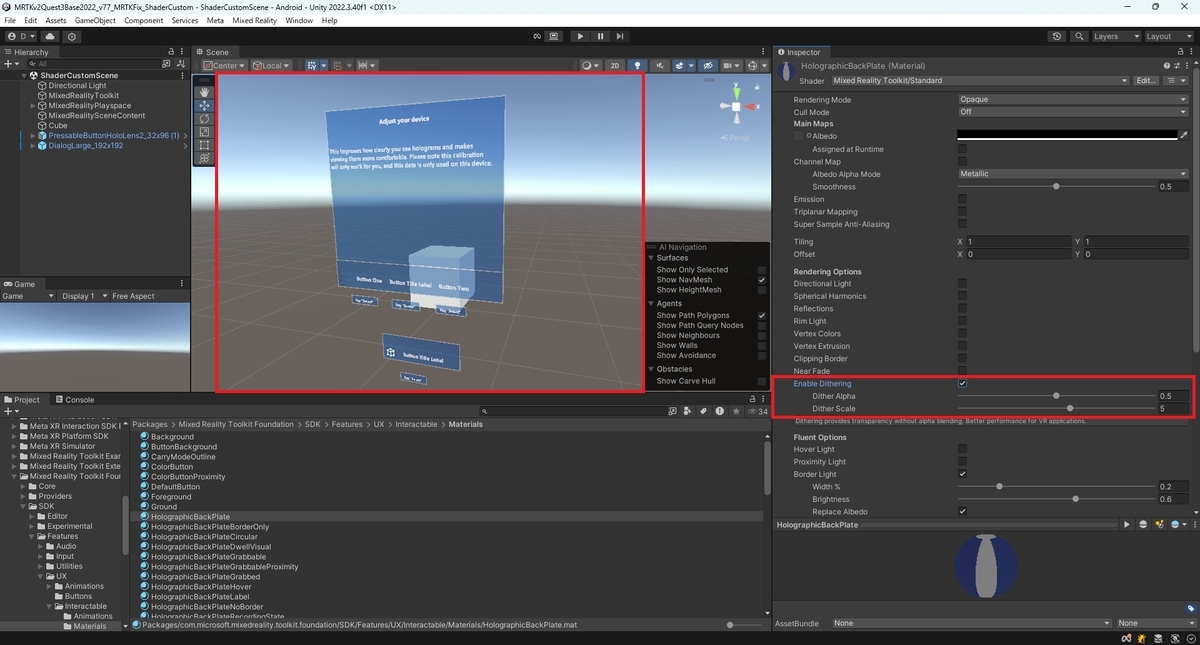
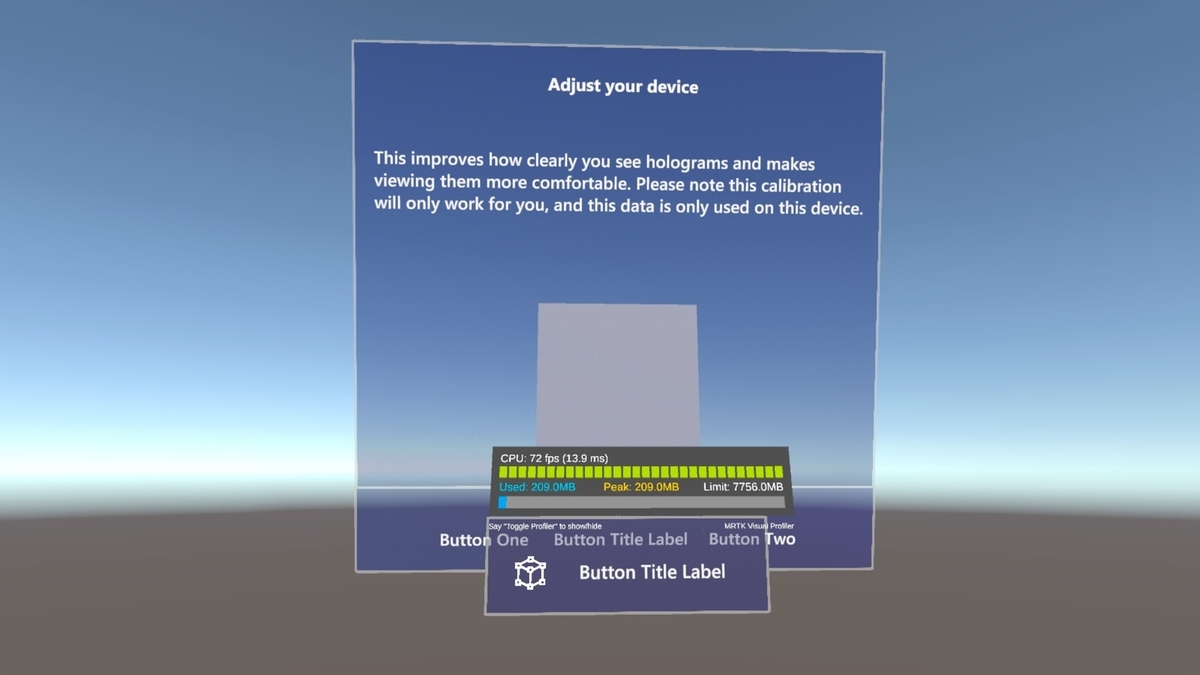
ディザリング透過は半透明表現をピクセル単位のパターンで実現する手法です。
通常のアルファブレンド透過よりもディザリングを使った透過の方が描画負荷が低くZバッファの問題も起きにくいため特徴があります。
サンプルプロジェクト
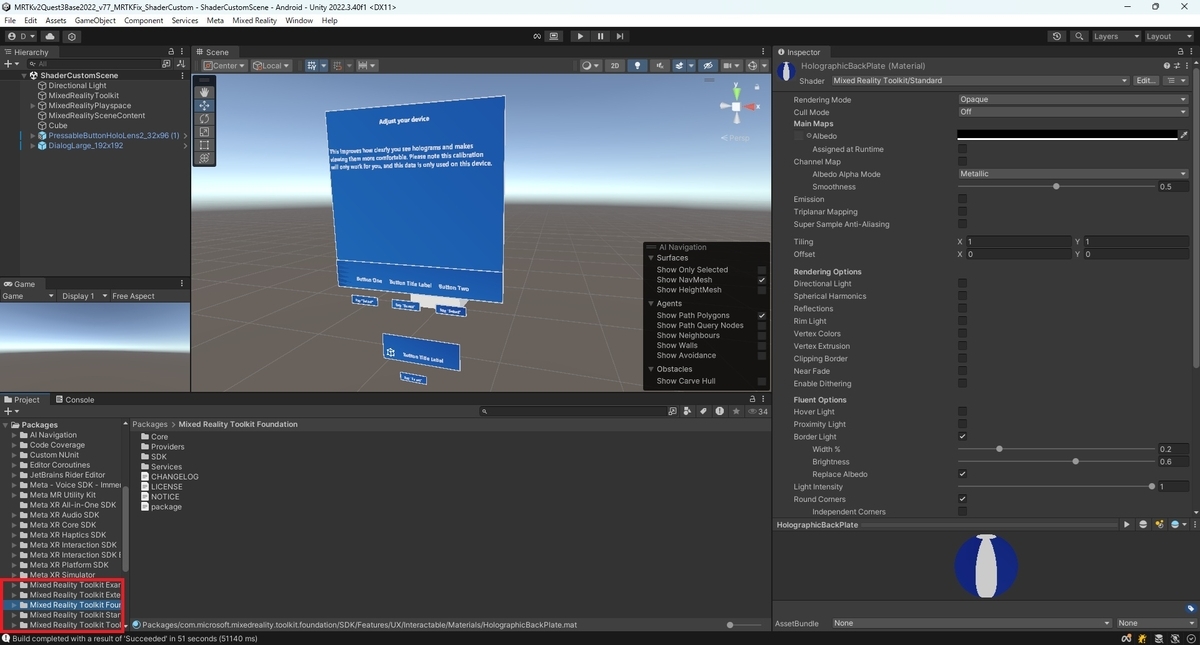
MRTKのパッケージを展開したサンプルプロジェクトを作成しました。
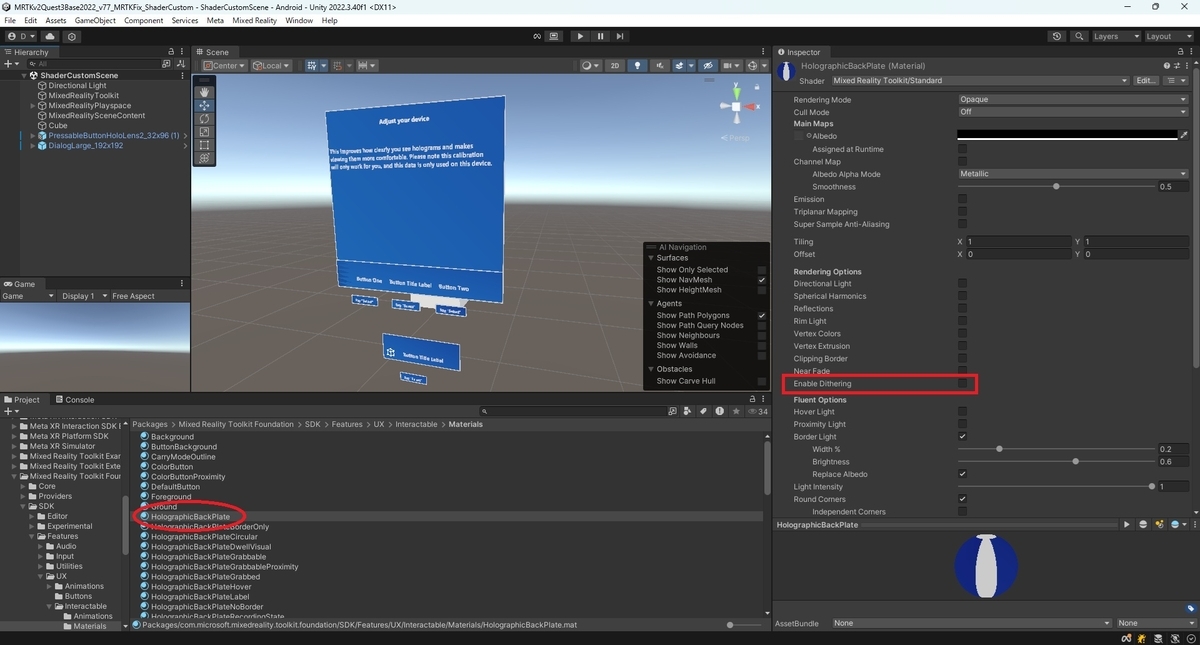
シーンにはMixedRealityStandardShaderを利用したプレハブを配置しておきます。
MixedRealityStandardShaderの修正
StandardShaderでディザリングを利用できるようにするため、MixedRealityStandard.shaderを修正します。
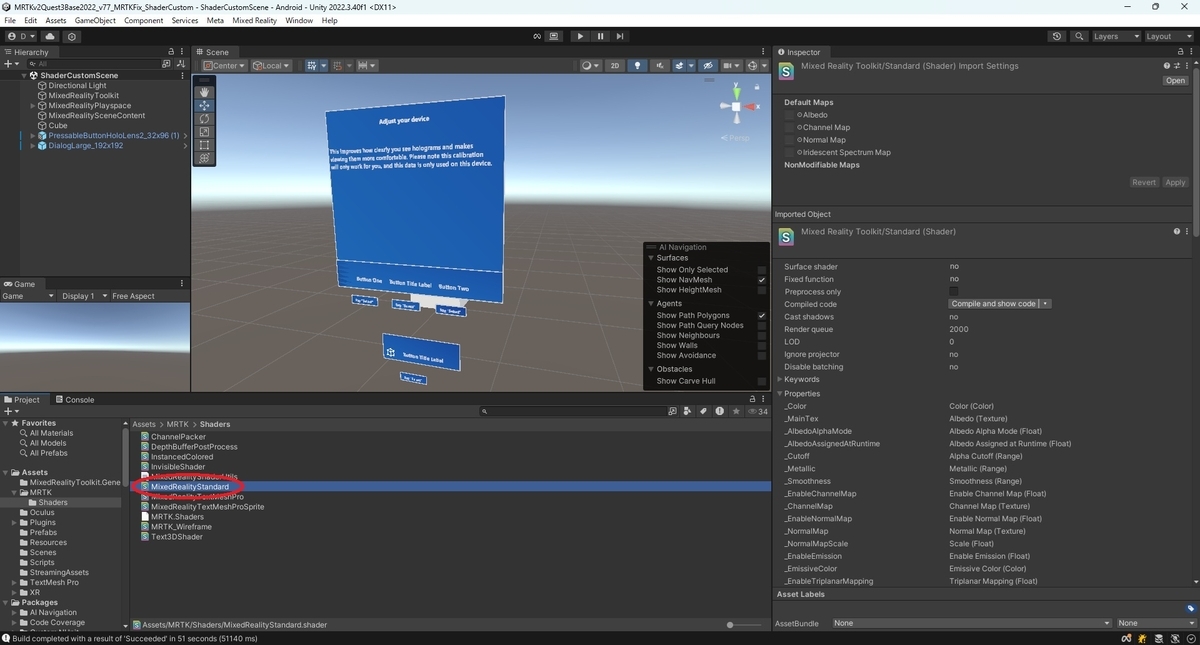
55行目に以下を追加します。
        // Dithering options.
        [Toggle(_DITHERING)] _EnableDithering("Enable Dithering", Float) = 0.0
        _DitherAlpha("Dither Alpha", Range(0.0, 1.0)) = 0.5
        _DitherScale("Dither Scale", Range(1.0, 8.0)) = 5.0
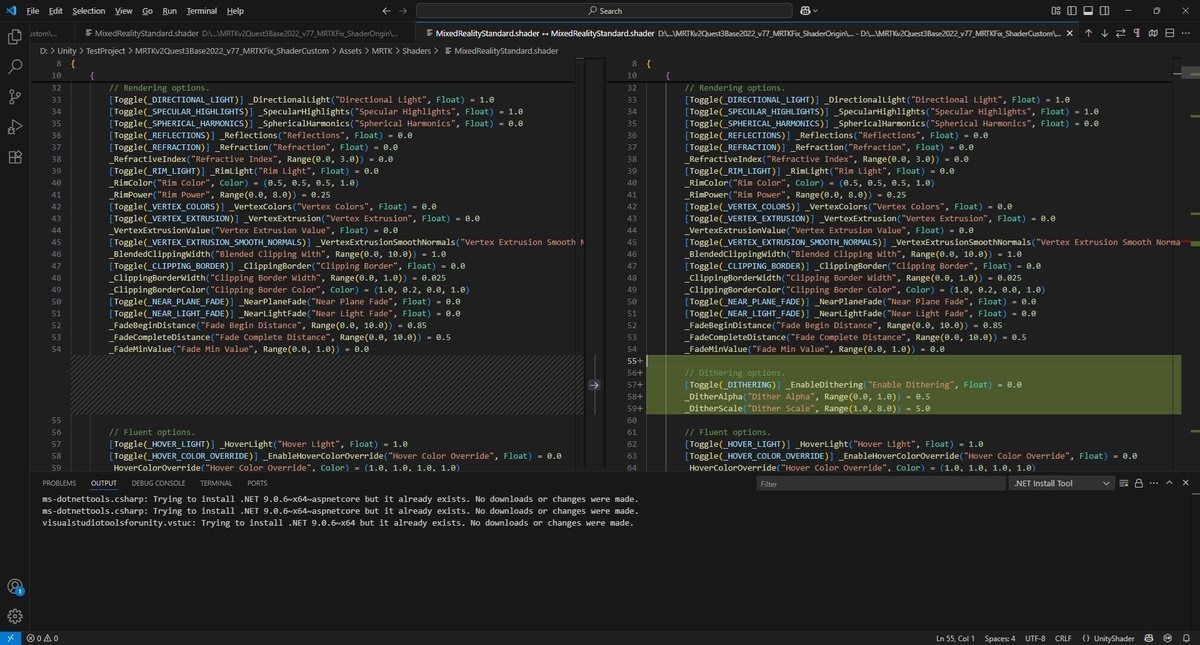
185行目に以下を追加します。
#pragma shader_feature _DITHERING
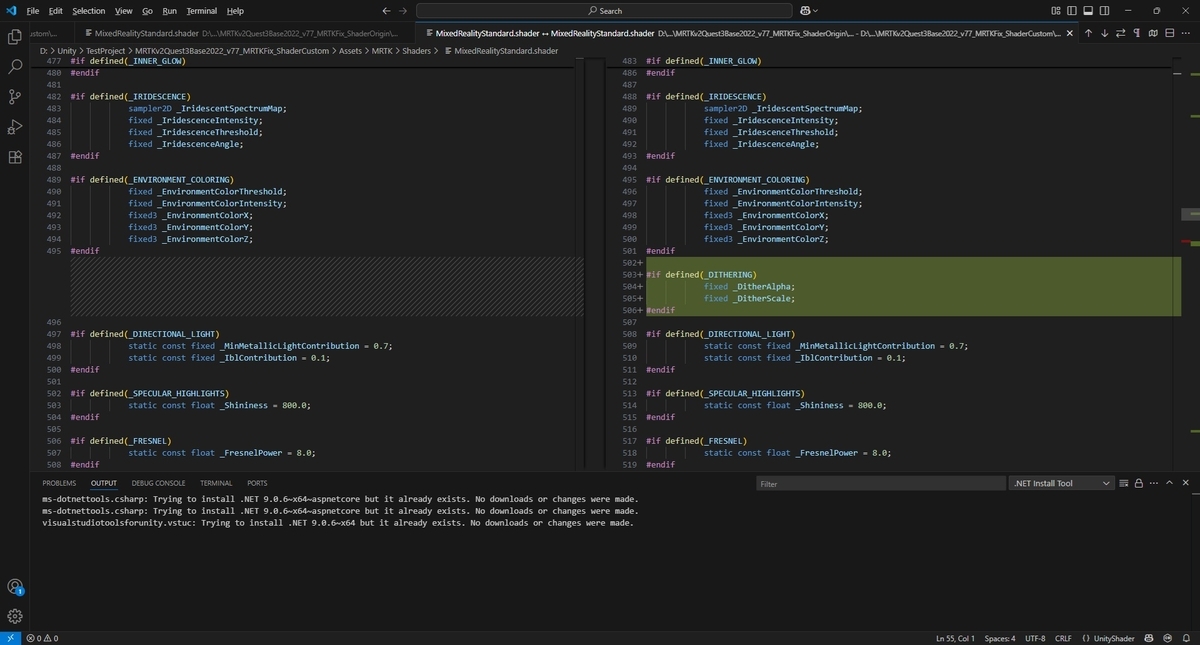
496行目に以下を追加します。
#if defined(_DITHERING)
            fixed _DitherAlpha;
            fixed _DitherScale;
#endif
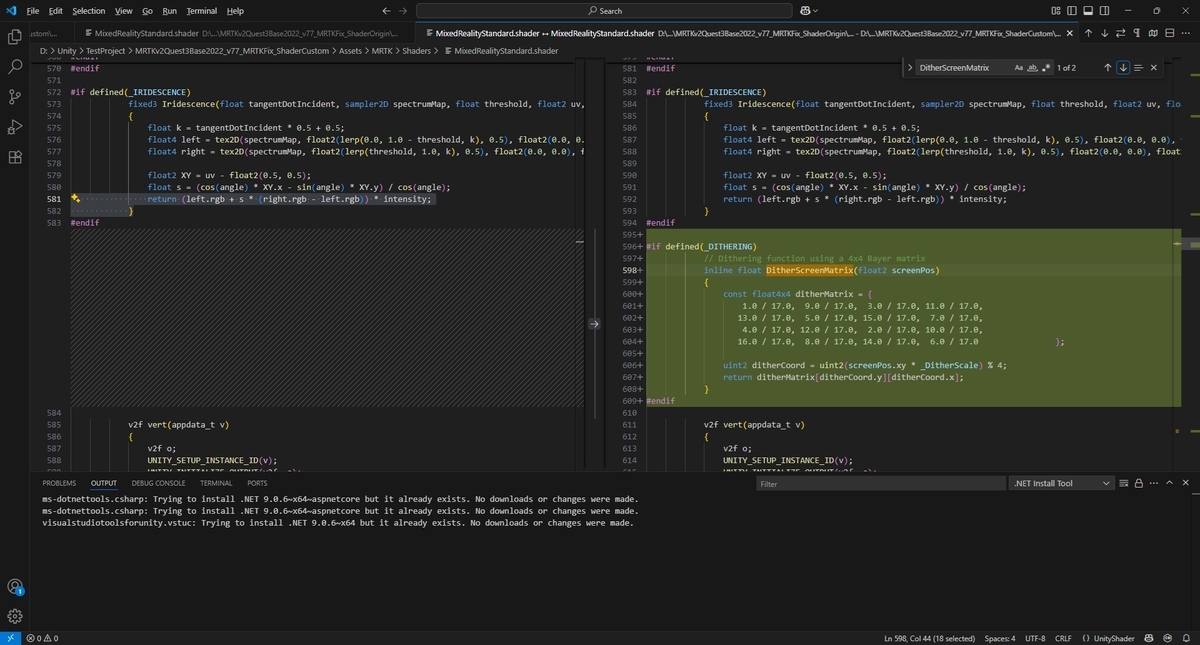
584行目に以下を追加します。
#if defined(_DITHERING)
            // Dithering function using a 4x4 Bayer matrix
            inline float DitherScreenMatrix(float2 screenPos)
            {
                const float4x4 ditherMatrix = {
                    1.0 / 17.0,  9.0 / 17.0,  3.0 / 17.0, 11.0 / 17.0,
                   13.0 / 17.0,  5.0 / 17.0, 15.0 / 17.0,  7.0 / 17.0,
                    4.0 / 17.0, 12.0 / 17.0,  2.0 / 17.0, 10.0 / 17.0,
                   16.0 / 17.0,  8.0 / 17.0, 14.0 / 17.0,  6.0 / 17.0                };

                uint2 ditherCoord = uint2(screenPos.xy * _DitherScale) % 4;
                return ditherMatrix[ditherCoord.y][ditherCoord.x];
            }
#endif
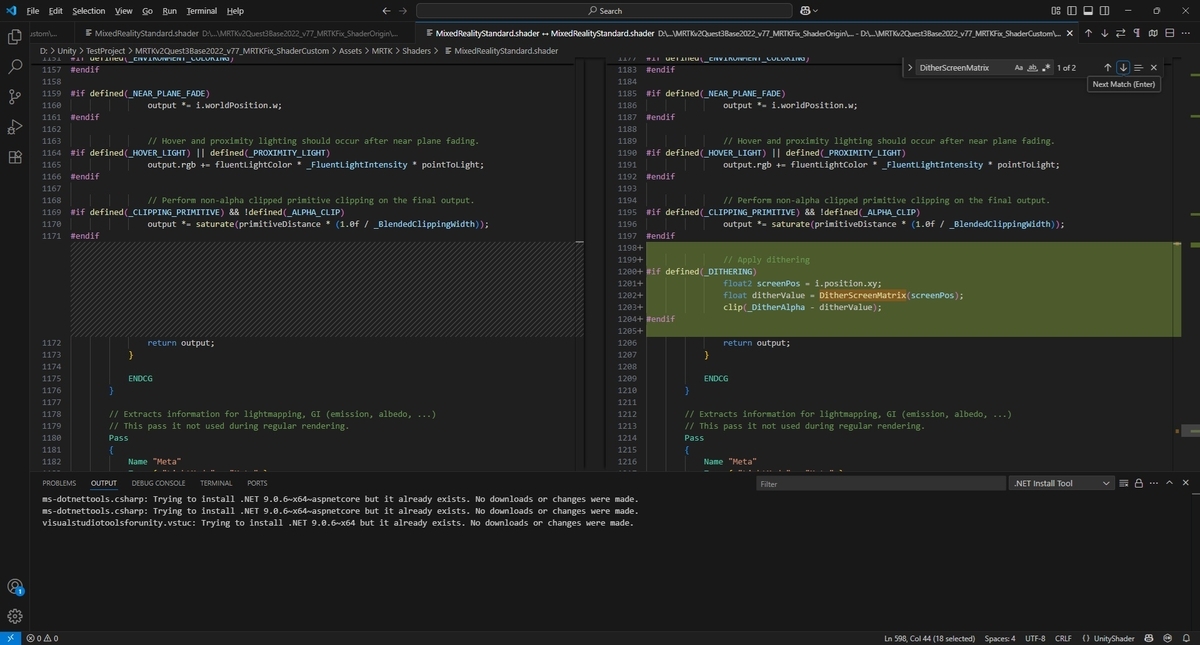
1172行目に以下を追加します。
                // Apply dithering
#if defined(_DITHERING)
                float2 screenPos = i.position.xy;
                float ditherValue = DitherScreenMatrix(screenPos);
                clip(_DitherAlpha - ditherValue);
#endif
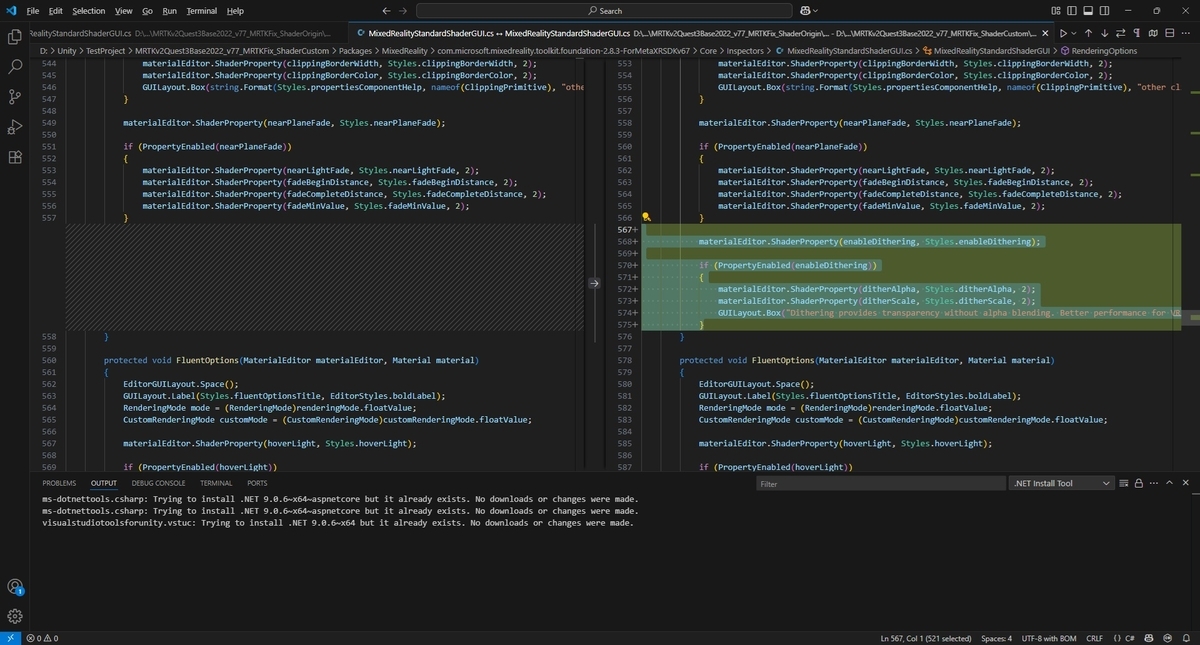
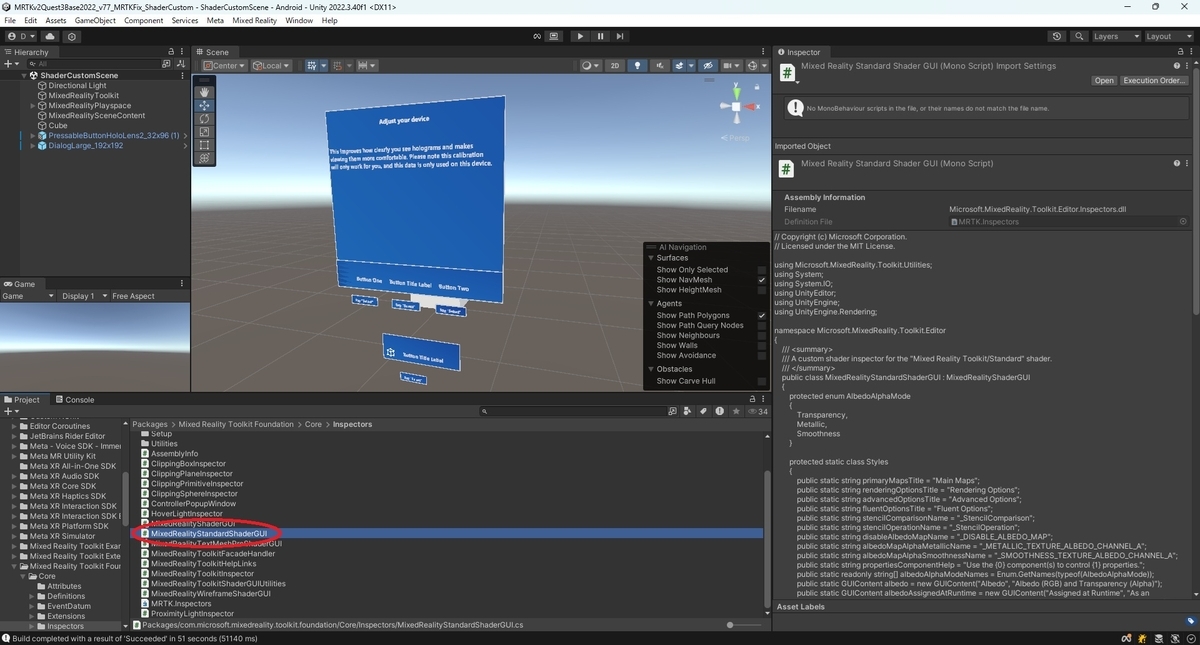
次にInspectorビューにディザリングの設定項目が表示されるようにするため、MixedRealityStandardShaderGUI.csを修正します。
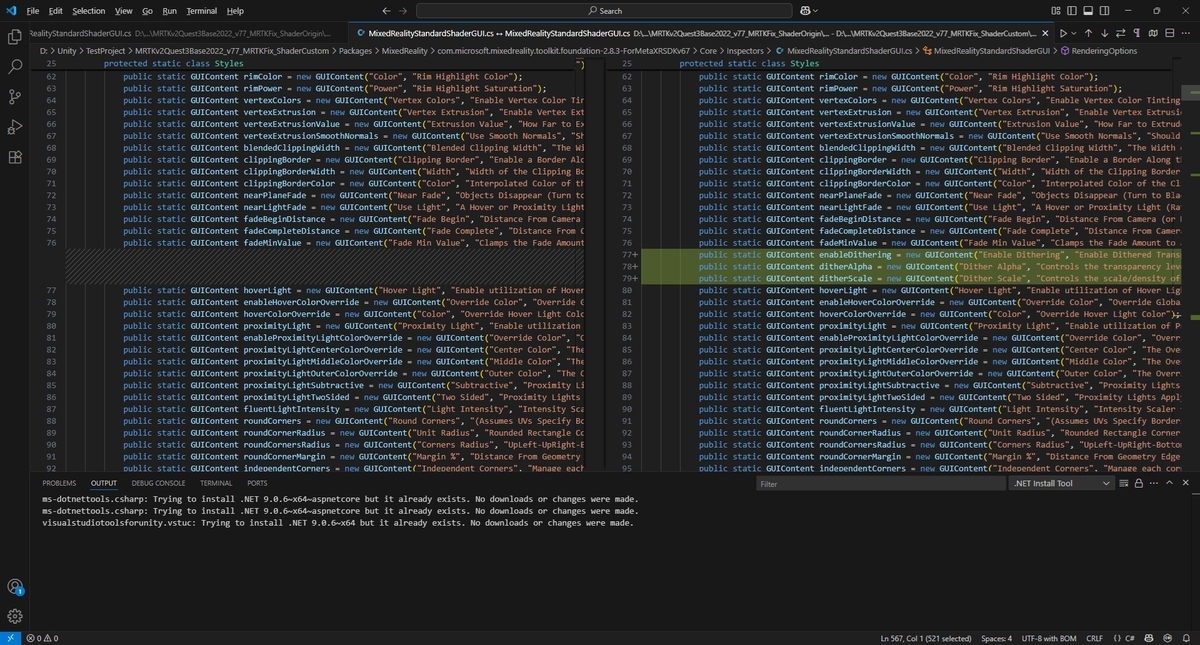
77行目に以下を追加します。
            public static GUIContent enableDithering = new GUIContent("Enable Dithering", "Enable Dithered Transparency Using Screen-Space Noise Pattern");
            public static GUIContent ditherAlpha = new GUIContent("Dither Alpha", "Controls the transparency level for dithering (0 = fully transparent, 1 = fully opaque)");
            public static GUIContent ditherScale = new GUIContent("Dither Scale", "Controls the scale/density of the dither pattern");
163行目に以下を追加します。
        protected MaterialProperty enableDithering;
        protected MaterialProperty ditherAlpha;
        protected MaterialProperty ditherScale;

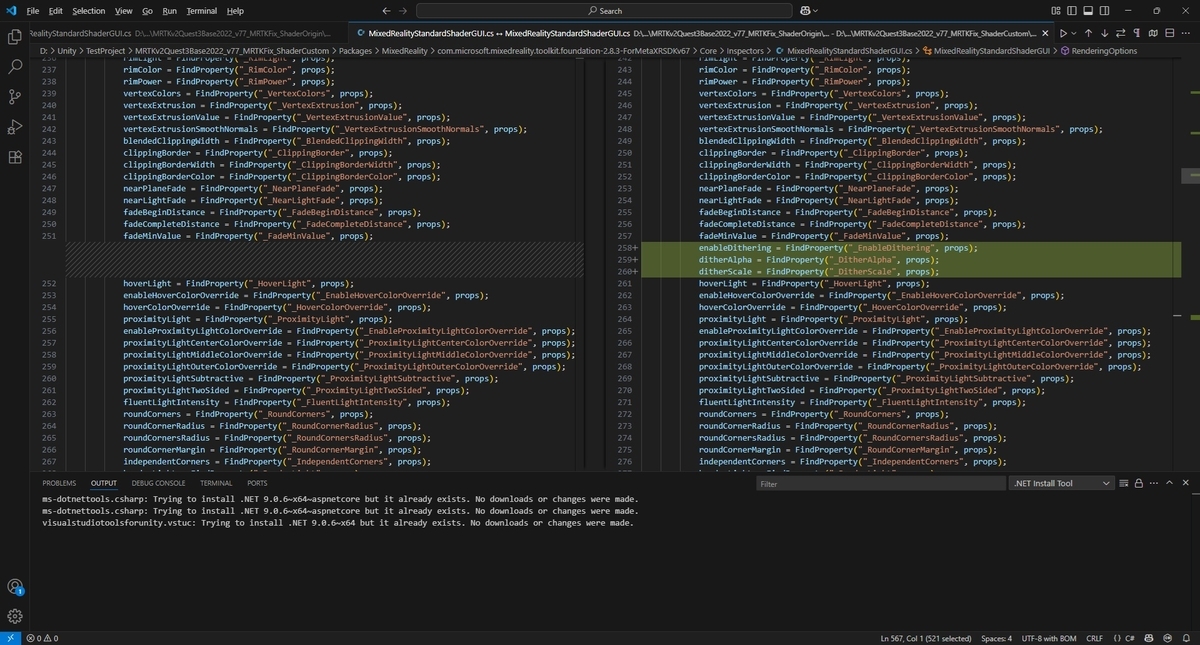
252行目に以下を追加します。
            enableDithering = FindProperty("_EnableDithering", props);
            ditherAlpha = FindProperty("_DitherAlpha", props);
            ditherScale = FindProperty("_DitherScale", props);
558行目に以下を追加します。
            materialEditor.ShaderProperty(enableDithering, Styles.enableDithering);

            if (PropertyEnabled(enableDithering))
            {
                materialEditor.ShaderProperty(ditherAlpha, Styles.ditherAlpha, 2);
                materialEditor.ShaderProperty(ditherScale, Styles.ditherScale, 2);
                GUILayout.Box("Dithering provides transparency without alpha blending. Better performance for VR applications.", EditorStyles.helpBox, Array.Empty<GUILayoutOption>());
            }