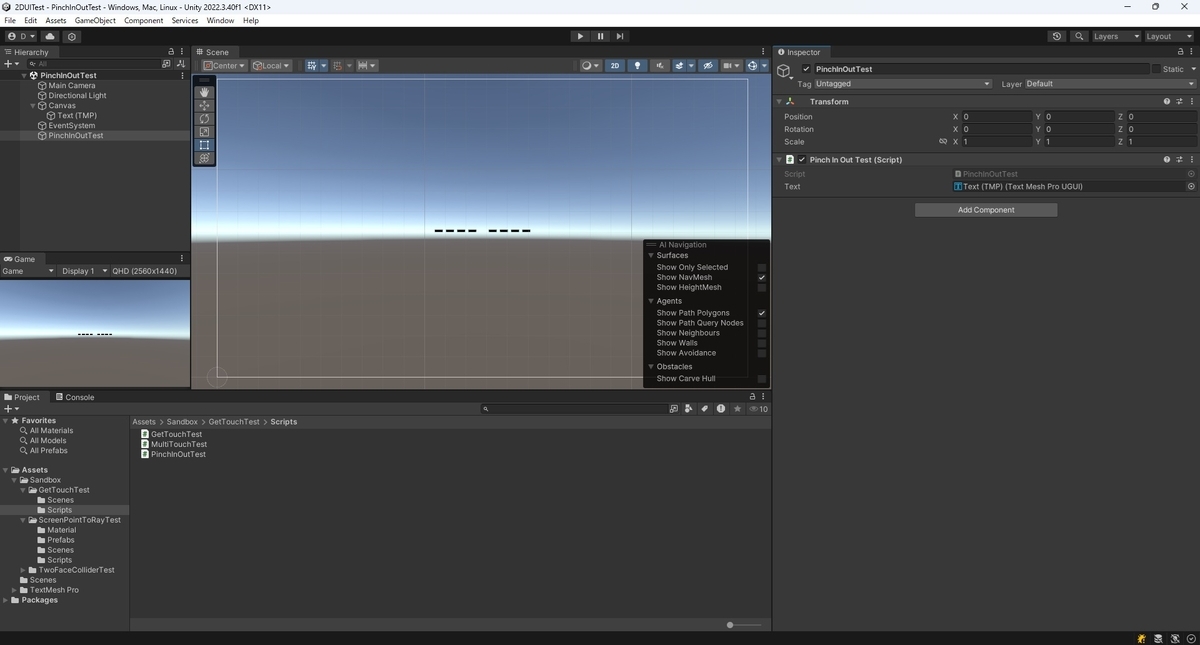
本日はUnityの小ネタ枠です。
Unityでスクリーンへのタッチ状態を取得する方法です。
今回はピンチイン/ピンチアウト操作を判定する手順です。
Input.touchCount
Touch構造体はスクリーンに指がタッチされた状態を保持する構造体です。
Input.GetTouchメソッドを呼び出して毎フレーム最新の状態を取得することができます。
docs.unity3d.com
docs.unity3d.com
Touch.positionからタッチされた指の画面上の座標を取得することができます。
座標の移動量を比較してピンチイン/ピンチアウトの判定が可能です。
docs.unity3d.com
Input.touchCount変数は同時にスクリーンに指がタッチされた数を返します。
本メソッドでマルチタップの判定が可能です。
docs.unity3d.com
サンプルスクリプト
2フレーム以上連続して2本指のタッチを検出したとき、その指の動きがピンチインかピンチアウトか判定する以下のサンプルスクリプトを作成しました。
・PinchInOutTest .cs
using System;
using TMPro;
using UnityEngine;

public class PinchInOutTest : MonoBehaviour
{
    [SerializeField]
    private TMP_Text text;

    // 前回タップの2点の座標
    private Vector2[] _previousPoint = new Vector2[2];
    // 現在のタップの2点の座標
    private Vector2[] _currentPoint = new Vector2[2];

    void Update()
    {
        int touchCount = Input.touchCount;

        // タッチ数が2つ未満の場合は処理を終了する
        if (touchCount < 2)
        {
            text.text = "Not enough touch";
            return;
        }

        string message = String.Empty;
        message += "Multi Touch" + System.Environment.NewLine;

        Touch touch0 = Input.GetTouch(0);
        Touch touch1 = Input.GetTouch(1);

        switch (touch0.phase)
        {
            case TouchPhase.Began:
                // タップした座標を次フレームの比較用に取得
                _previousPoint[0] = touch0.position;
                _previousPoint[1] = touch1.position;
                _currentPoint[0] = Vector2.zero;
                _currentPoint[1] = Vector2.zero;

                // ピンチ開始
                message += "Pinch Start" + System.Environment.NewLine;
                break;

            case TouchPhase.Moved:
            case TouchPhase.Stationary:
                // 現在のタップの座標を取得
                _currentPoint[0] = touch0.position;
                _currentPoint[1] = touch1.position;

                // 前回の2点間の距離と今回の2点間の距離を取得
                float previousDistance = Vector2.Distance(_previousPoint[0], _previousPoint[1]);
                float currentDistance = Vector2.Distance(_currentPoint[0], _currentPoint[1]);

                // ピンチイン・アウトの判定
                if (currentDistance < previousDistance)
                {
                    // 前回の2点間の距離よりも今回の2点間の距離が短い場合はピンチイン
                    message += $"Pinch In : value = {previousDistance - currentDistance}" + System.Environment.NewLine;
                }
                else if (currentDistance > previousDistance)
                {
                    // 前回の2点間の距離よりも今回の2点間の距離が長い場合はピンチアウト
                    message += $"Pinch Out : value = {currentDistance - previousDistance}" + System.Environment.NewLine;
                }
                else
                {
                    // 前回の2点間の距離と今回の2点間の距離が同じ場合
                    message += "Pinch Stay" + System.Environment.NewLine;
                }

                // 現在の座標を前回の座標に設定
                _previousPoint[0] = _currentPoint[0];
                _previousPoint[1] = _currentPoint[1];

                break;

            case TouchPhase.Ended:
            case TouchPhase.Canceled:
                _previousPoint[0] = Vector2.zero;
                _previousPoint[1] = Vector2.zero;
                _currentPoint[0] = Vector2.zero;
                _currentPoint[1] = Vector2.zero;

                // ピンチ終了
                message += "Pinch End" + System.Environment.NewLine;
                break;

            default:
                throw new ArgumentOutOfRangeException();
        }


        text.text = message;
        Debug.Log(message);
    }
}