GM_registerMenuCommand を使うとできる。
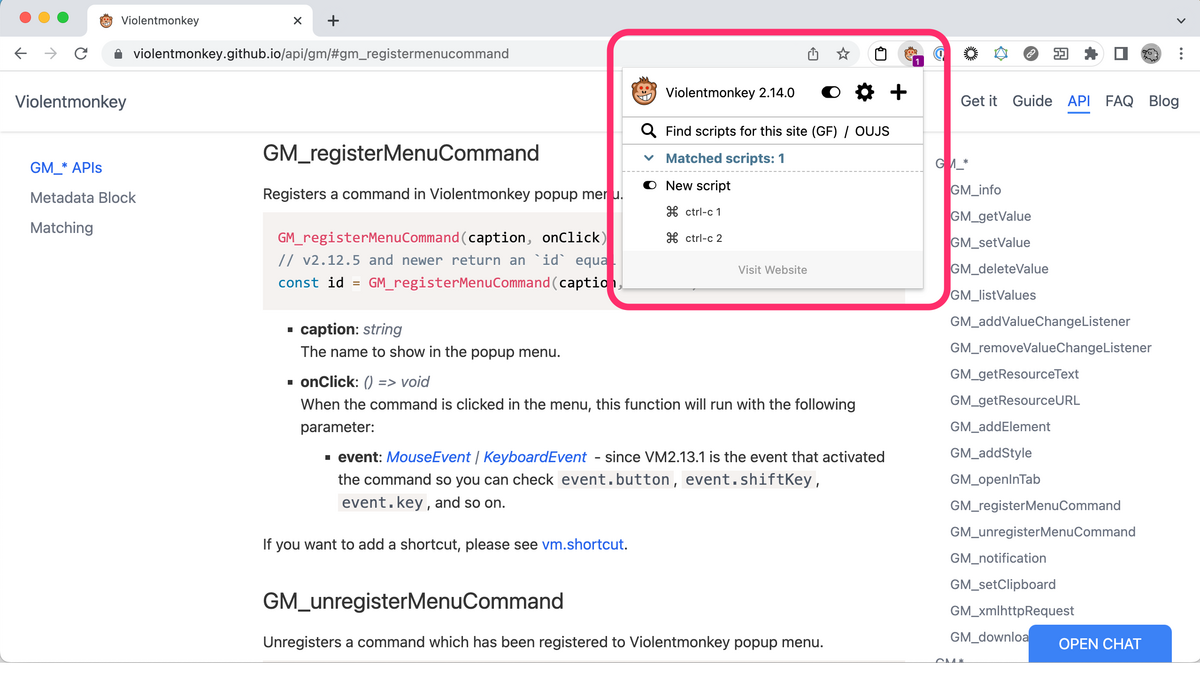
GM_registerMenuCommand(caption, funcName) という形式で関数を登録できる。caption の文字列でポップアップメニューに表示される。
// ==UserScript==
// @name        New script
// @namespace   Violentmonkey Scripts
// @match       *://*/*
// @grant       none
// @grant       GM_registerMenuCommand
// @version     1.0
// @author      -
// @description 4/12/2023, 2:57:38 PM
// @require https://cdn.jsdelivr.net/npm/@violentmonkey/shortcut@1
// ==/UserScript==

const myAlert = (ev) => {
  if (!!ev) {
    alert("Called from menu")
  } else {
    alert("Called from keyboard shortcut")
  }
}

const myConsole = (ev) => {
  if (!!ev) {
    console.log("Called from menu", ev)
  } else {
    console.log("Called from keyboard shortcut", ev)
  }
}

VM.shortcut.register("ctrl-c 1", myAlert)
GM_registerMenuCommand("ctrl-c 1", myAlert)

VM.shortcut.register("ctrl-c 2", myConsole)
GM_registerMenuCommand("ctrl-c 2", myConsole)
