TSKaigi Hokurikuの登壇資料です





自己紹介
npx deno run jsr:@ysknsid25/whois
補足
以下では UnJS製ライブラリ citty 入門 として、モダンで型安全なCLIを最速でつくるチュートリアルを提供する。
cittyとは
Nitroとかh3とかいろいろいい感じのライブラリを作ってるUnJSのライブラリの一つ。いい感じにCLIツールを作れる。
準備
npm install citty
公式のサンプルソースを拝借。
import { defineCommand, runMain } from "citty";

const main = defineCommand({
    meta: {
        name: "hello",
        version: "1.0.0",
        description: "My Awesome CLI App",
    },
    args: {
        name: {
            type: "positional",
            description: "Your name",
            required: true,
        },
        friendly: {
            type: "boolean",
            description: "Use friendly greeting",
        },
    },
    run({ args }) {
        console.log(`${args.friendly ? "Hi" : "Greetings"} ${args.name}!`);
    },
});

runMain(main);
基本
以下、あえて間違った動かし方をしてみる。
node --experimental-strip-types index.ts

かなり親切に怒ってくれる。オプションなしで実行してみると…
node --experimental-strip-types index.ts Kanon

オプションをつける。
node --experimental-strip-types index.ts Kanon --friendly true
フレンドリーになった。

argsのtypeについて
    args: {
        name: {
            type: "positional",
            description: "Your name",
            required: true,
        },
        friendly: {
            type: "boolean",
            description: "Use friendly greeting",
        },
    },
ここで試しにtypeにnumberを指定してみると怒られる。

どうやら4つを指定できるらしい。string, boolean, undefinedはわかるがpositionalとはなにか。まずは以下のように引数を定義して--helpする。
    args: {
        name: {
            type: "positional",
            description: "Your name",
            required: true,
        },
        friendly: {
            type: "boolean",
            description: "Use friendly greeting",
        },
        repeat: {
            type: "string",
            description: "Number of times to repeat the greeting",
            default: "2",
        },
    },
helpもめっちゃわかりやすい。

では次に、friendlyをpositionalに変えてみる。
    args: {
        name: {
            type: "positional",
            description: "Your name",
            required: true,
        },
        friendly: {
-            type: "boolean",
+            type: "positional",
            description: "Use friendly greeting",
        },
        repeat: {
            type: "string",
            description: "Number of times to repeat the greeting",
            default: "2",
        },
    },

--friendlyからFRIENDLYに変わり、OPTIONSからARGUMENTSに変わった。つまり、「positionalはargsに指定された順番で受け取るよ」ということらしい。試しに以下のように実行してみると…
node --experimental-strip-types index.ts Kanon
FRIENDLYを指定しろと怒られた。

以上からcittyの魅力をまとめると、
argsで引数を定義- 各パラメーターには
string,boolean,positional,undefinedのいずれかのtypeを指定することで型安全性を確保 required: trueで必須になるdefaultにはデフォルトの値を指定することができるdescriptionにはヘルプ表示時の説明文を記載できる
という感じ。
サブコマンド
サブコマンドを実装することもできる。以下のように二つのサブコマンドを実装してみる。
import { defineCommand, runMain } from "citty";

const greet = defineCommand({
    meta: {
        name: "greet",
        description: "Greet someone",
    },
    args: {
        name: {
            type: "positional",
            description: "Your name",
            required: true,
        },
        friendly: {
            type: "boolean",
            description: "Use friendly greeting",
        },
    },
    run({ args }) {
        console.log(`${args.friendly ? "Hi" : "Greetings"} ${args.name}!`);
    },
});

const byebye = defineCommand({
    meta: {
        name: "byebye",
        description: "Goodbye someone",
    },
    args: {
        name: {
            type: "positional",
            description: "Your name",
            required: true,
        },
    },
    run({ args }) {
        console.log(`byebye👋 ${args.name}!`);
    },
});

const main = defineCommand({
    meta: {
        name: "hello",
        version: "1.0.0",
        description: "My Awesome CLI App",
    },
    subCommands: {
        greet,
        byebye,
    },
});

runMain(main);
ヘルプを見る。

サブコマンドのヘルプを見るには--helpの後ろに続けるといいらしい。試しにbyebyeを見る。
node --experimental-strip-types index.ts --help byebye

それぞれ実行してみる。
node --experimental-strip-types index.ts greet Kanon

node --experimental-strip-types index.ts byebye Kanon

setup, cleanup
setup, cleanupはrunの前後に実行する処理を定義することができる。例えばDB接続などの処理をここに書いたりなど。試しにbyebyeにこれらを追加して実行してみる。
const byebye = defineCommand({
    meta: {
        name: "byebye",
        description: "Goodbye someone",
    },
    args: {
        name: {
            type: "positional",
            description: "Your name",
            required: true,
        },
    },
    run({ args }) {
        console.log(`byebye👋 ${args.name}!`);
    },
    setup({ args }) {
        console.log(`now setup ${args.command}`);
    },
    cleanup({ args }) {
        console.log(`now cleanup ${args.command}`);
    },
});

Hono CLI
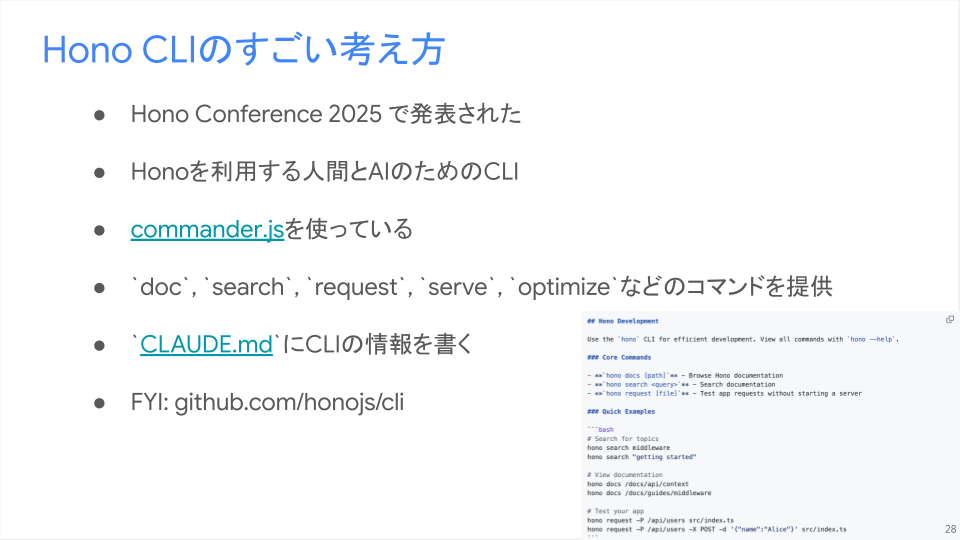
僕の発表はあくまで「人間に使わせる」ことに修正しているが、Hono CLIは「AIにも使わせる」という点で全く新しいコンセプトでできている。すごい。
おわりに
これだけ覚えれば、型安全にさくさくCLI開発できる👏
余談だけど、descriptionにリンクを入れておいて、詳細なhelpは別途Wikiページを参照させる...みたいなことをしておくとツール作成時のコンテキストをもれなく記述できてよさそう。

サブコマンドに対しても同様に可能。

あとHono Advent Calendar 2025 よろしくお願いします。
