概要
using System;
using UnityEngine;

public class Example : MonoBehaviour
{
    private void Start()
    {
        Debug.LogError( "ピカチュウ" );
        throw new Exception( "ピカチュウ" );
    }

    private void Update()
    {
        if ( Input.GetKeyDown( KeyCode.Z ) )
        {
            Debug.developerConsoleVisible = true;
        }

        if ( Input.GetKeyDown( KeyCode.X ) )
        {
            Debug.developerConsoleVisible = false;
        }
    }
}
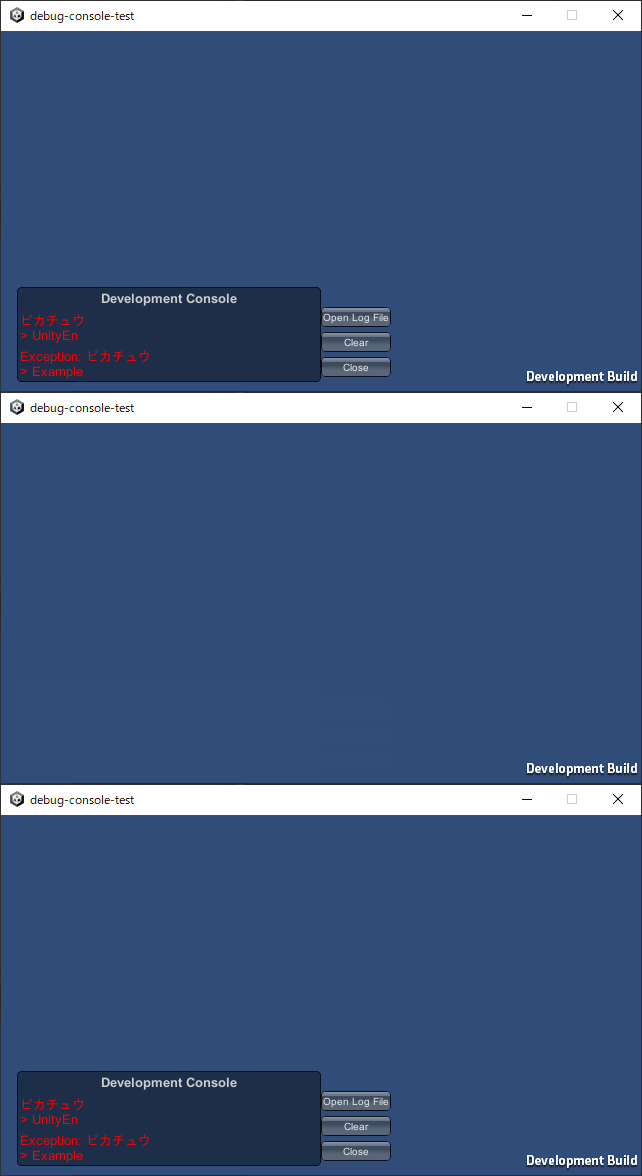
Debug.developerConsoleVisible を使用すると
画面左下に表示される「Development Console」の表示を切り替えられる
