ソースコード
using System;
using System.IO;
using UnityEditor;
using UnityEngine;

namespace Kogane.Internal
{
    internal static class EditorWindowCapturer
    {
        [MenuItem( "Kogane/選択中の EditorWindow をキャプチャ" )]
        private static void CaptureWindowScreenshot()
        {
            var editorWindow = EditorWindow.focusedWindow;
            var position     = editorWindow.position;
            var width        = ( int )position.width;
            var height       = ( int )position.height;

            var pixels = UnityEditorInternal.InternalEditorUtility.ReadScreenPixel
            (
                pixelPos: position.position,
                sizex: width,
                sizey: height
            );

            var texture = new Texture2D( width, height, TextureFormat.RGB24, false );
            texture.SetPixels( pixels );

            var bytes = texture.EncodeToPNG();
            var path  = DateTime.Now.ToString( "yyyy-MM-dd_HHmmss" ) + ".png";

            File.WriteAllBytes( path, bytes );
        }
    }
}
使用例

メニューを選択すると
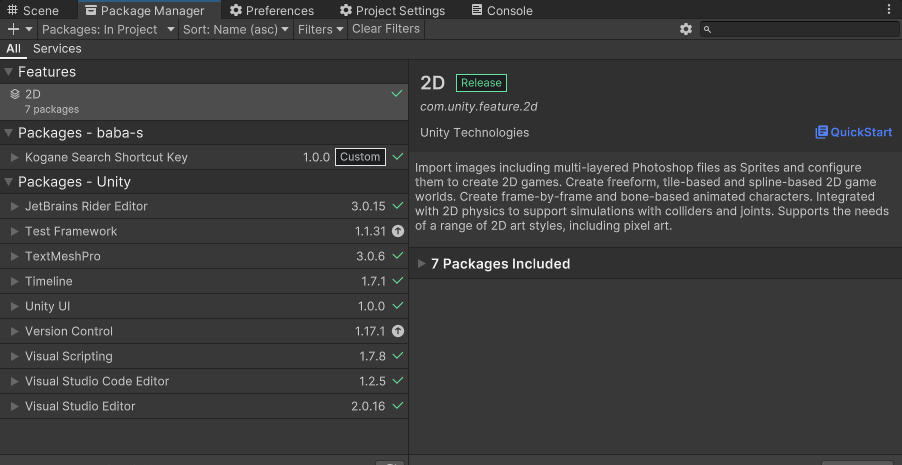
選択中の EditorWindow のスクリーンショットが
Unity プロジェクトのフォルダに保存されます
