はじめに
「InGameReplay」を Unity プロジェクトに導入することで
ゲームをリプレイ再生できるようになります
使用例
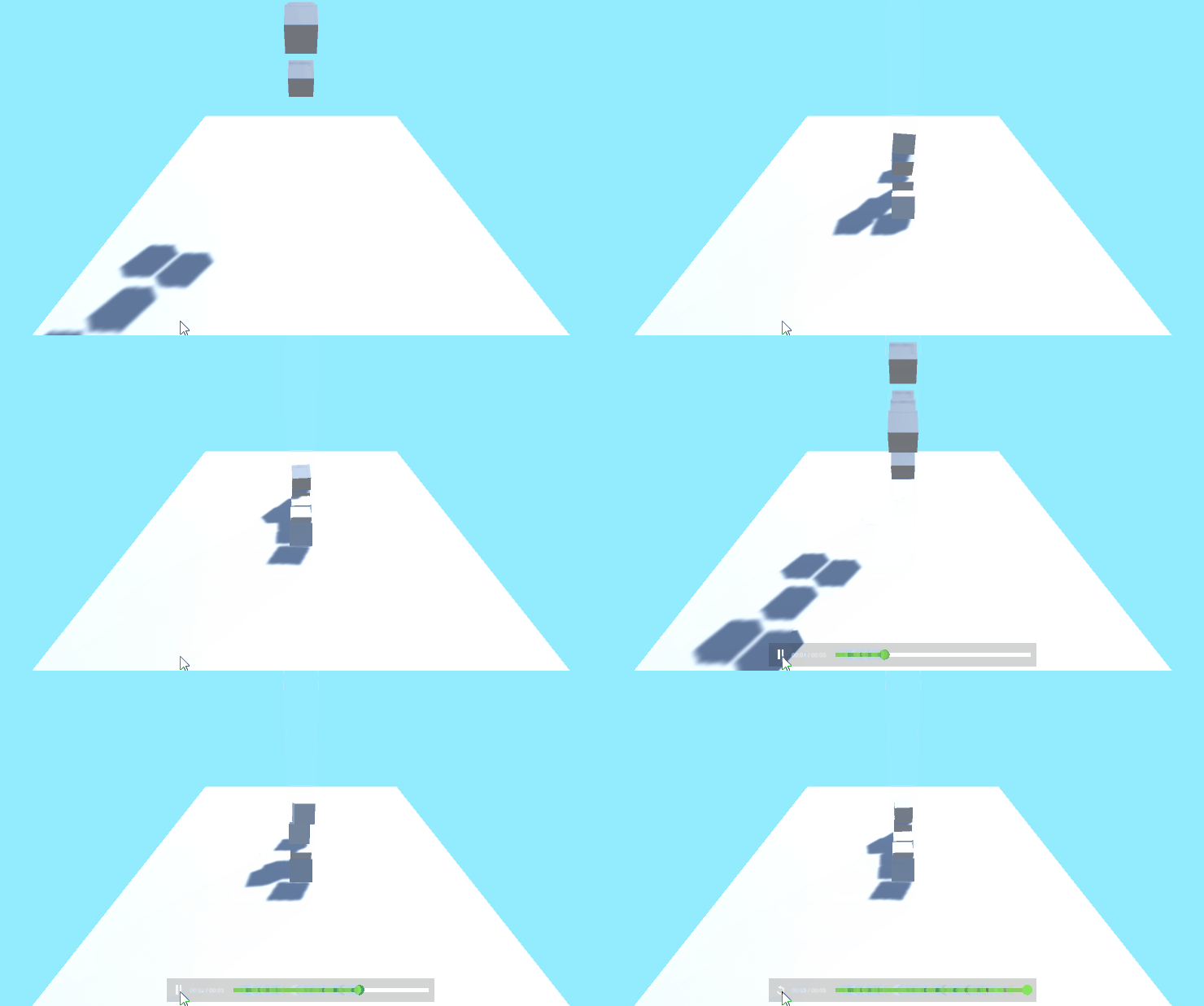
使い方
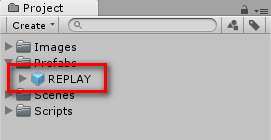
「REPLAY」プレハブをシーンに配置します
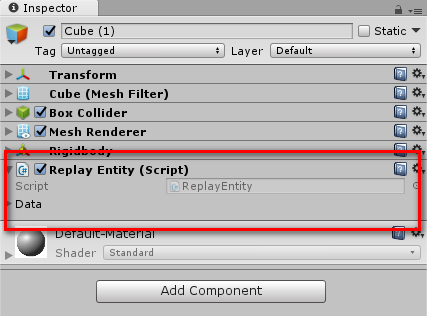
また、リプレイ再生したいオブジェクトに
「Replay Entity」コンポーネントをアタッチします
// Use this for initialization
void Start ()
{
    // This line call the replay to start after 3 seconds. You can remove this line and call StartReplay when you want.
    Invoke ("StartReplay", 3f);
そして、デフォルトではゲームを開始して3秒後に
リプレイの再生が始まってしまうため、
ReplayManager.cs の88行目の Invoke ("StartReplay", 3f); を削除します
最後に、リプレイを再生したいタイミングで
ReplayManager.StartReplay を実行することで使用できます
