今回は、タイマーを使ってテキストビューの文字サイズを連続変更する方法です。
画面のレイアウトは「activity_main.xml」に、制御プログラムは「MainActivity.java」に書かれています。 タイマー処理は別スレッドになるためタイマー処理の内部からメインUIスレッドにアクセスるには「Handler」が必要になります。
「Handler」を通さずにテキストビューなどにアクセスるとエラーでプログラムが停止してしまうので注意してください。
サンプルコード(MainActivity.java)
public class MainActivity extends Activity {

    private Timer timer;
    private Tasks tasks;
    private Handler handler = new Handler();
    private TextView textView;
    private int x;
    private Button button;

    @Override
    protected void onCreate(Bundle savedInstanceState) {
        super.onCreate(savedInstanceState);
        setContentView(R.layout.activity_main);

        //レイアウトファイルのテキストビューと連結
        textView = (TextView)findViewById(R.id.textView);
        //レイアウトファイルのボタンと連結
        button = (Button)findViewById(R.id.button);

        //ボタンにクリックリスナーをセット
        button.setOnClickListener(new View.OnClickListener() {
            @Override
            public void onClick(View v) {

                //テキストサイズを「0」に設定
                x = 0;
                //テキストビューにテキストサイズをセット
                textView.setTextSize(x);
                //タイマーを準備
                timer = new Timer();
                //タイマー処理を準備
                tasks = new Tasks();
                //スケジュールを設定してタイマーを作動
                timer.schedule(tasks, 1000, 10);
            }
        });
    }

    //タイマー作動時の処理
    public class Tasks extends TimerTask {

        @Override
        public void run() {
            //ハンドラーを経由してメインUIスレッドにアクセスする
            handler.post(new Runnable() {
                @Override
                public void run() {
                    //テキストサイズに+1
                    x += 1;
                    //テキストビューにテキストサイズをセット
                    textView.setTextSize(x);
                    //テキストサイズが55を超えたらタイマーを停止
                    if(x > 55){
                        timer.cancel();
                    }
                }
            });
        }
    }
}
レイアウトファイル(activity_main.xml)
<?xml version="1.0" encoding="utf-8"?>
<android.support.constraint.ConstraintLayout xmlns:android="http://schemas.android.com/apk/res/android"
    xmlns:app="http://schemas.android.com/apk/res-auto"
    xmlns:tools="http://schemas.android.com/tools"
    android:layout_width="match_parent"
    android:layout_height="match_parent"
    tools:context="com.example.android.myhandler.MainActivity">

    <TextView
        android:id="@+id/textView"
        android:layout_width="wrap_content"
        android:layout_height="wrap_content"
        android:layout_marginBottom="8dp"
        android:layout_marginLeft="8dp"
        android:layout_marginRight="8dp"
        android:layout_marginTop="8dp"
        android:text="Hello World!"
        android:textAllCaps="false"
        android:textColor="@color/colorAccent"
        android:textSize="0sp"
        android:textStyle="bold|italic"
        app:layout_constraintBottom_toBottomOf="parent"
        app:layout_constraintLeft_toLeftOf="parent"
        app:layout_constraintRight_toRightOf="parent"
        app:layout_constraintTop_toTopOf="parent" />

    <Button
        android:id="@+id/button"
        android:layout_width="wrap_content"
        android:layout_height="wrap_content"
        android:layout_marginBottom="8dp"
        android:layout_marginLeft="8dp"
        android:layout_marginRight="8dp"
        android:text="スタート"
        app:layout_constraintBottom_toBottomOf="parent"
        app:layout_constraintLeft_toLeftOf="parent"
        app:layout_constraintRight_toRightOf="parent" />

</android.support.constraint.ConstraintLayout>
結果
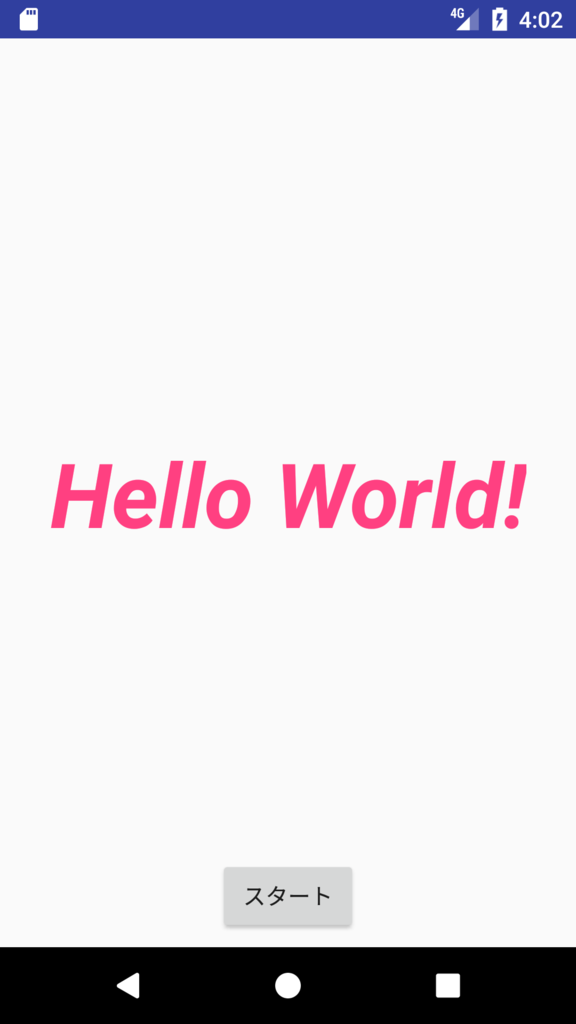
「スタート」ボタンを押すと・・・
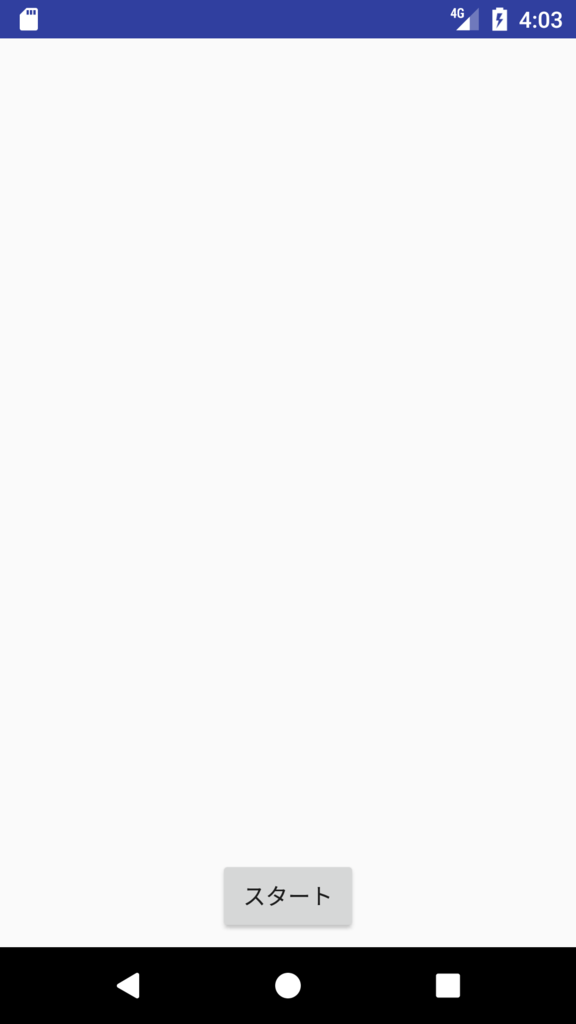
画面の中央から「Hello World!」がズームインで表示されます。
END
